
Design directly or start with the AI Assistant.
USE CASESStart with what
Start with what
you need to ship.
Create one finished image or video first. Keep it editable, then turn the parts that repeat into a template, batch or connected workflow.
Keep media, typography, timing and motion editable.
Move to templates, bulk, API or MCP without rebuilding.
A practical starting point.
Not another tool category.
Browse by the result your team needs. Each workflow links to relevant examples, so the idea and the finished output stay close together.
 1080 × 1920 · 9:1602Explore faceless & captioned video
FACELESS & CAPTIONED VIDEO
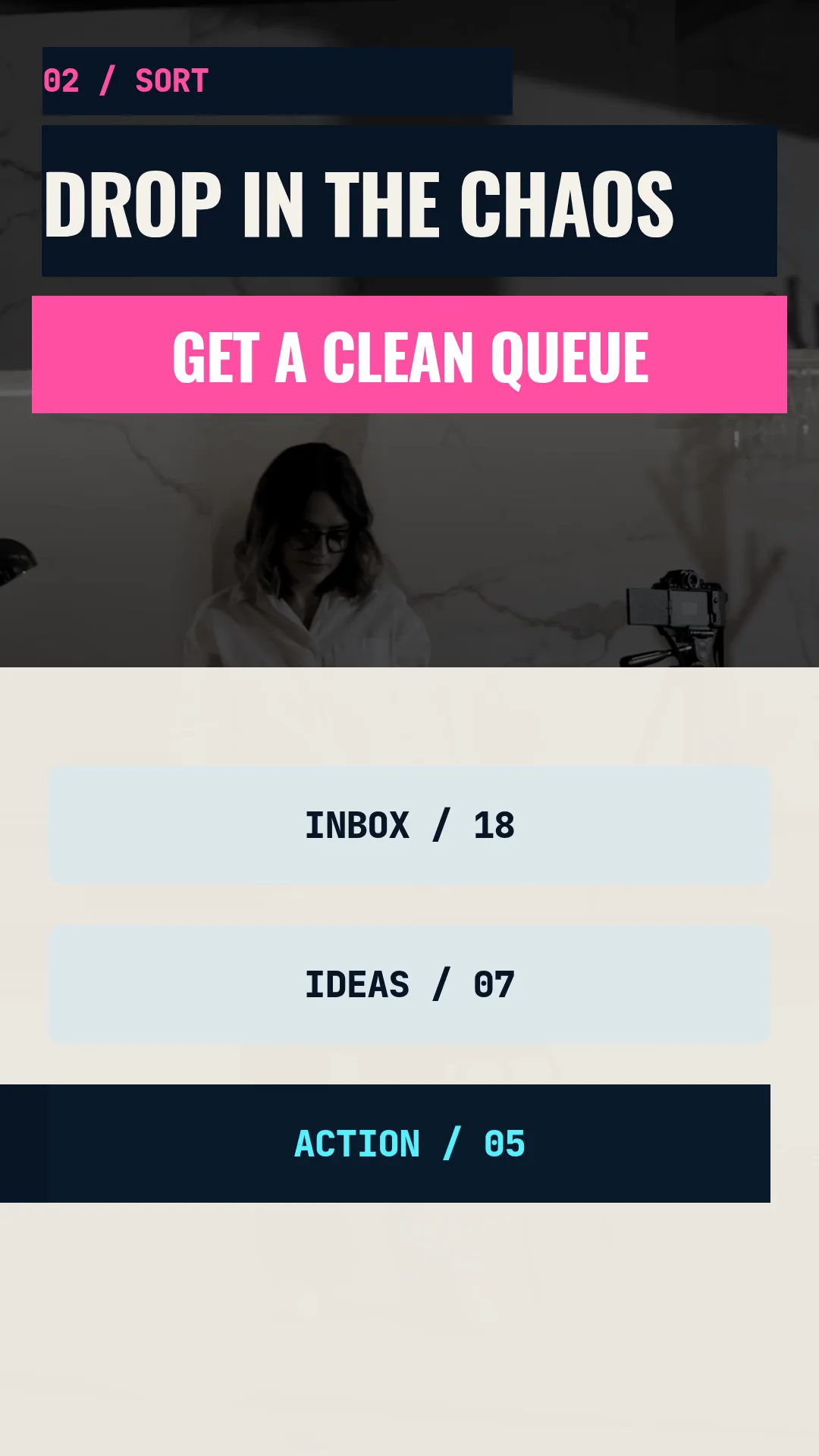
Publish without a camera. Keep every word clear.
Combine narration, stock or generated media, motion graphics and editable social captions into a complete short-form format.
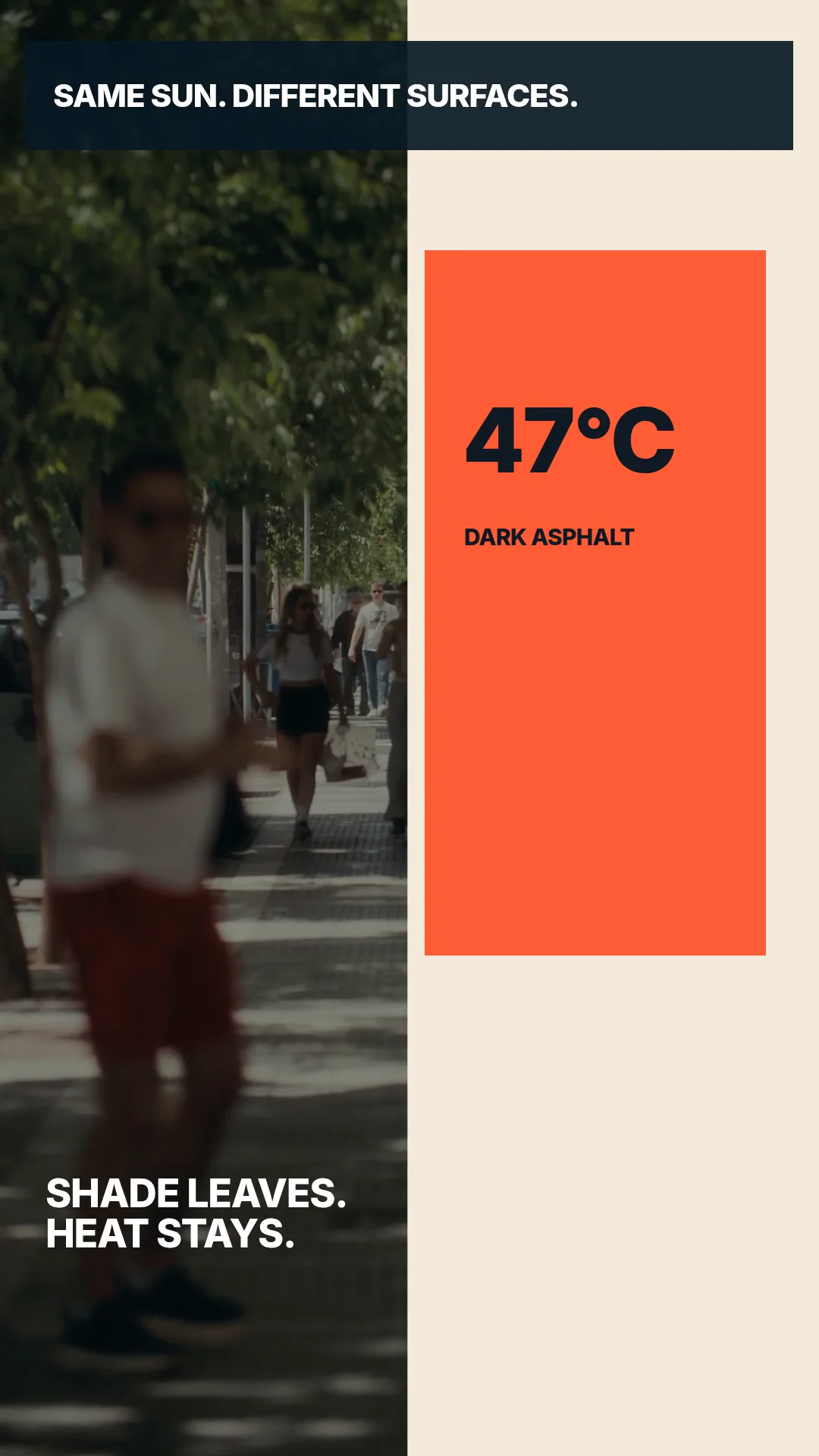 1080 × 1920 · 9:1607Explore news & article video
NEWS & ARTICLE VIDEO
Turn a story into a visual format for every feed.
Use article copy, source media, narration and captions to create concise editorial video and supporting image assets.
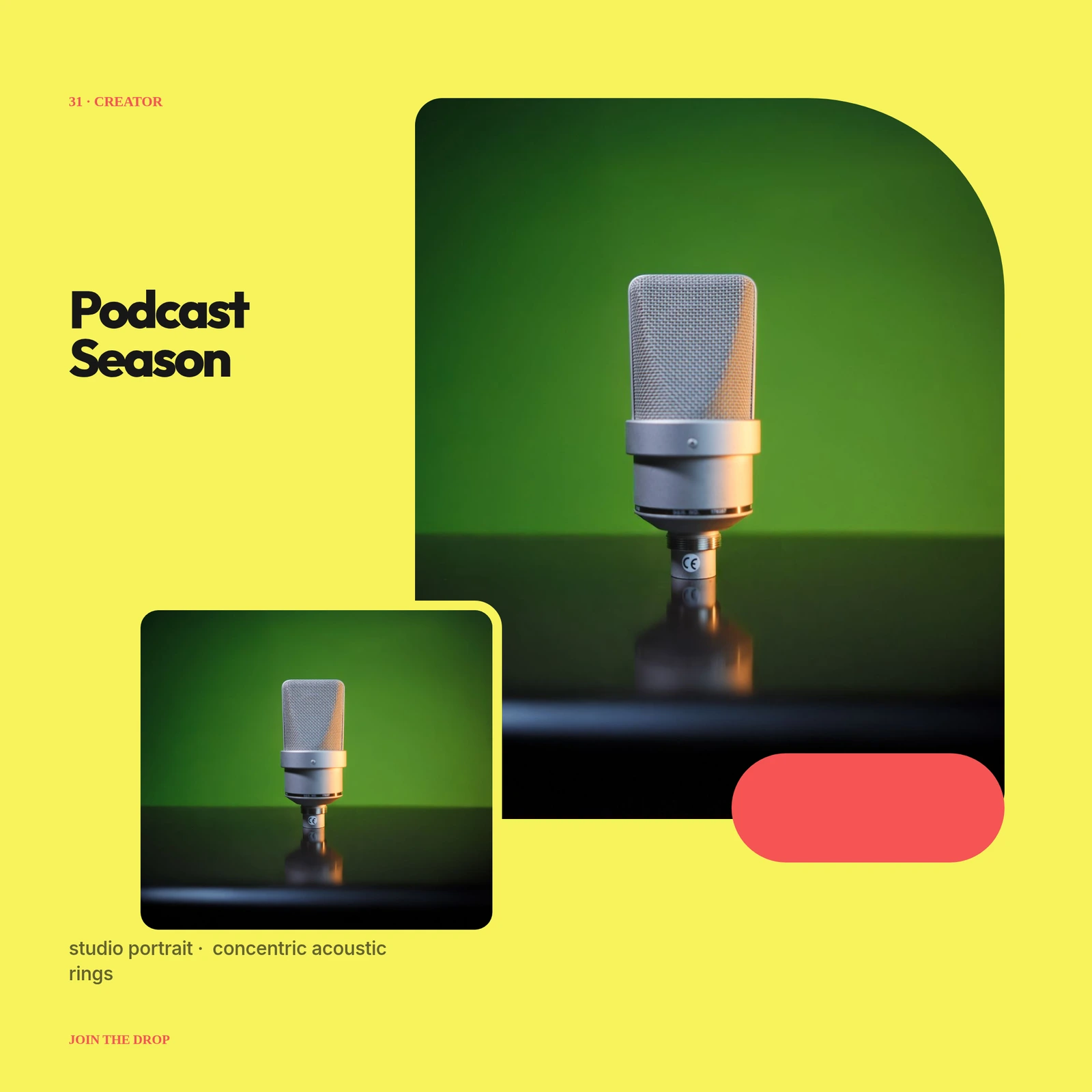 2160 × 216008Explore thumbnails & social images
THUMBNAILS & SOCIAL IMAGES
Make the frame earn the click.
Create layered thumbnails, covers and social graphics with direct typography, media, vectors, masks and reusable variables.
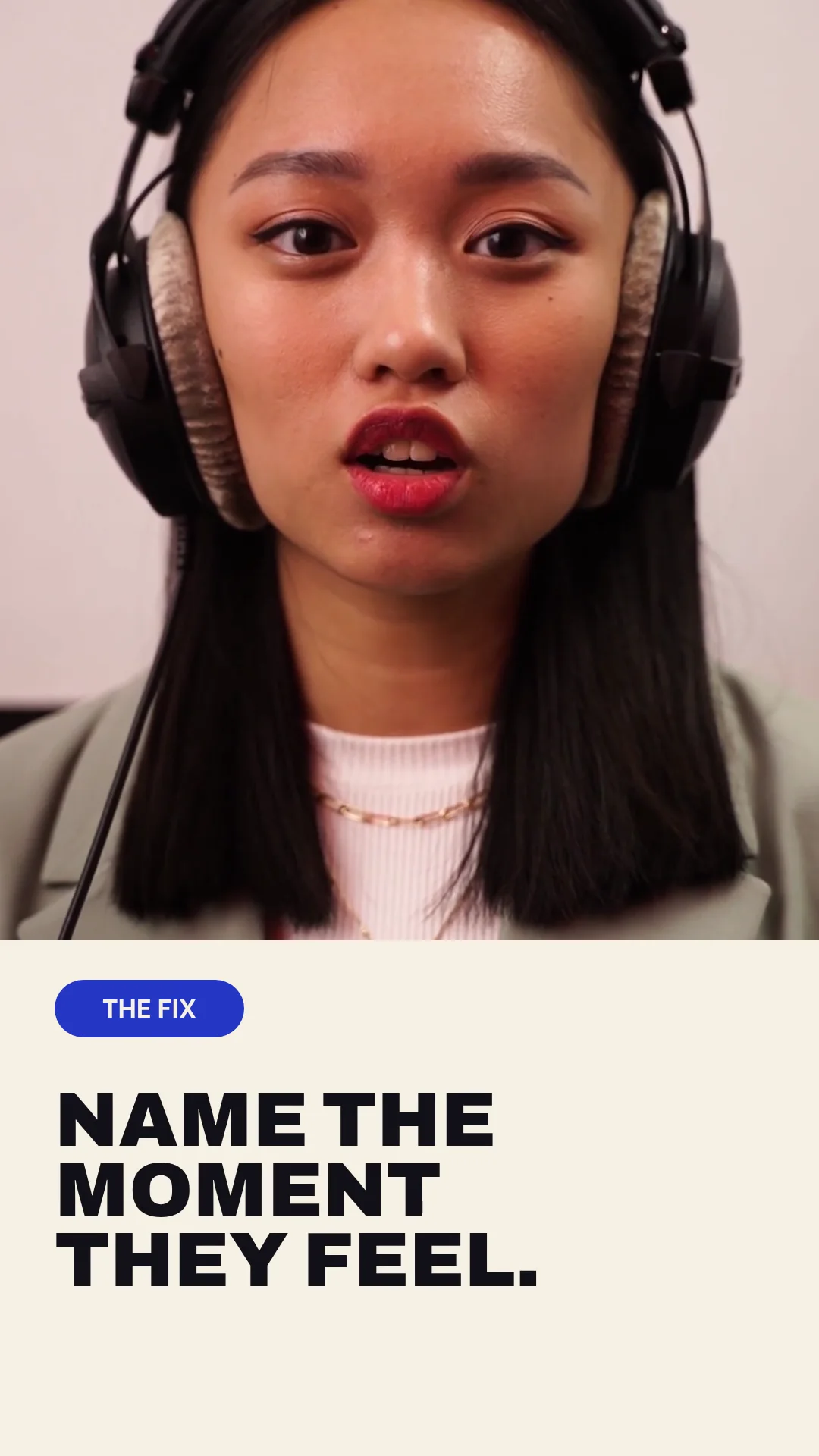 1080 × 1920 · 9:1601Explore ad creative at scale
AD CREATIVE AT SCALE
Build real concepts. Then produce the variants.
Create distinct paid creative with footage, product media, motion and offers, then expose the parts needed for channel and audience variants.
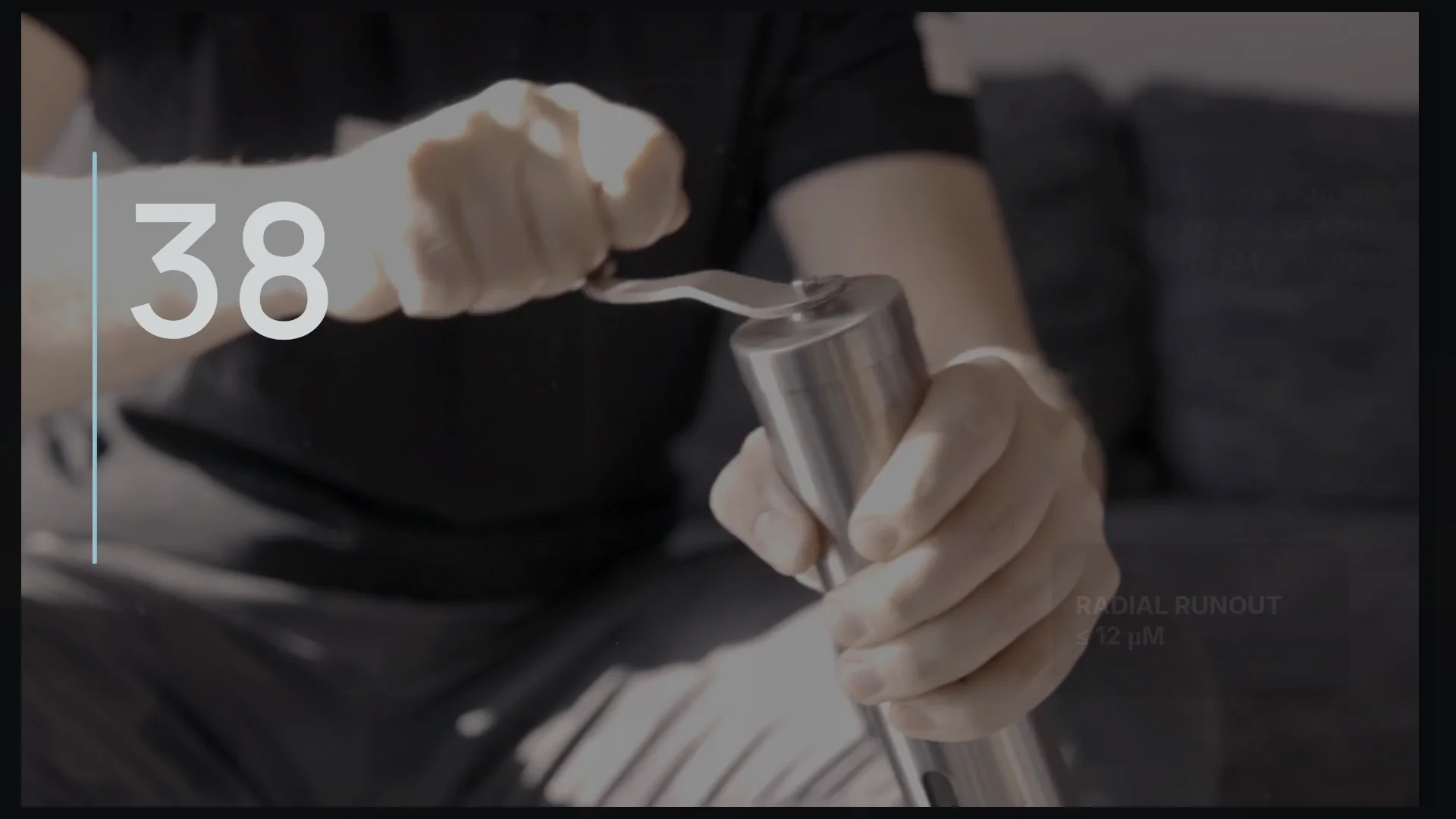 1920 × 1080 · 16:905Explore product & promo video
PRODUCT & PROMO VIDEO
Make the value visible. Keep the next version easy.
Combine product footage, interface captures, benefits, proof and motion into launch and promotional videos that can evolve.
 1080 × 1920 · 9:1609Explore slideshow & photo video
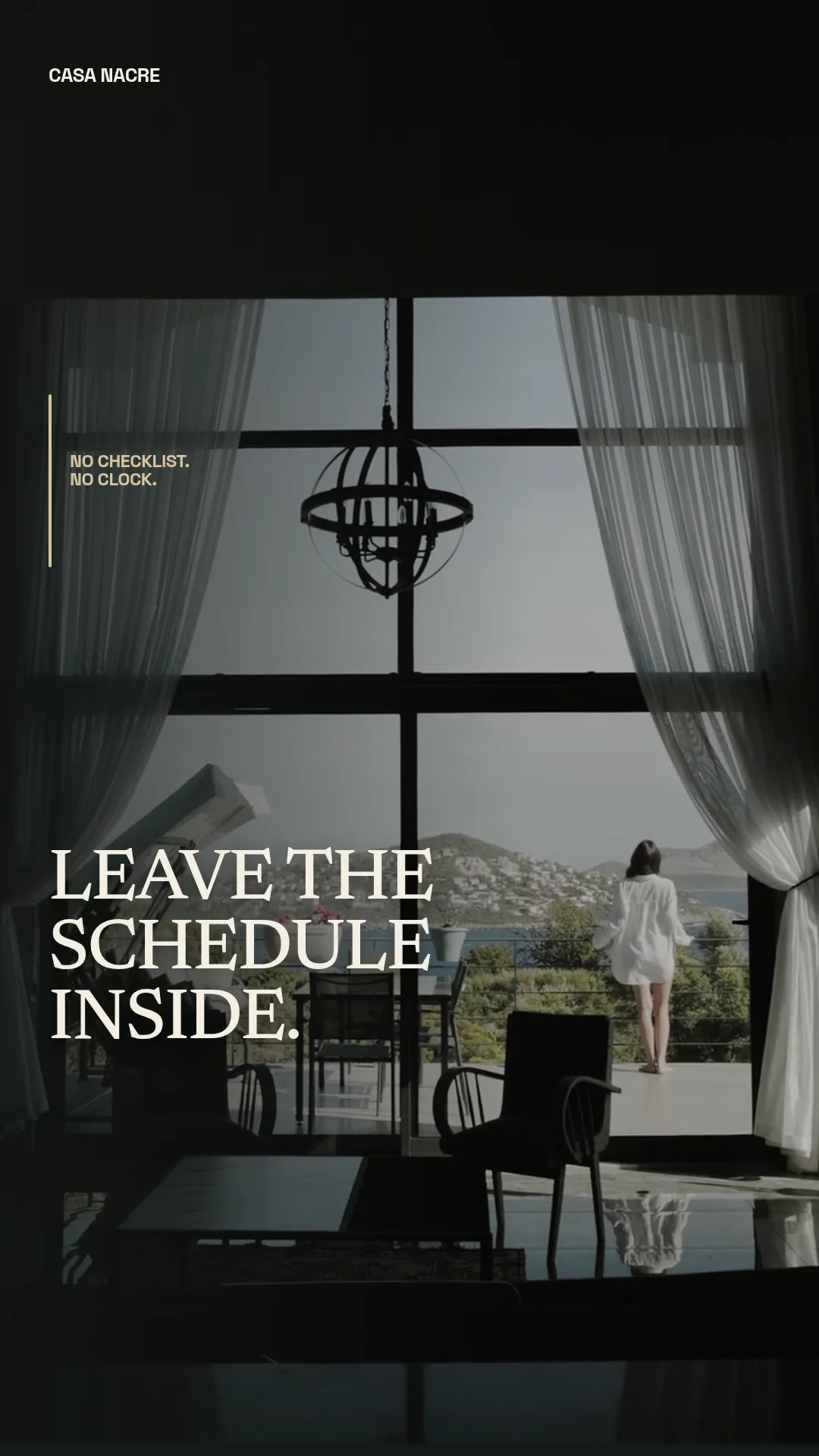
SLIDESHOW & PHOTO VIDEO
Make still media feel deliberately paced.
Sequence photography with crop, camera motion, transitions, typography and music for listings, travel, products and events.
 1920 × 108003Explore localized video
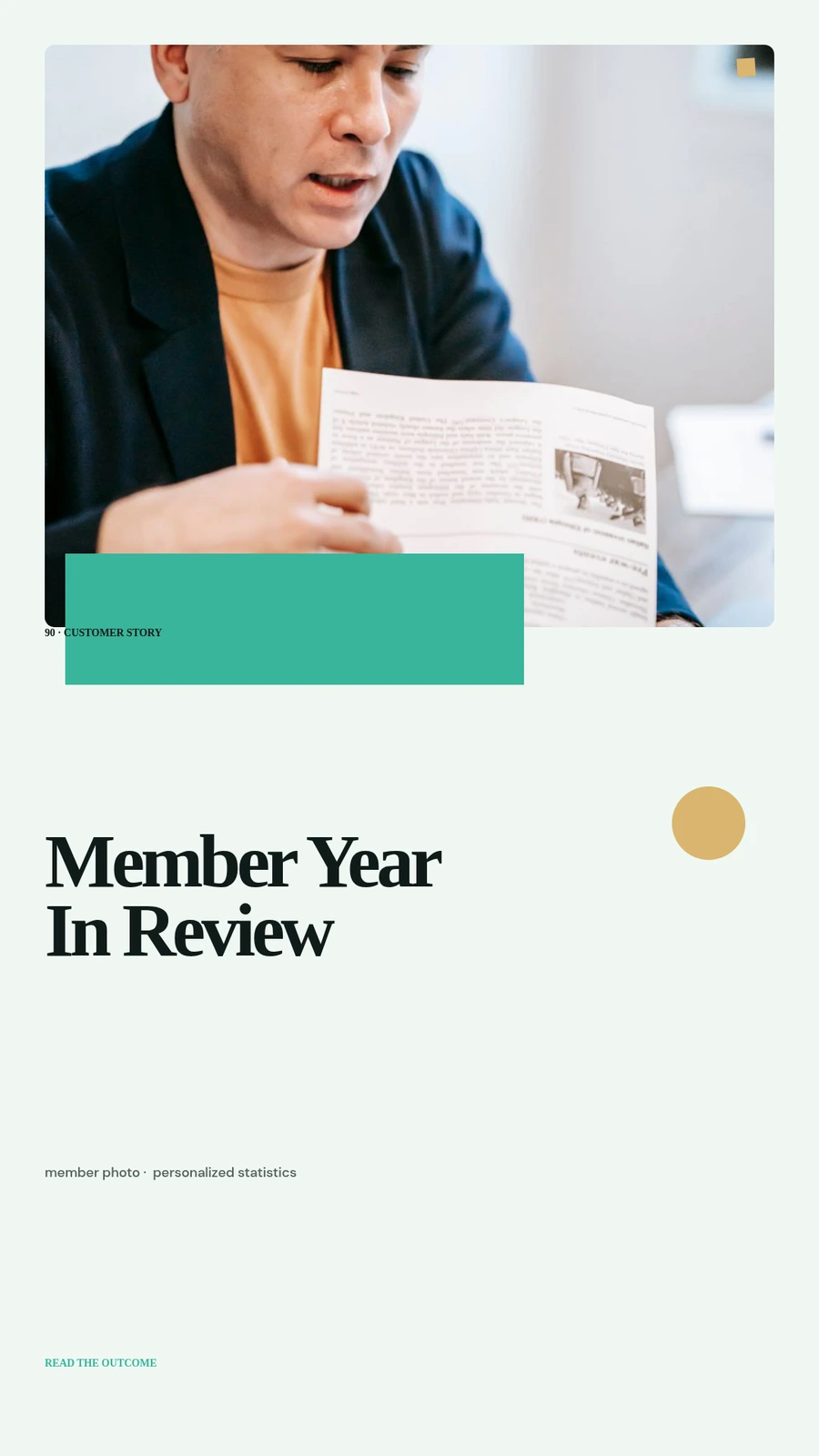
LOCALIZED VIDEO
Adapt the language. Preserve the visual intent.
Create regional copy, captions, narration and calls to action while keeping the source project and brand system coherent.
 1080 × 192004Explore in-app recaps
IN-APP RECAPS
Turn product data into a story users want to share.
Combine usage metrics, milestones, customer media and branded motion in personal recap images and videos.
 1920 × 1080 · 16:906Explore data & report video
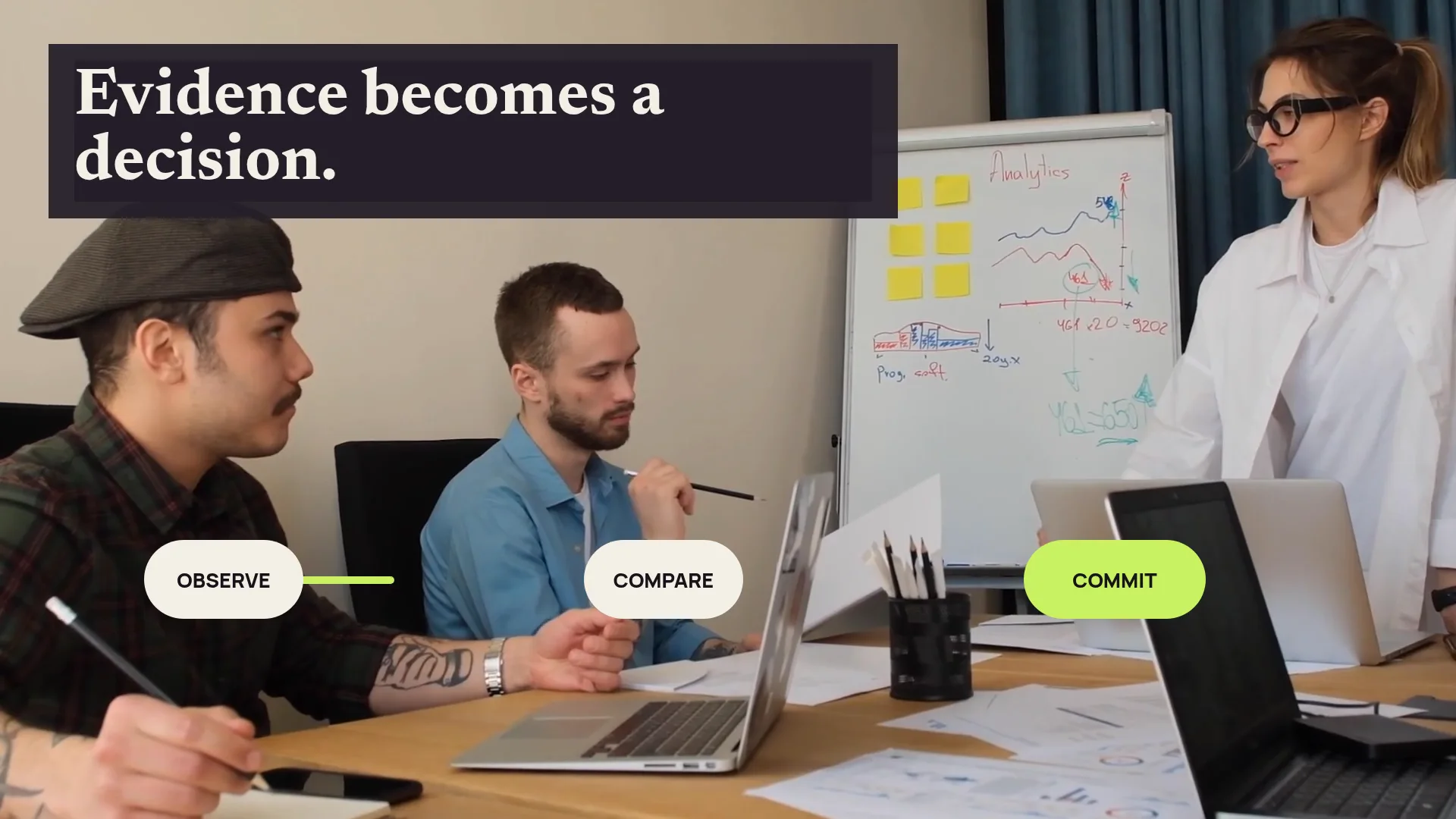
DATA & REPORT VIDEO
Turn the numbers into a sequence people understand.
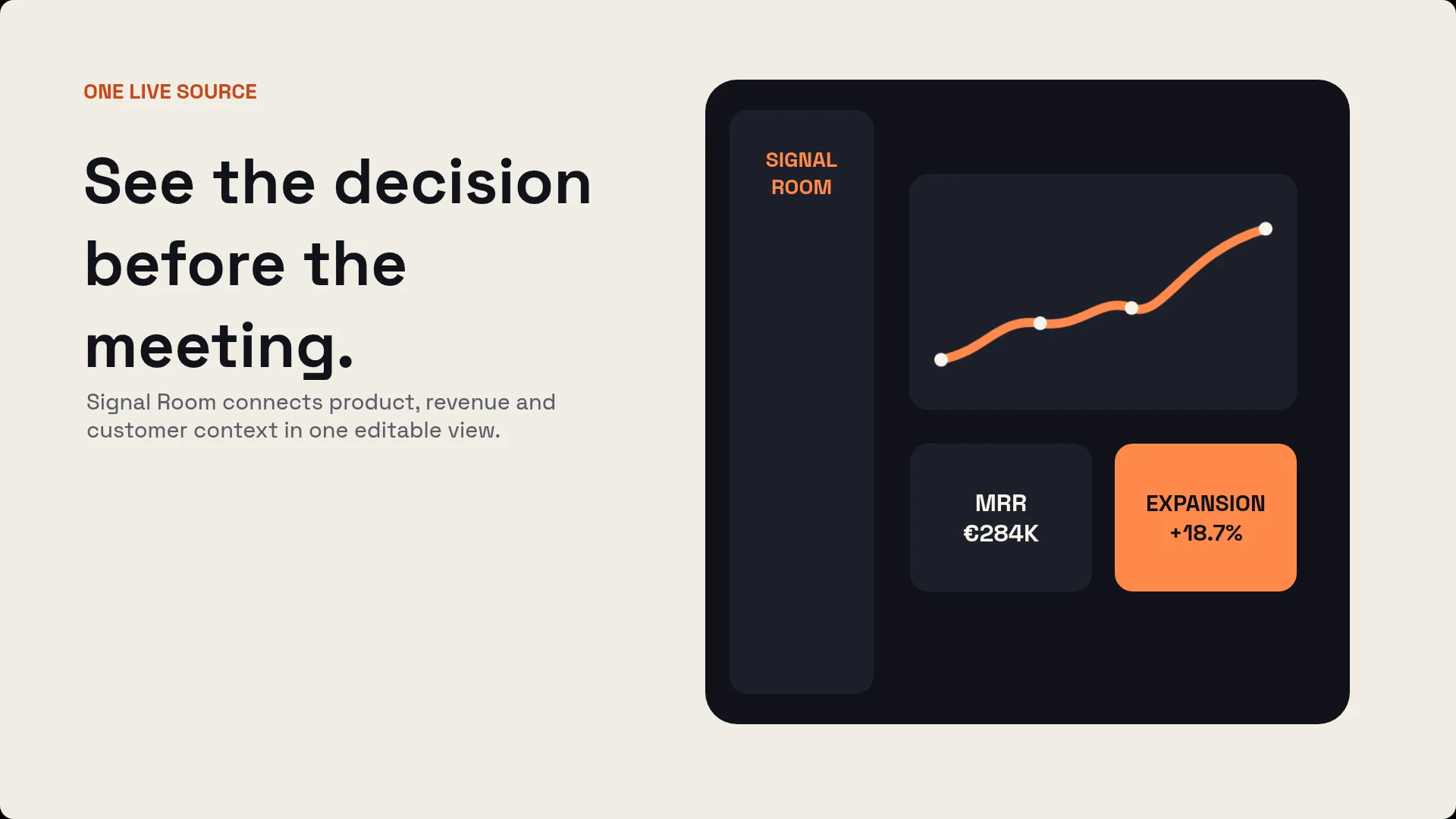
Build editable charts, KPI narratives and summary images, then fill them from reporting data for each period or customer.
 1080 × 1920 · 9:1610Explore customer stories
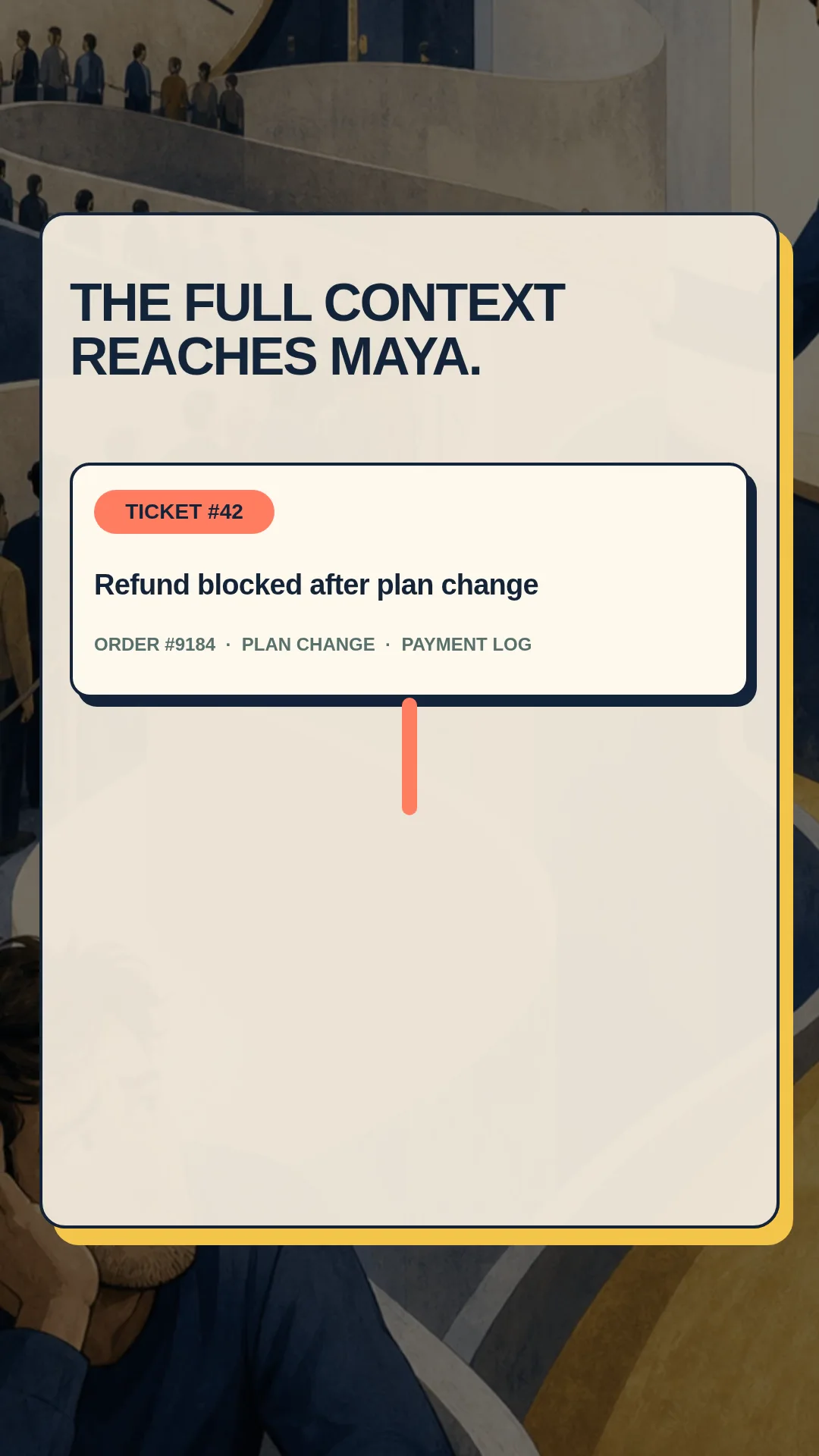
CUSTOMER STORIES
Turn proof into a story people remember.
Combine customer quotes, outcomes, interface or product media and measured results in video, case-study images and social cutdowns.
Make the first result worth keeping.
Then decide how far it should travel.
Start with Studio and AI. Add variables, automation or an agent only when the workflow benefits from them.
Open JsonCut Studio