
Media generation that starts
with a real editor.
Give product and creative teams a visual workflow, then integrate the same validated projects through a focused API or MCP server.
Integrate the workflow.
Keep the source visible.
JsonCut connects browser authoring and headless rendering so developers do not have to rebuild every design as a separate backend format.
One project contract
Studio preview and headless render use the same validated project model.
Practical media handling
Scoped uploads and reusable project files keep requests small and auditable.
Agent-ready iteration
MCP supports project patches, scene-level work and visual review for longer generation tasks.
A clear path from
source to output.
Give product and creative teams a visual workflow, then integrate the same validated projects through a focused API or MCP server.
- 01
Choose a source
Use an editable project, a typed template or a bounded inline render.
- 02
Submit and observe
Upload owned media, create an idempotent render and follow one lifecycle.
- 03
Continue safely
Download the artifact or let a signed webhook trigger the next system.
Concrete work.
Not generic promises.
See finished work.
Inspect the project behind it.
Editable SaaS videos, product walkthroughs, release stories and developer explainers built with real interface layers, motion and reusable content fields.
Explore saas & developer tools 01 · Video
A vertical pricing promo for the fictive CV builder Cvora: a messy CV is sharpened, three plans fly in, a cursor picks Pro and clicks Start free.
View project 02 · Video
A 30-second website-builder film for the fictive Pagesmith: one typed sentence builds a bakery site, switches its theme, adds a shop and publishes.
View project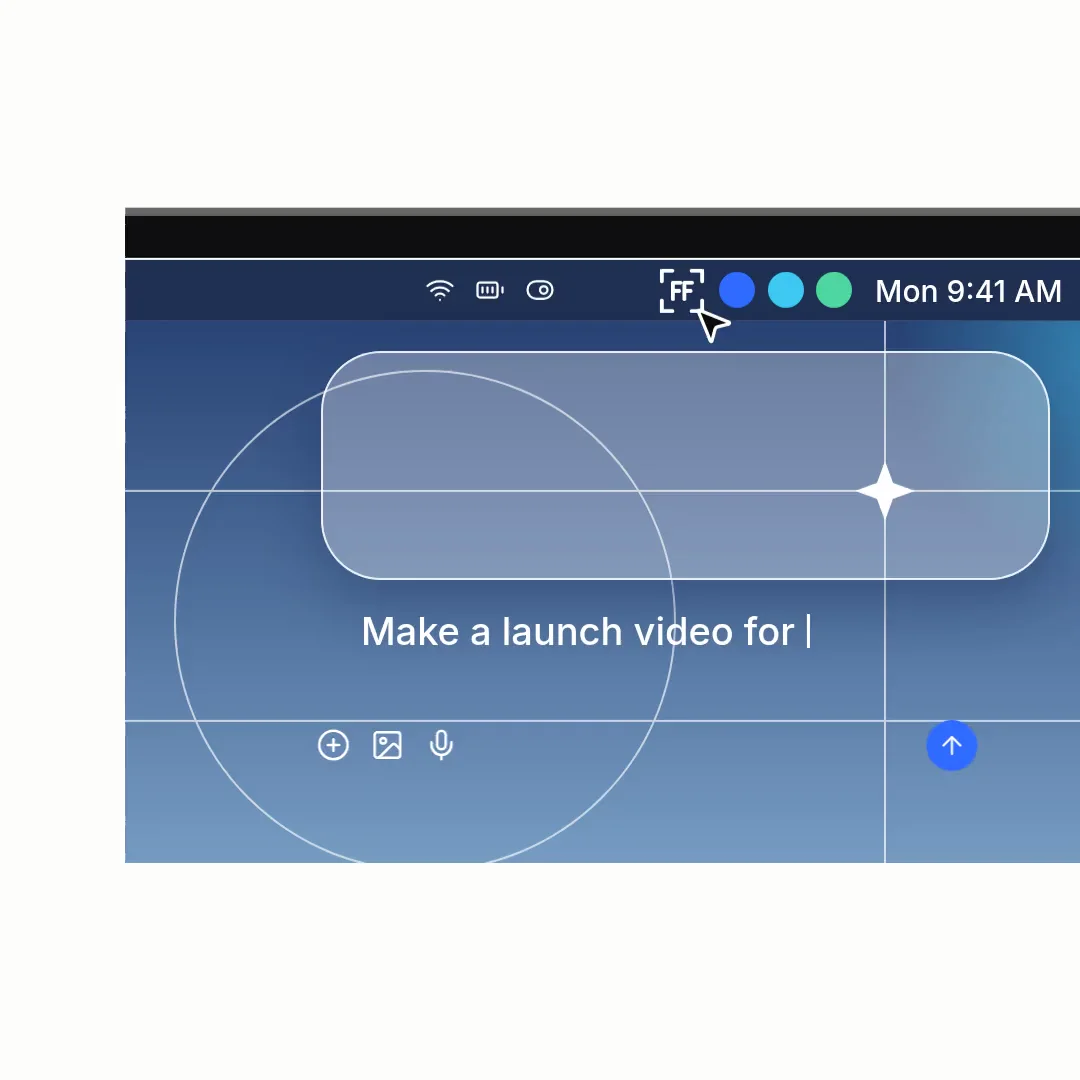 03 · Video
A square launch sting for the fictive app Frame Loop: a prompt is typed into a frosted box, answer page, reference and module cards fly by and the wordmark glows.
View projectBuild the first result.
Keep the next one easier.
Start with a complete image or video project. Add templates, automation or an Agent where they remove repeated work.
Open JsonCut Studio