
Turn a story into
a visual format for every feed.
Use article copy, source media, narration and captions to create concise editorial video and supporting image assets.
Keep the reporting clear.
Adapt it for the feed.
JsonCut editorial workflows keep the source story, timed text and visual treatments independently editable.
Create a real story structure
Use headline, context, evidence and conclusion rather than treating every sentence as the same slide.
Mix sourced and generated visuals
Support the story with uploaded, stock or AI media while retaining source links in the library.
Publish the surrounding assets
Create the video, thumbnail, quote card and feed image from related projects.
A clear path from
source to output.
Use article copy, source media, narration and captions to create concise editorial video and supporting image assets.
- 01
Define the repeatable format
Create a strong first output with the correct media, hierarchy, pacing and destination ratio.
- 02
Expose only changing content
Bind copy, values and media where variants need them while preserving the creative system.
- 03
Generate and review
Create one result in Studio or produce validated variants through templates, bulk, API or MCP.
Concrete work.
Not generic promises.
See finished work.
Inspect the project behind it.
Hand-picked image and video projects that demonstrate the news & article video workflow with editable source.
Explore all examples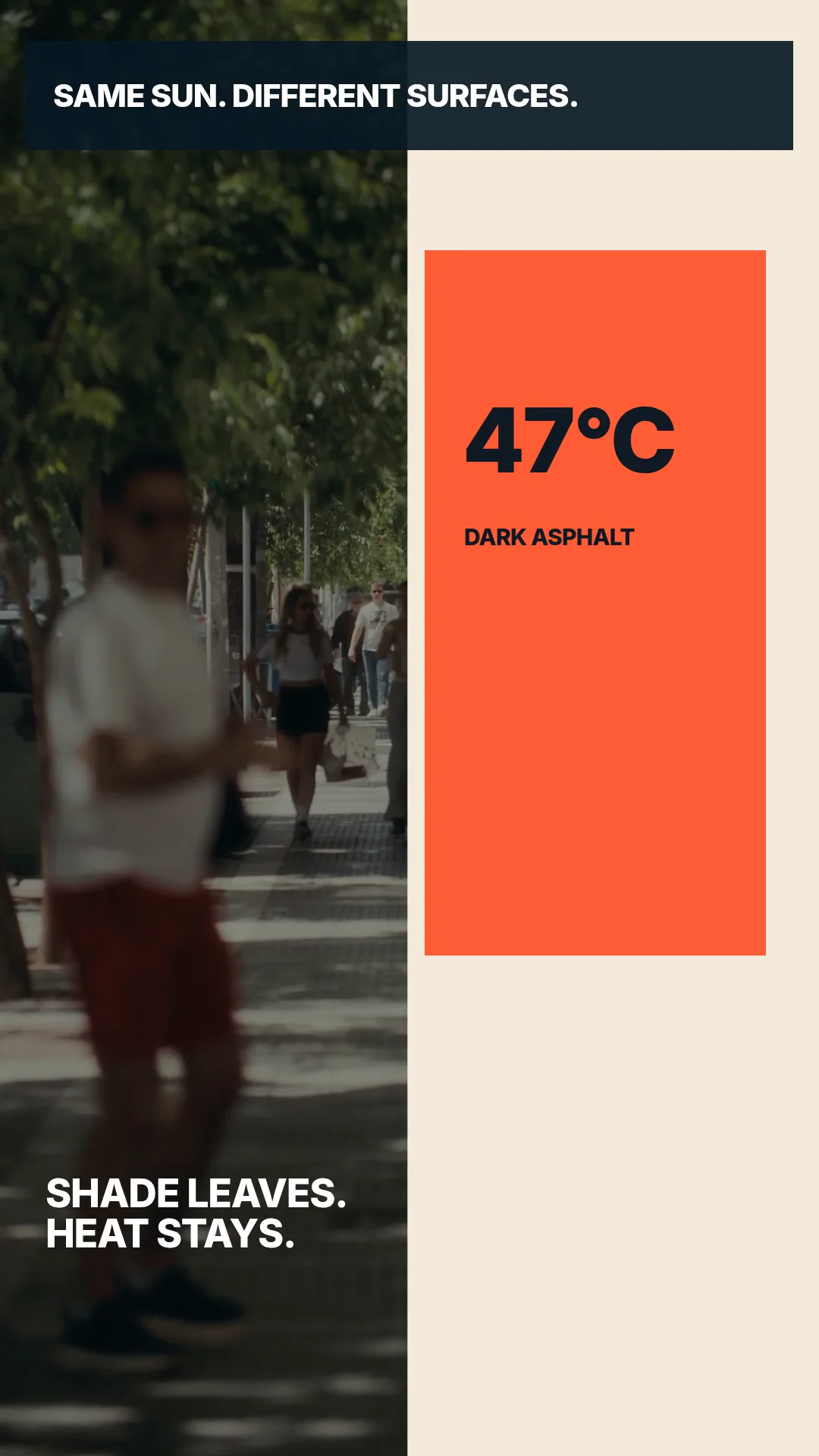 01 · Video
A report-style heat-island explainer combines city footage, a clear thesis, comparison and data-led resolution.
View project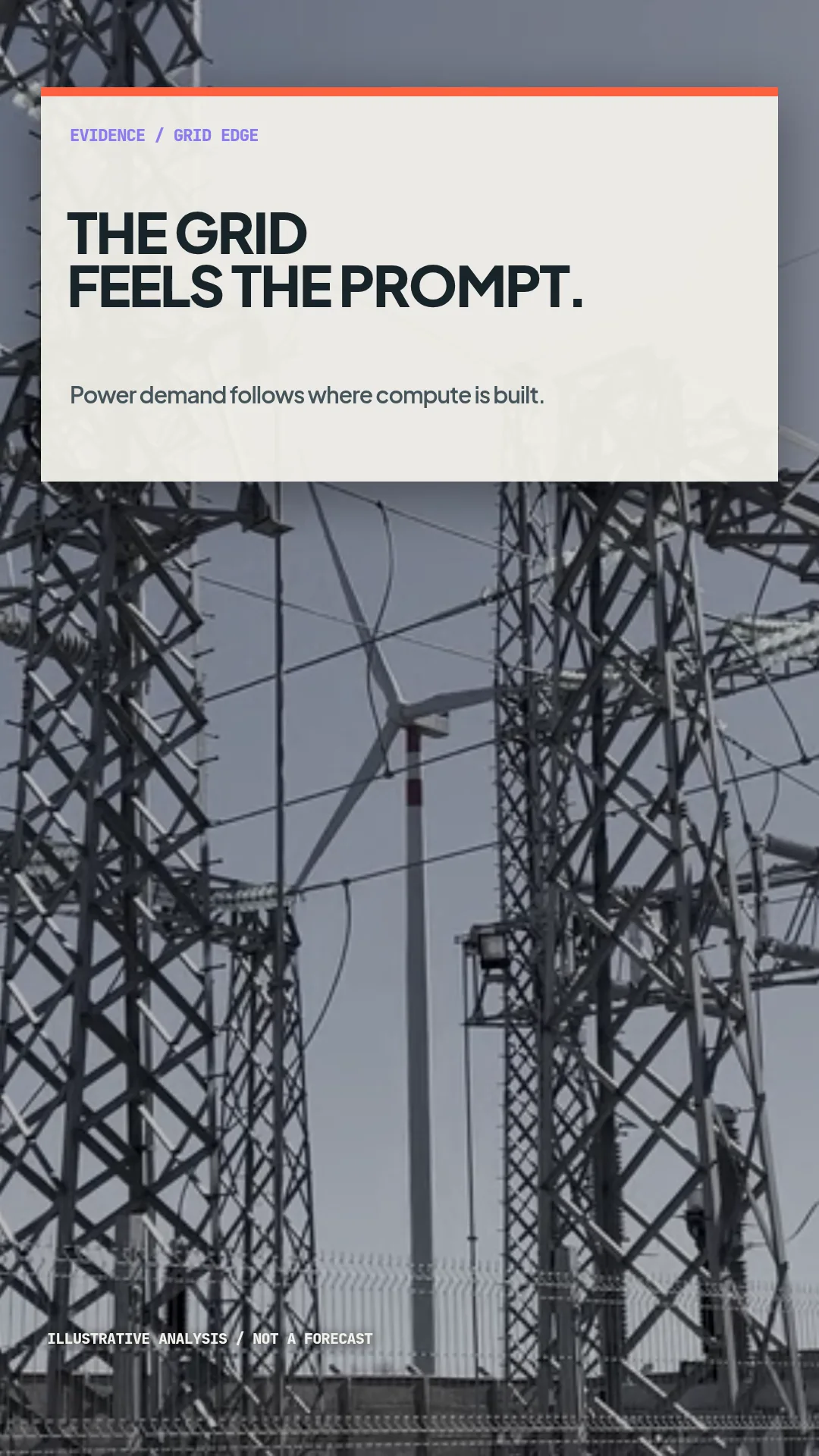 02 · Video
A vertical data-center news package combines physical infrastructure footage with an animated 42-to-78 MW curve.
View project 03 · Video
A compact vertical news package combining presenter footage, location cutaways and a readable service bulletin.
View projectBuild the first result.
Keep the next one easier.
Start with a complete image or video project. Add templates, automation or an Agent where they remove repeated work.
Open JsonCut Studio