
Build real concepts.
Then produce the variants.
Create distinct paid creative with footage, product media, motion and offers, then expose the parts needed for channel and audience variants.
Build a real campaign idea.
Then produce its variants.
Ad creative at scale in JsonCut starts with an approved visual project rather than a rigid slot template.
Design the first ad properly
Use pacing, sound, captions and motion appropriate to each creative angle.
Make controlled variants
Bind offer, audience, product and media fields without weakening the layout.
Track each output
Batch rows receive independent validation, status and results.
A clear path from
source to output.
Create distinct paid creative with footage, product media, motion and offers, then expose the parts needed for channel and audience variants.
- 01
Create distinct concepts
Give every angle its own hook, media, rhythm and offer.
- 02
Prepare controlled variants
Bind the values that need to change across audience and placement.
- 03
Generate with visibility
Track each row and result without losing the approved creative source.
Concrete work.
Not generic promises.
See finished work.
Inspect the project behind it.
Hand-picked image and video projects that demonstrate the ad creative at scale workflow with editable source.
Explore all examples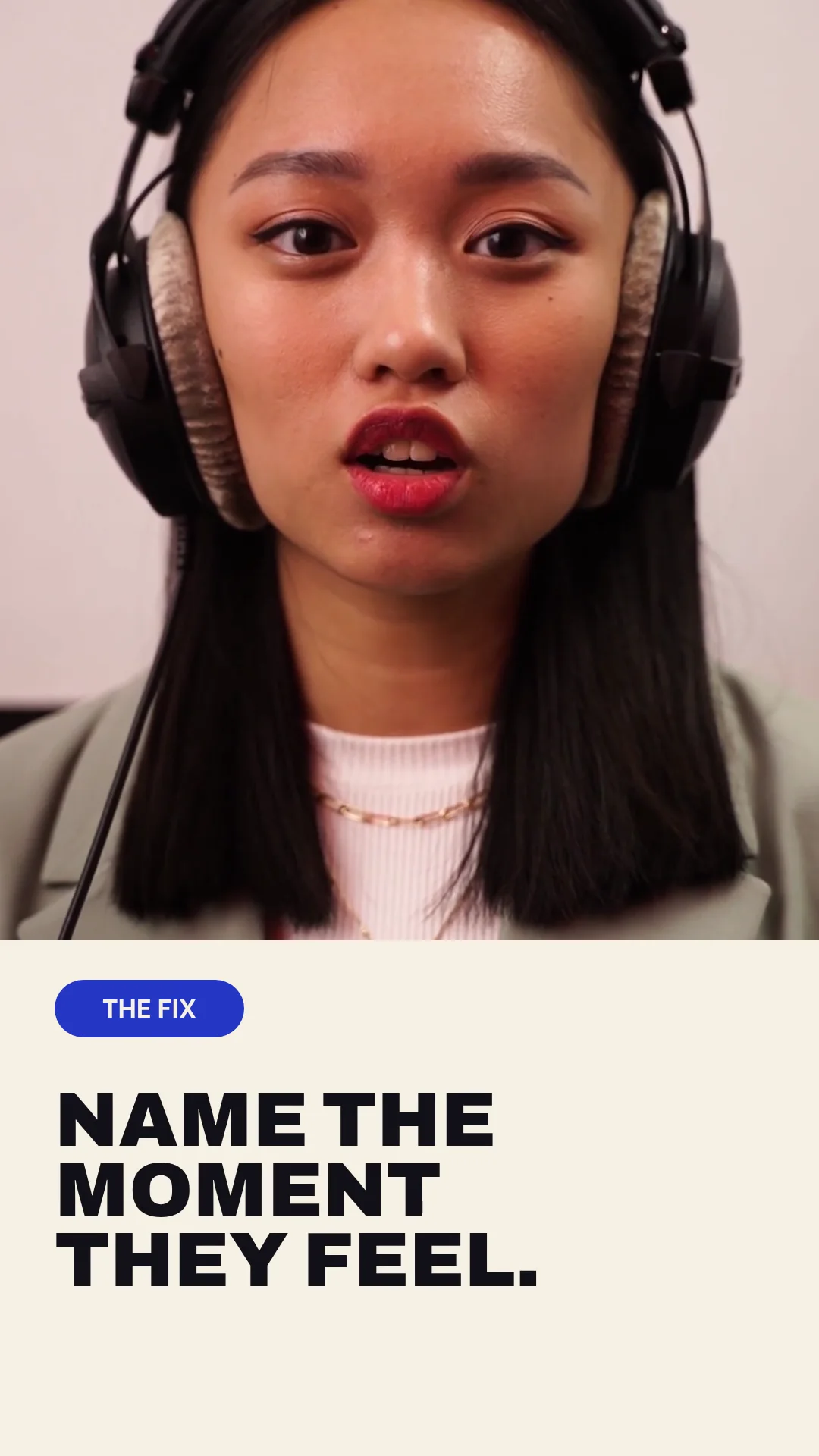 01 · Video
A creator-led marketing tip uses purposeful punch-ins, a product cutaway and tightly timed editorial typography.
View project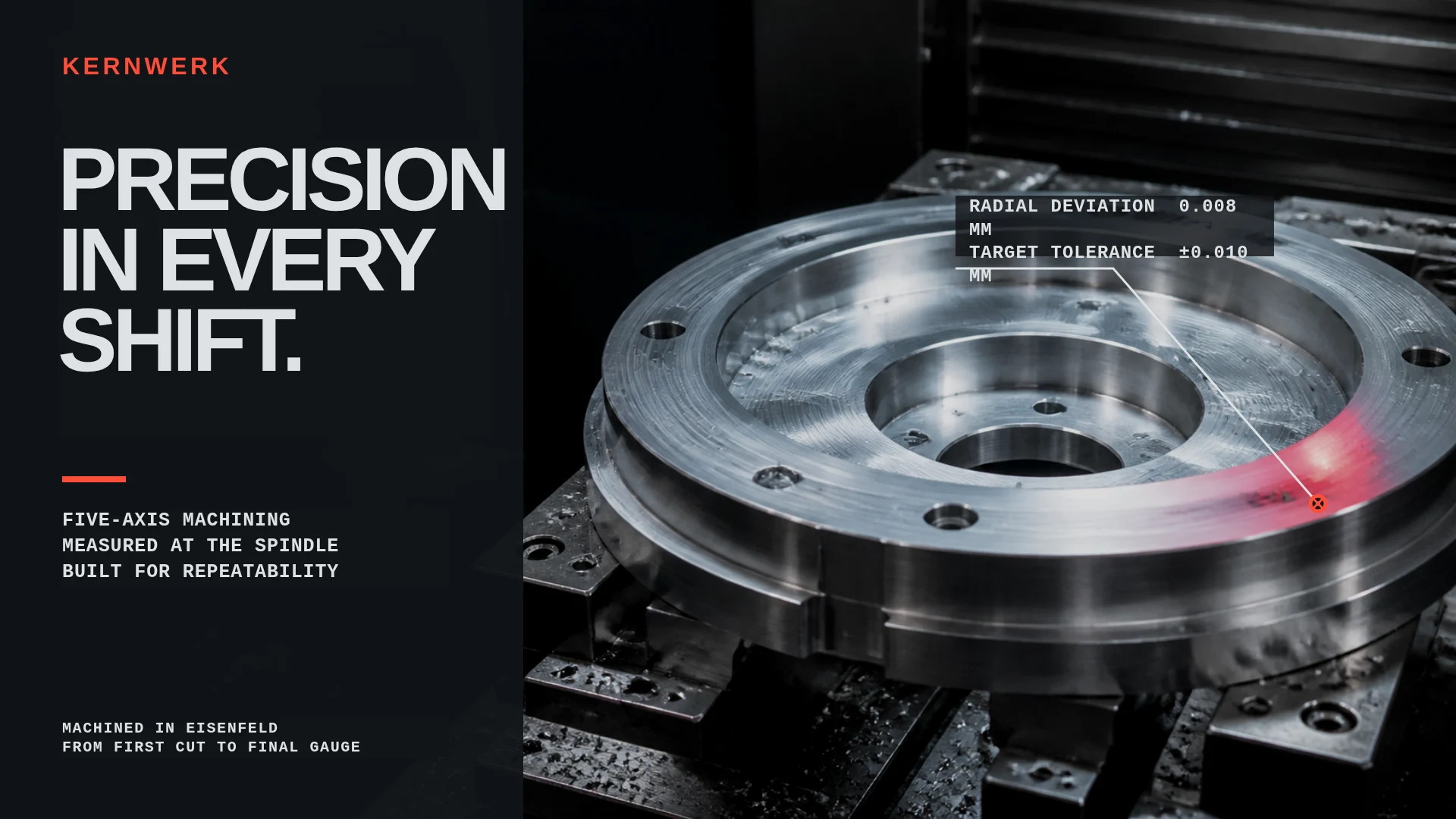 02 · Image
Original industrial brand image for fictional CNC manufacturer Kernwerk.
View project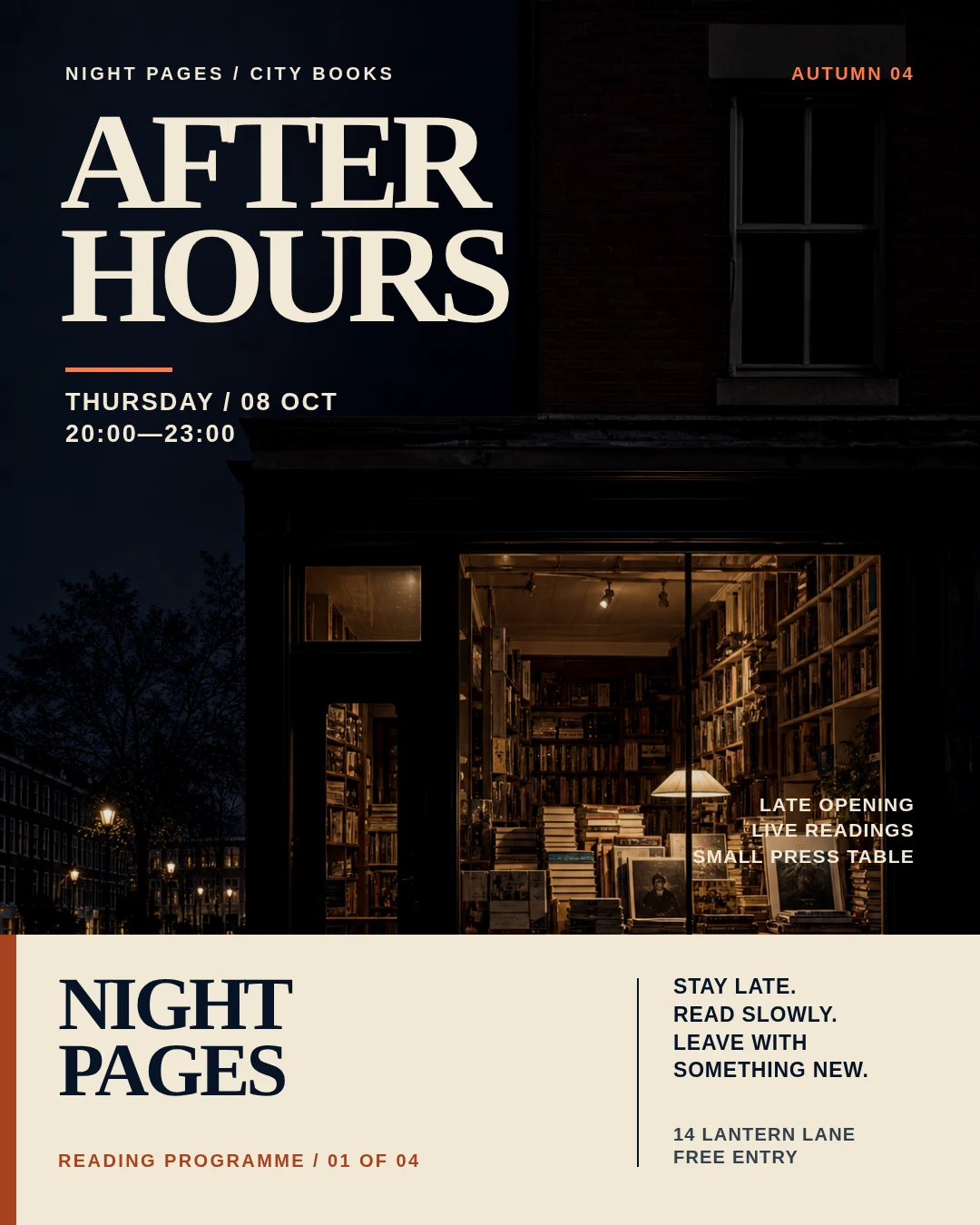 03 · Image
Original 4:5 editorial campaign image for the fictional independent bookstore Night Pages.
View projectBuild the first result.
Keep the next one easier.
Start with a complete image or video project. Add templates, automation or an Agent where they remove repeated work.
Open JsonCut Studio