
More campaign versions.
Less production drag.
Create a polished campaign once, adapt it visually and turn approved fields into repeatable variants for every channel.
One campaign direction.
Every format it needs.
JsonCut gives marketing teams one place for hands-on creative work, AI-assisted production and data-driven distribution.
Creative first
Start with the message and visual quality before deciding what should be automated.
On-brand variation
Reuse palettes, fonts, components and approved templates without flattening the work.
Production without handoffs
Move from Studio to CSV, API or automation with the same reviewed project.
A clear path from
source to output.
Create a polished campaign once, adapt it visually and turn approved fields into repeatable variants for every channel.
- 01
Shape the campaign
Build the message, media, typography and motion as one reviewed source.
- 02
Define the variants
Expose only offers, audiences, formats and media that should change.
- 03
Launch with control
Create channel and market versions without rebuilding the campaign.
Concrete work.
Not generic promises.
See finished work.
Inspect the project behind it.
Layered campaign and agency examples for paid social, brand launches, personalized creative, marketing operations and B2B sales.
Explore marketing & agency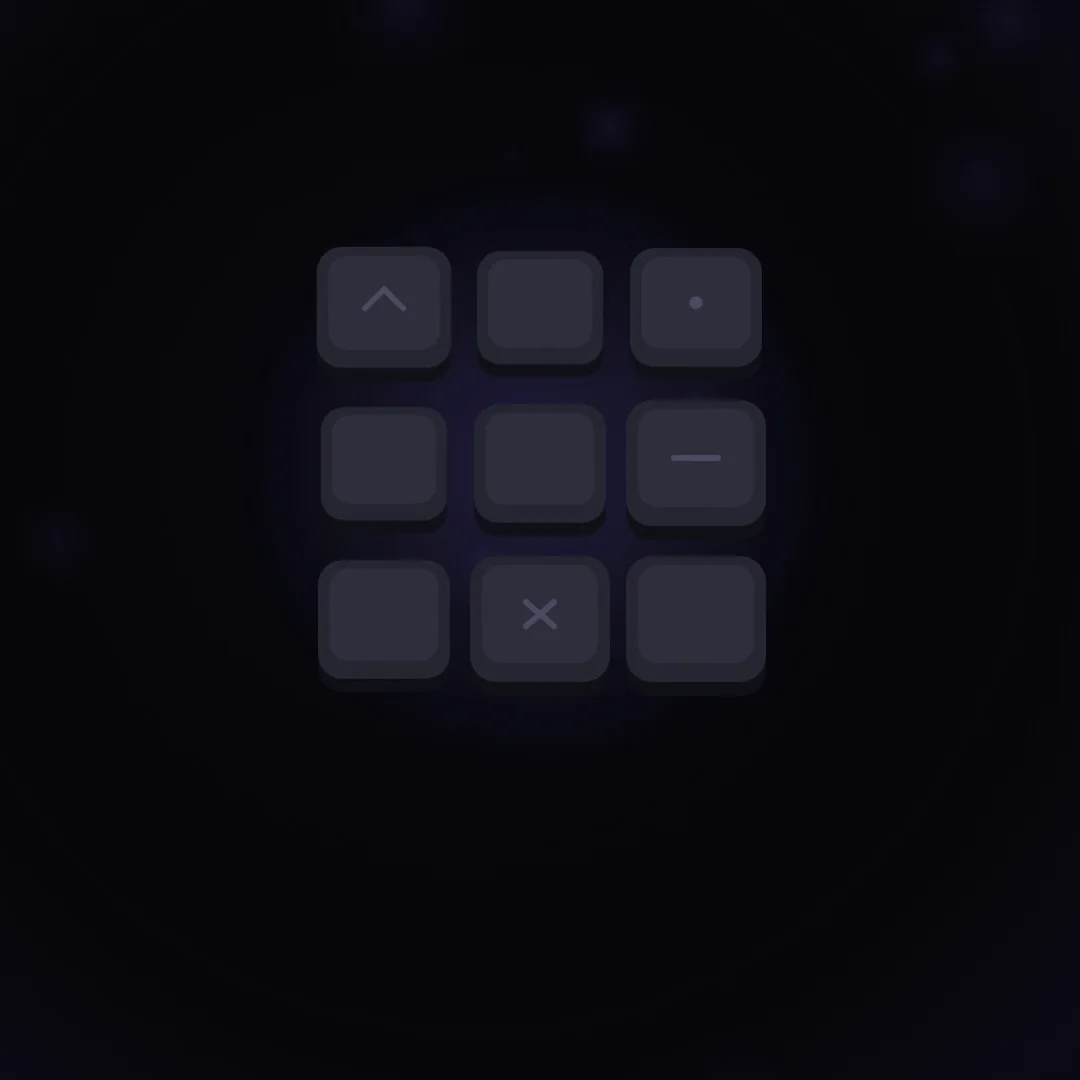 01 · Video
A slow square logo reveal: graphite keycaps drift in, click into a grid, violet light traces connect them and they fold into the Glyphon mark.
View project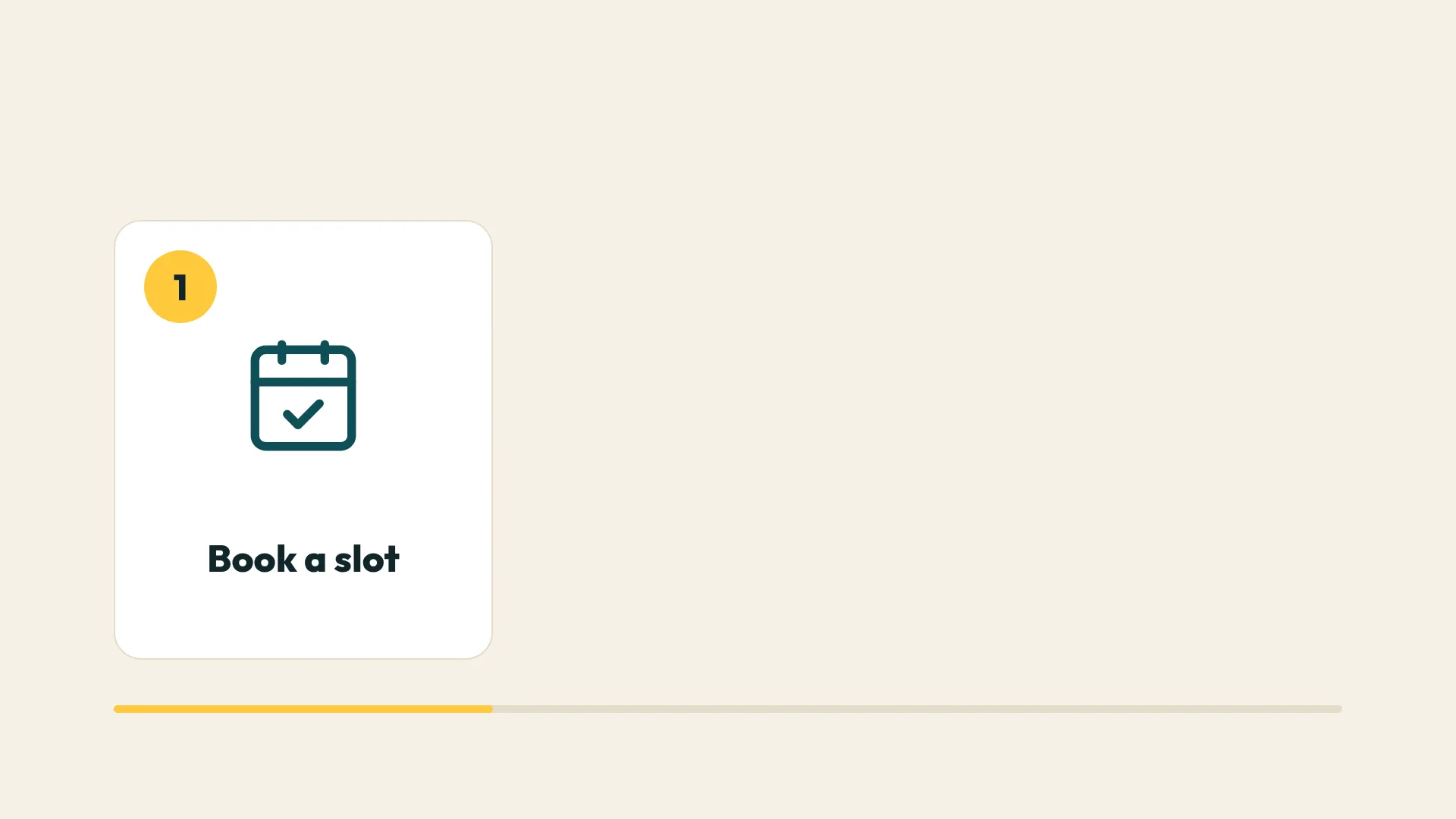 02 · Video
A five-scene business explainer for the fictive mobile bike repair Pedalfix: the problem, the service, three steps, one proof point and the name.
View project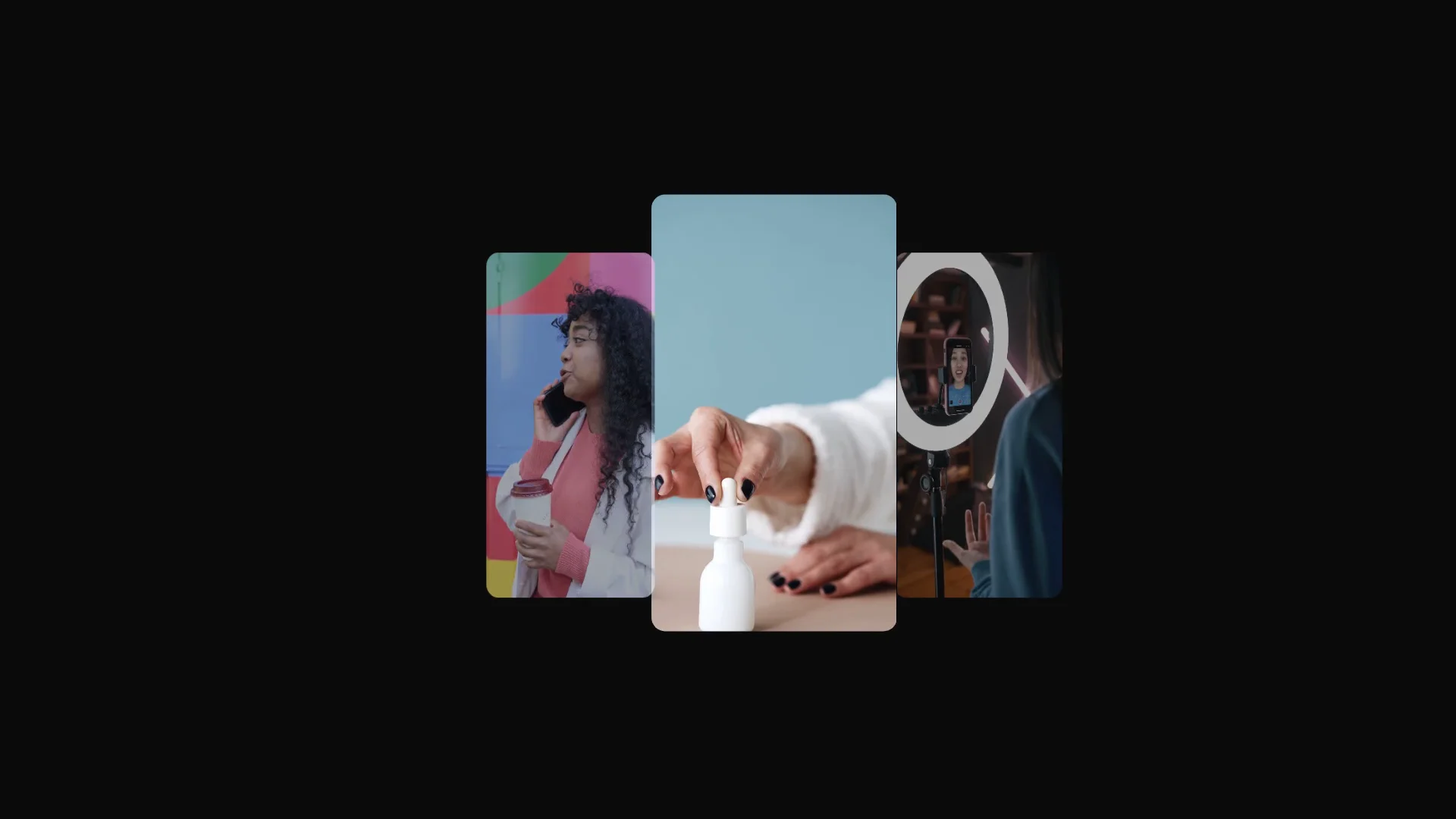 03 · Video
A high-end minimal UGC ad generator promo on a 120 BPM grid: a brief is typed, eight real clips are scanned and three winners take the stage.
View projectBuild the first result.
Keep the next one easier.
Start with a complete image or video project. Add templates, automation or an Agent where they remove repeated work.
Open JsonCut Studio