
Adapt the language.
Preserve the visual intent.
Create regional copy, captions, narration and calls to action while keeping the source project and brand system coherent.
Adapt every language.
Review every real layout.
Localized JsonCut projects keep translated text and audio as editable content with explicit timing and layout.
Translate visible copy safely
Bind the text that changes and review real layouts for longer translations.
Localize spoken content
Keep narration and caption tracks separate so each can be corrected.
Produce regional variants
Use template or bulk inputs for language, market and media differences.
A clear path from
source to output.
Create regional copy, captions, narration and calls to action while keeping the source project and brand system coherent.
- 01
Define the repeatable format
Create a strong first output with the correct media, hierarchy, pacing and destination ratio.
- 02
Expose only changing content
Bind copy, values and media where variants need them while preserving the creative system.
- 03
Generate and review
Create one result in Studio or produce validated variants through templates, bulk, API or MCP.
Concrete work.
Not generic promises.
See finished work.
Inspect the project behind it.
Hand-picked image and video projects that demonstrate the localized video workflow with editable source.
Explore all examples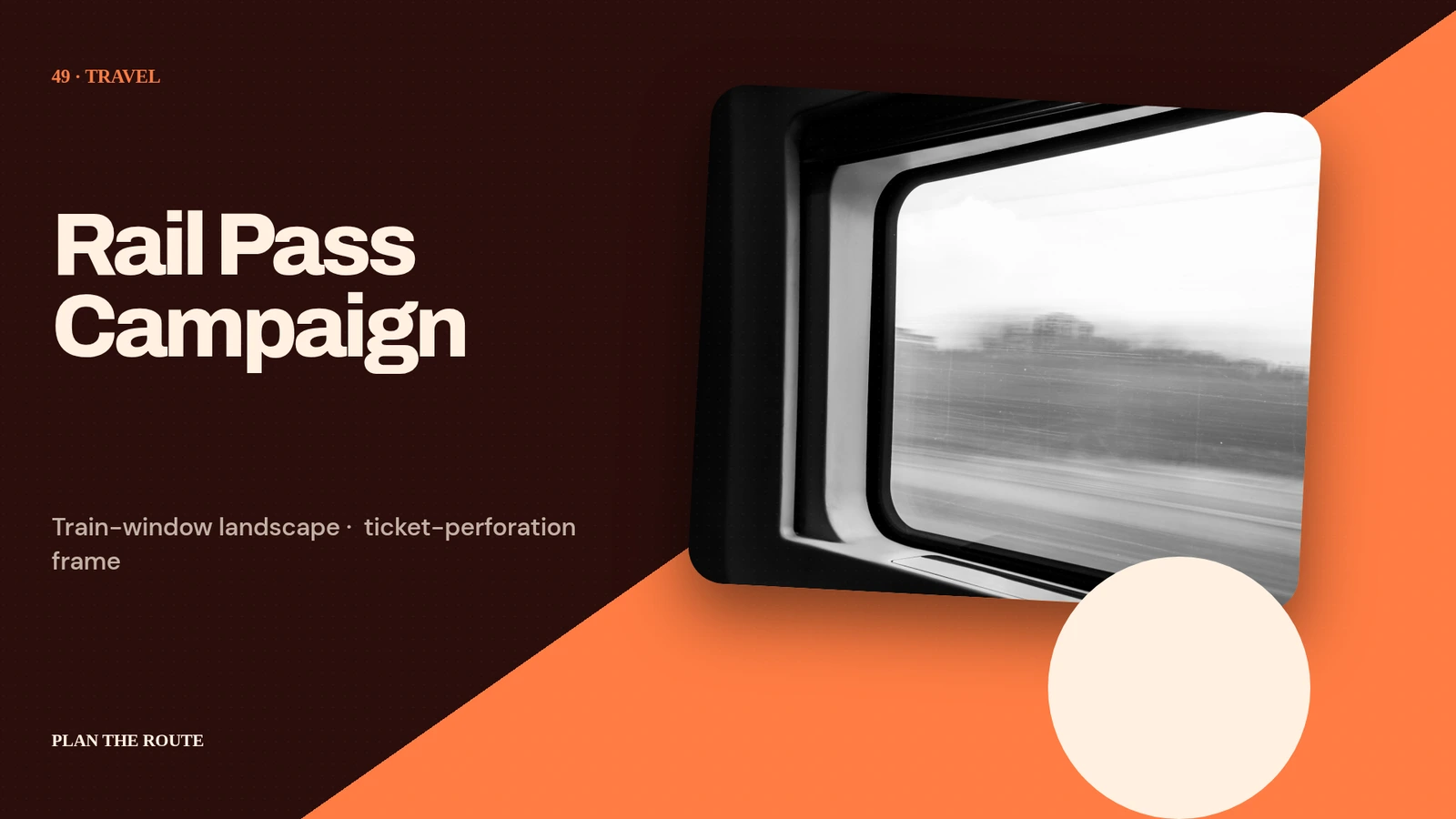 01 · Image
Train-window landscape, ticket-perforation frame, route badges and quiet long-form headline.
View project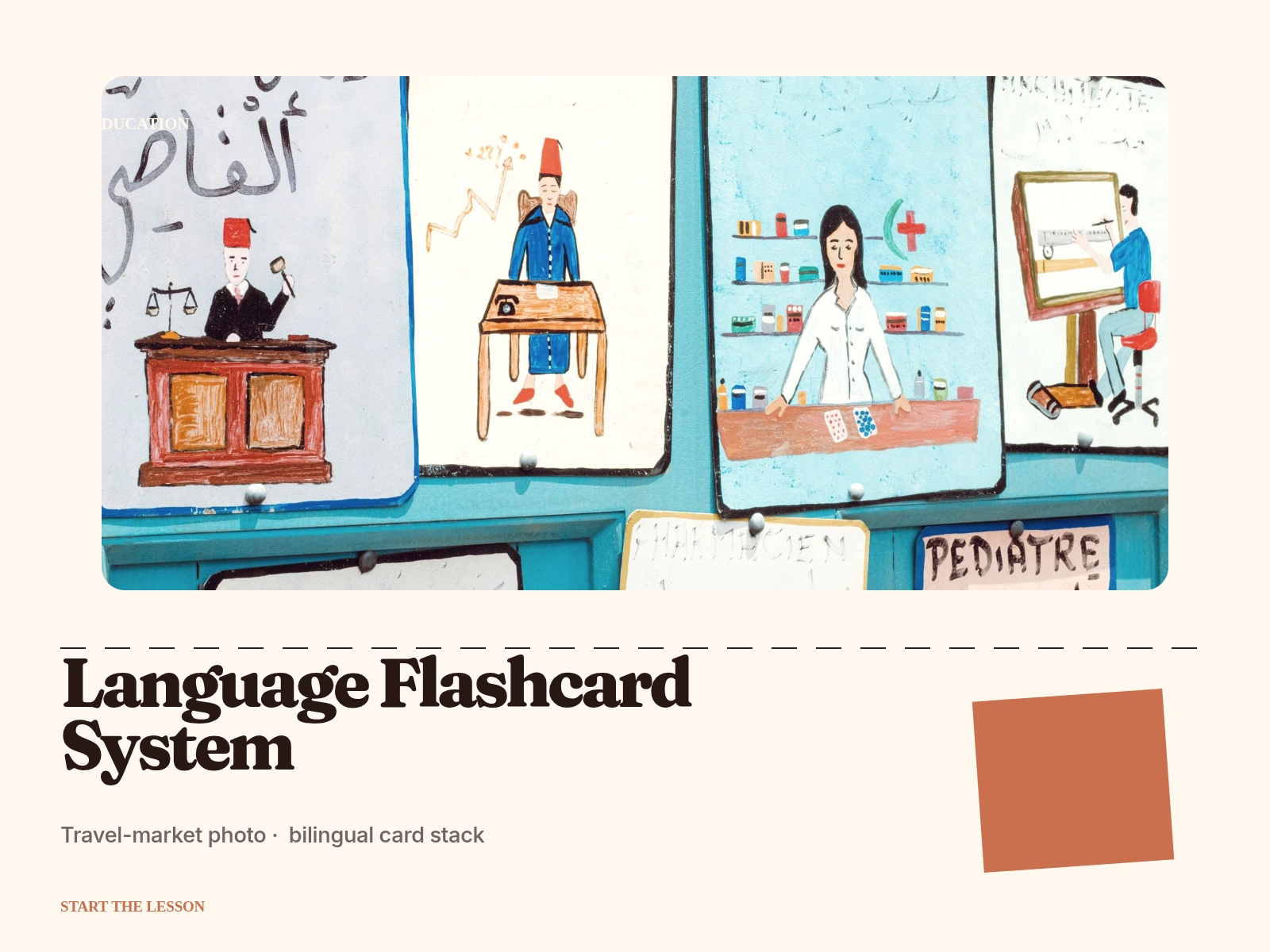 02 · Image
Travel-market photo, bilingual card stack, phonetic guide and color-coded grammar tabs.
View project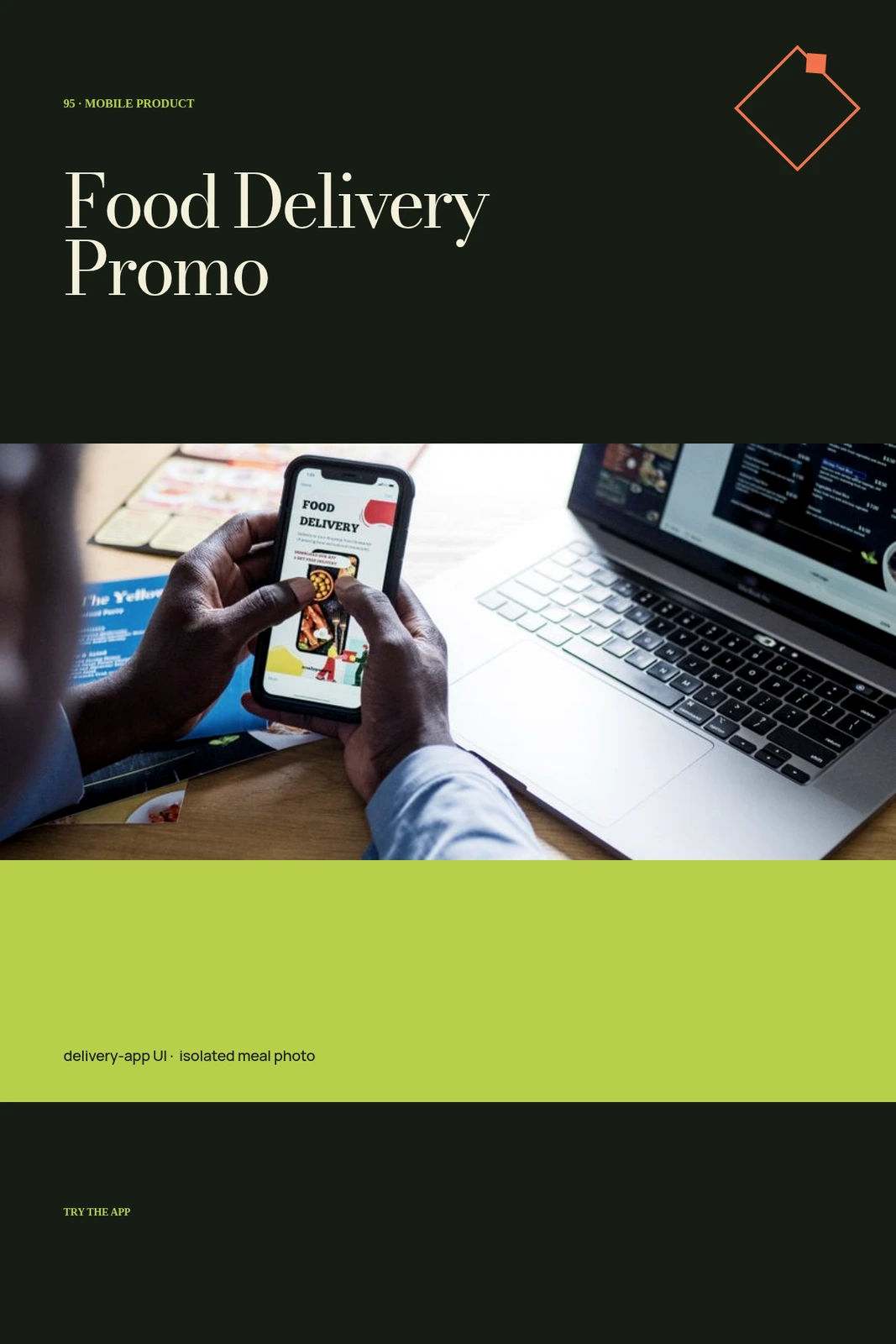 03 · Image
Unique delivery-app UI, isolated meal photo, live eta capsule and vivid local campaign styling.
View projectBuild the first result.
Keep the next one easier.
Start with a complete image or video project. Add templates, automation or an Agent where they remove repeated work.
Open JsonCut Studio