
Keep the visual decisions.
Remove the repetitive production.
Create layered image and motion systems, preserve specialized visuals and expose only the content others should change.
Keep the visual decisions.
Remove repeated production.
JsonCut lets designers own the visual source while handing repeatable production to templates, teams and workflows.
Work with normal design layers
Typography, vectors, media, masks, compositing and motion remain visible and editable.
Extend where the concept needs it
Use custom blocks for specialized visuals without turning the whole project into code.
Define a safer handoff
Variables and reusable components make approved decisions harder to accidentally break.
A clear path from
source to output.
Create layered image and motion systems, preserve specialized visuals and expose only the content others should change.
- 01
Compose the source
Build with typography, vectors, media, masks, groups and motion.
- 02
Define the safe handoff
Expose only the text, media, colors and options another person should change.
- 03
Reuse without flattening
Keep the master editable as teams and automation create new editions.
Concrete work.
Not generic promises.
See finished work.
Inspect the project behind it.
Show AI products, agents and automated workflows with motion-native diagrams, editable steps, variables and production-ready calls to action.
Explore ai & automation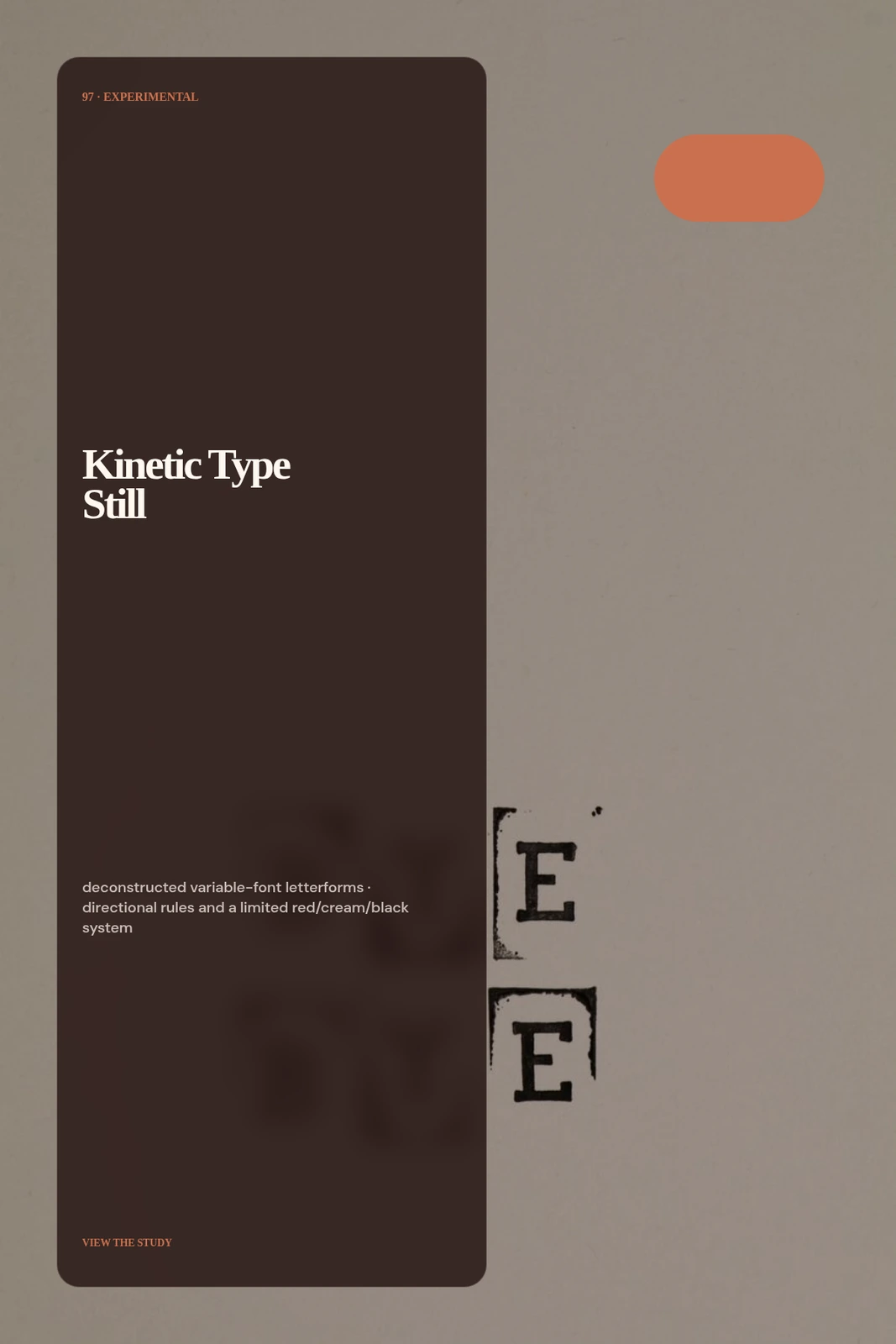 01 · Image
No photo: deconstructed variable-font letterforms, directional rules and a limited red/cream/black system.
View project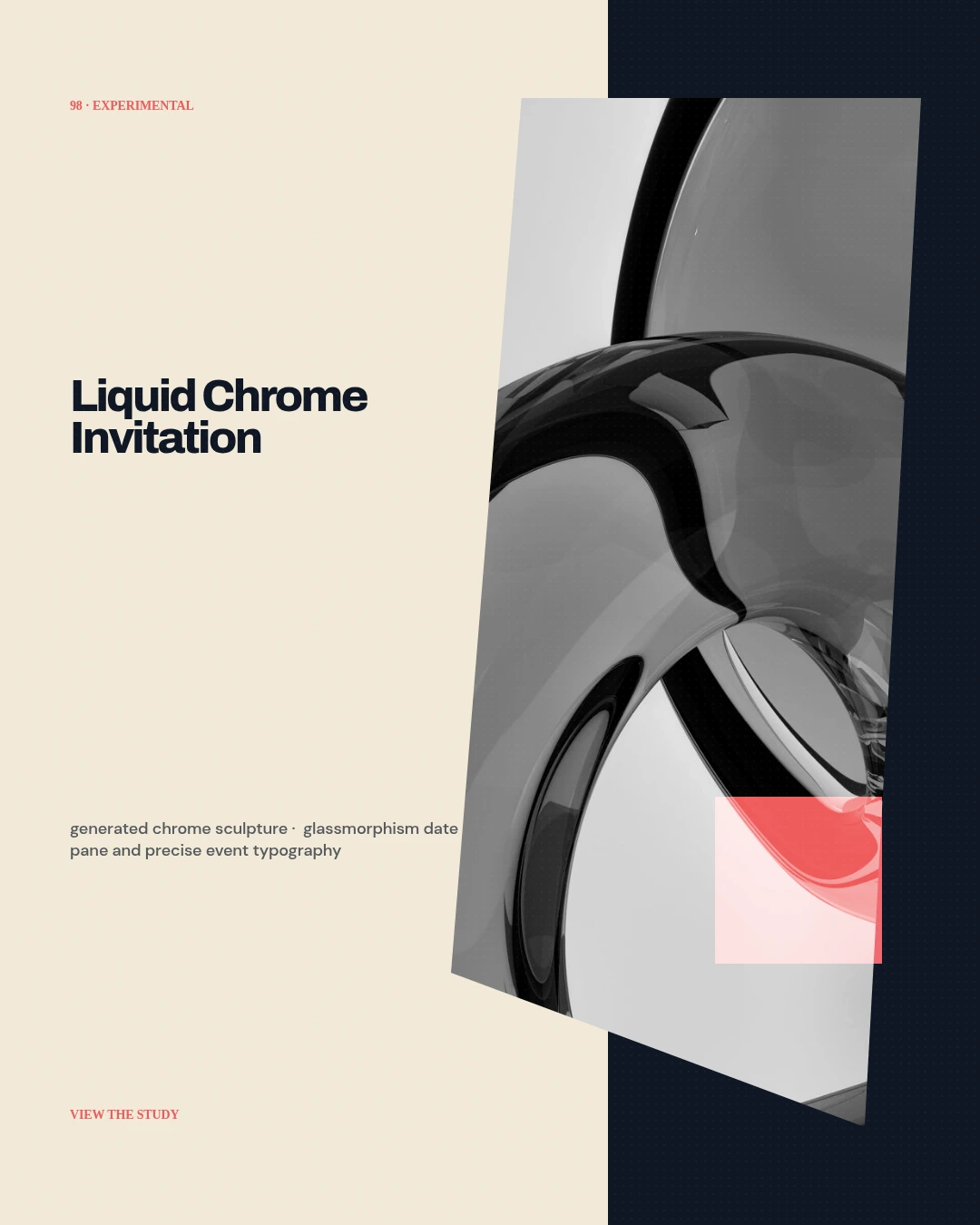 02 · Image
Unique generated chrome sculpture, glassmorphism date pane and precise event typography.
View project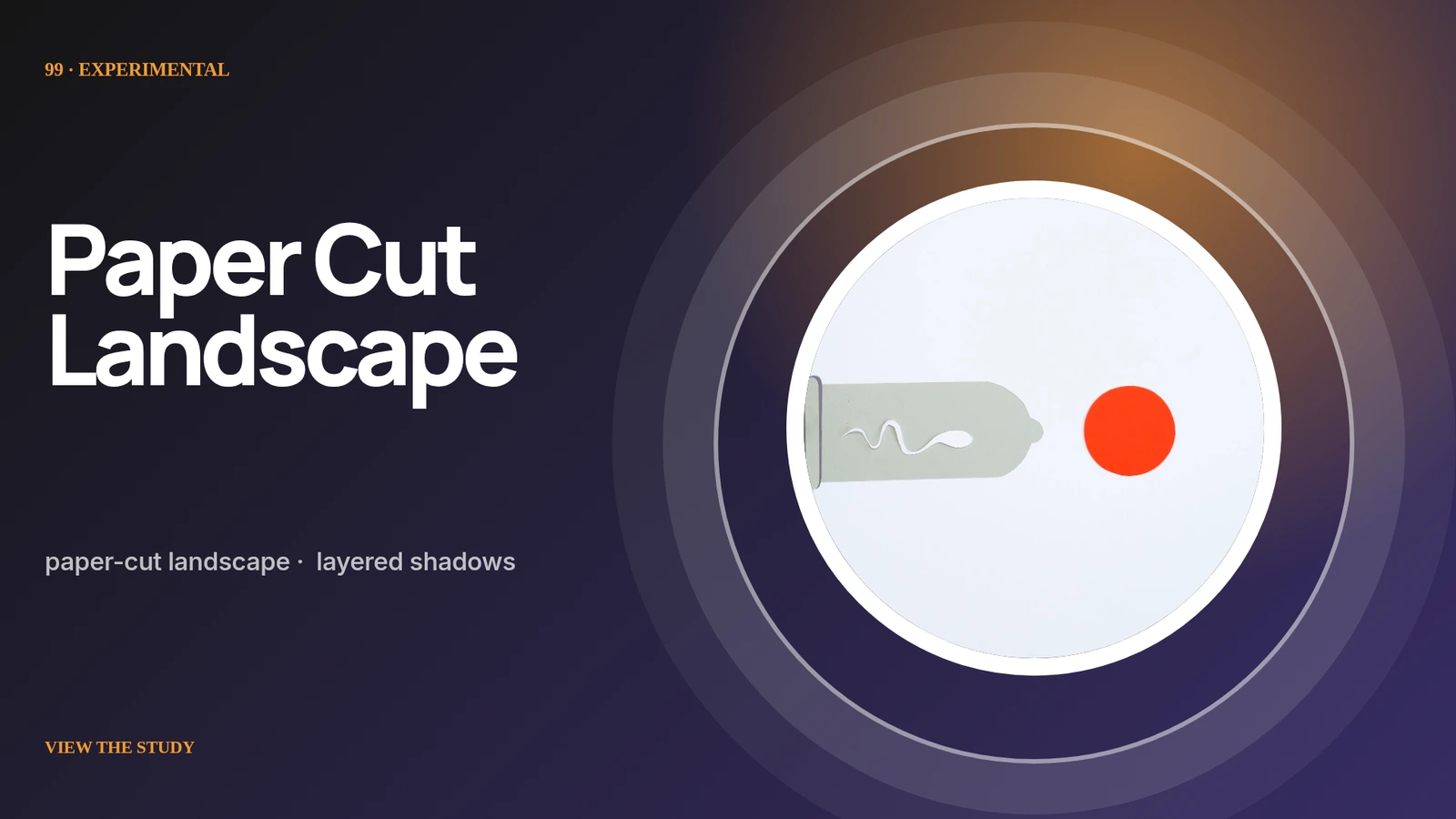 03 · Image
Unique paper-cut landscape, layered shadows, tiny wayfinding copy and tactile neutral palette.
View projectBuild the first result.
Keep the next one easier.
Start with a complete image or video project. Add templates, automation or an Agent where they remove repeated work.
Open JsonCut Studio