
Make the frame
earn the click.
Create layered thumbnails, covers and social graphics with direct typography, media, vectors, masks and reusable variables.
Control the focal point.
Keep the series recognizable.
JsonCut image projects provide a full visual source for static outputs and an automation path when titles or media change repeatedly.
Control the hierarchy
Design typography, focal media and contrast directly on the canvas.
Reuse a visual series
Bind episode title, guest, product or date while protecting composition decisions.
Export for each surface
Create PNG, WebP and JPEG variants with explicit dimensions.
A clear path from
source to output.
Create layered thumbnails, covers and social graphics with direct typography, media, vectors, masks and reusable variables.
- 01
Compose the frame
Set typography, focal media, masks and contrast directly on the canvas.
- 02
Prepare the series
Bind titles, guests, products or dates while protecting the composition.
- 03
Export every surface
Create exact dimensions and formats instead of relying on blind resizing.
Concrete work.
Not generic promises.
See finished work.
Inspect the project behind it.
Hand-picked image and video projects that demonstrate the thumbnails & social images workflow with editable source.
Explore all examples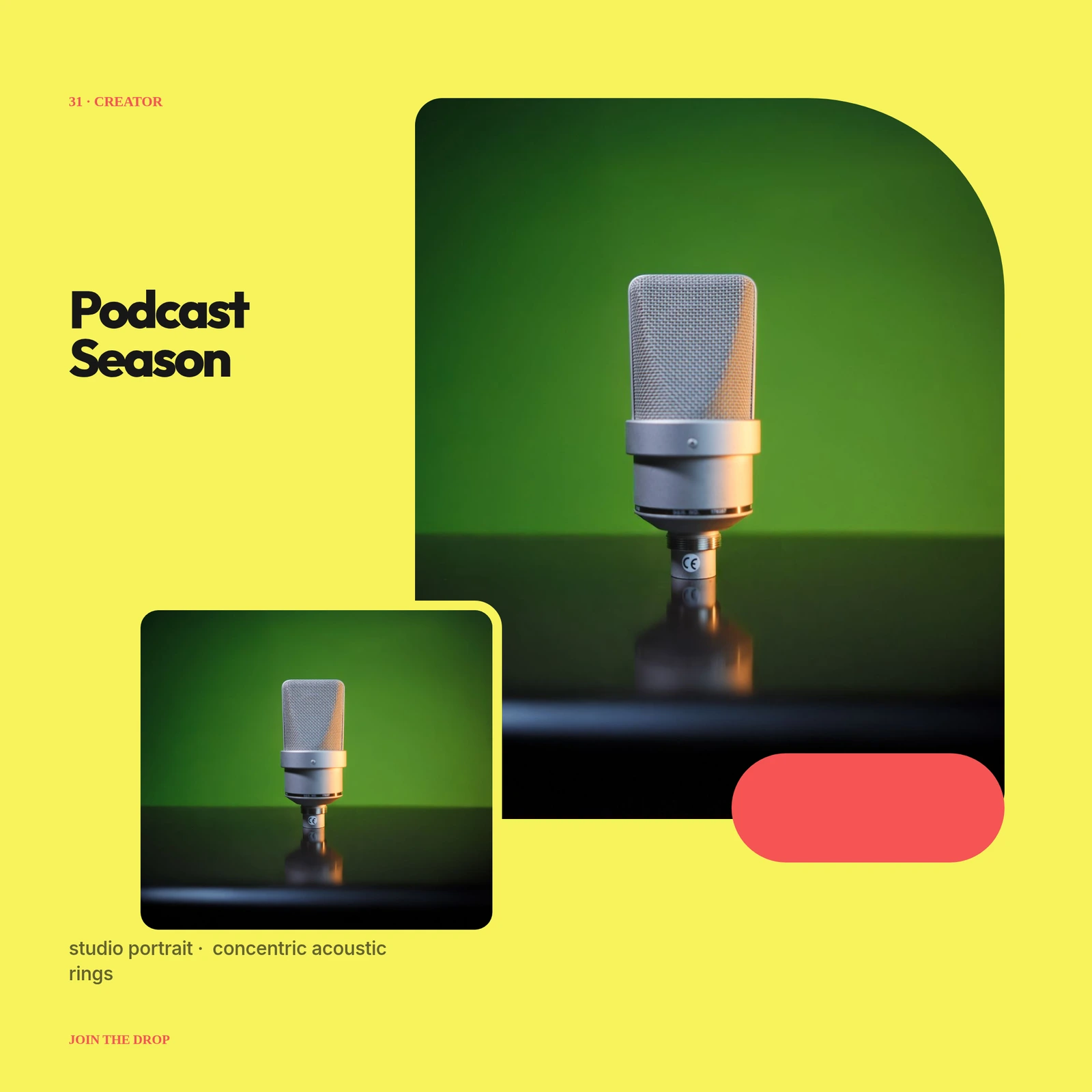 01 · Image
Unique studio portrait, concentric acoustic rings, high-contrast title lockup and season index.
View project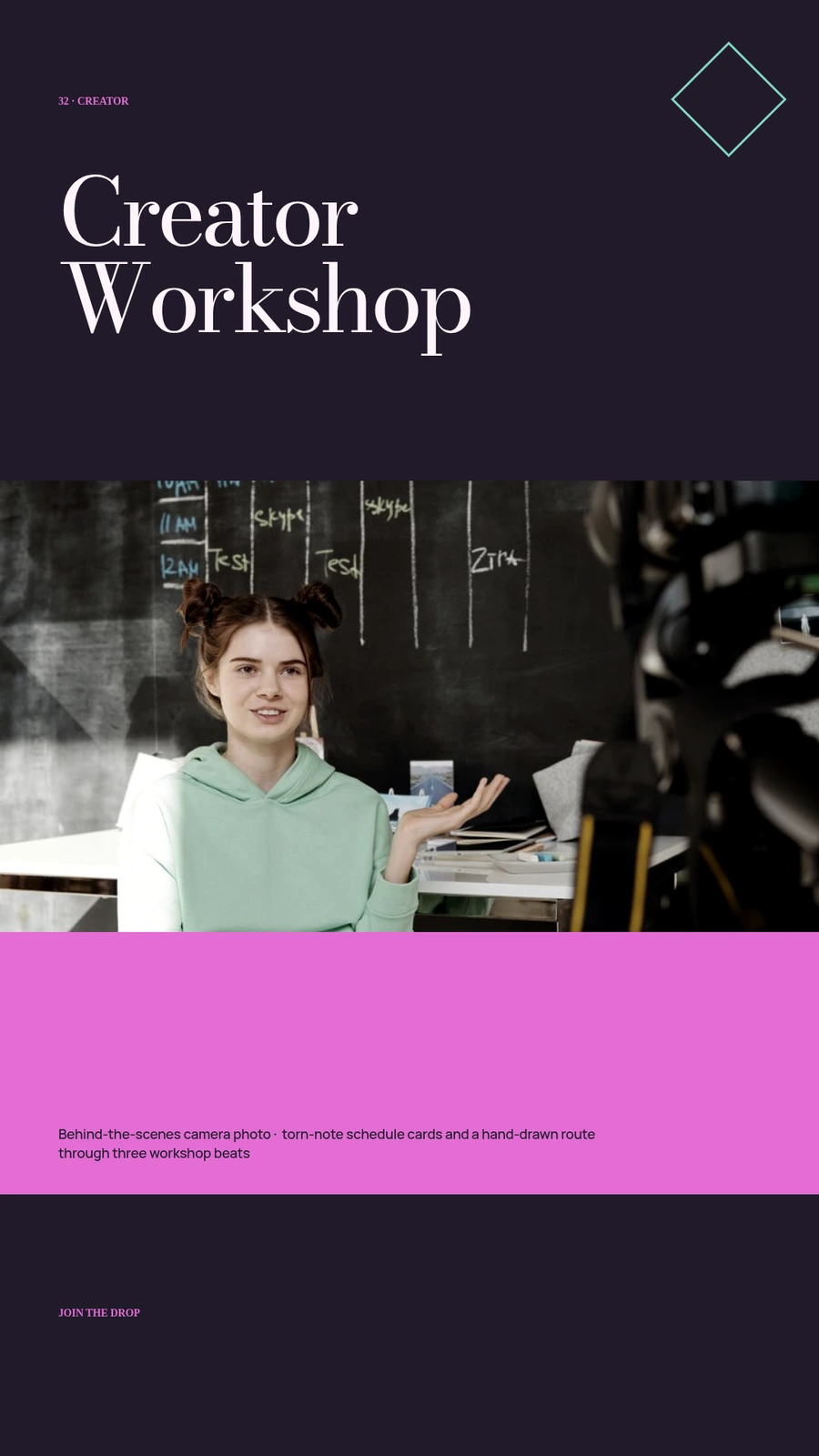 02 · Image
Behind-the-scenes camera photo, torn-note schedule cards and a hand-drawn route through three workshop beats.
View project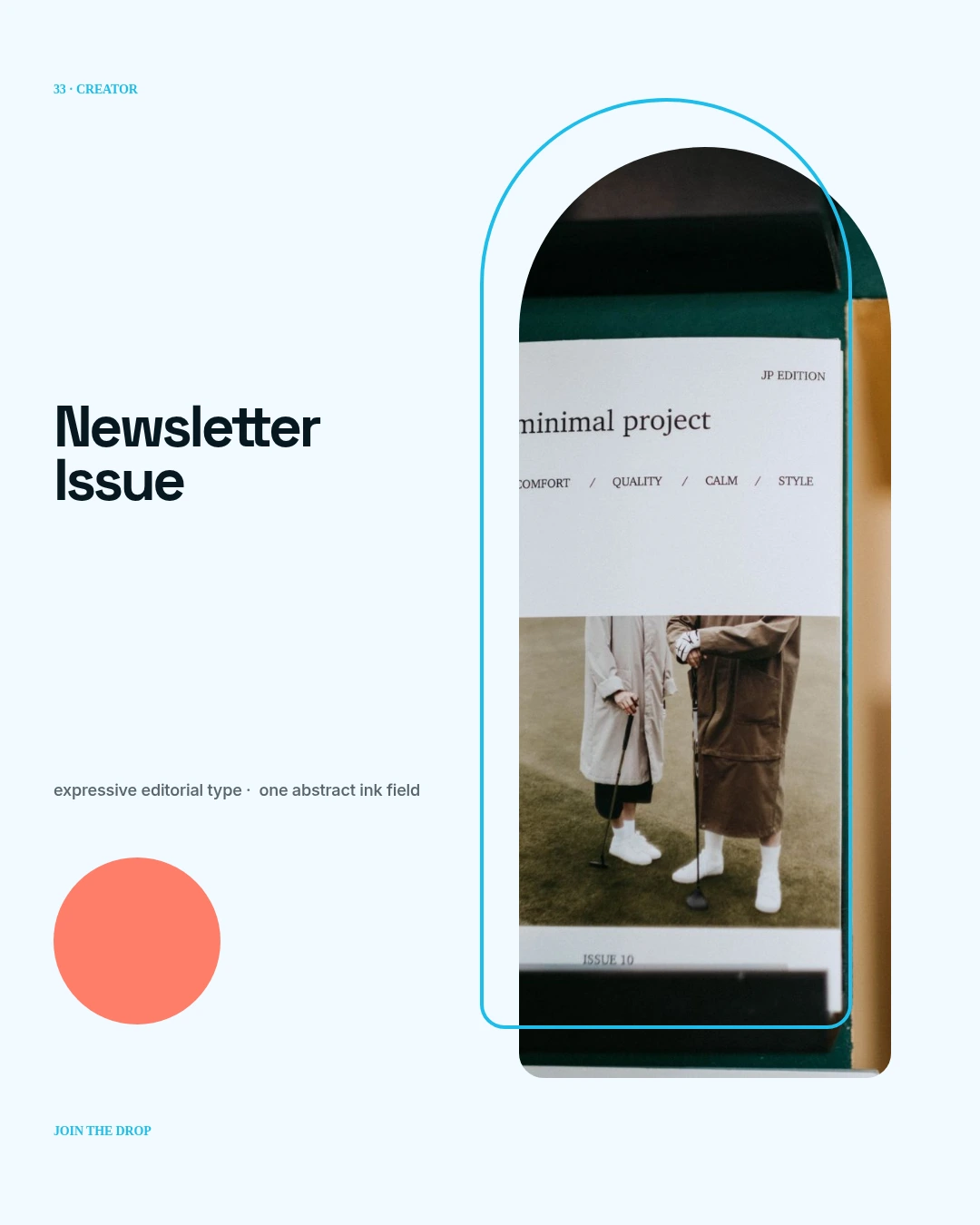 03 · Image
No photo: expressive editorial type, one abstract ink field, issue metadata and a subtle halftone edge.
View projectBuild the first result.
Keep the next one easier.
Start with a complete image or video project. Add templates, automation or an Agent where they remove repeated work.
Open JsonCut Studio