
Give the agent
a visual production system.
Let agents create images and videos directly, build longer projects scene by scene and review real outputs before rendering.
Give the agent structure.
Let it inspect the result.
JsonCut MCP gives AI builders focused tools for project authoring, media upload, template discovery, patching and visual review.
Avoid one giant payload
Long videos can be assembled and inspected incrementally as a persistent project.
Keep the schema approachable
Standard layers cover normal creative work while custom blocks provide a controlled escape hatch.
Review before publishing
Agents can inspect images and sampled frame grids, then patch only what needs correction.
A clear path from
source to output.
Let agents create images and videos directly, build longer projects scene by scene and review real outputs before rendering.
- 01
Create incrementally
Build longer work in scenes and small project patches instead of one giant payload.
- 02
Inspect real output
Review the composed image or sampled video frames before publishing.
- 03
Correct precisely
Patch the affected layers or reuse an approved template for the next task.
Concrete work.
Not generic promises.
See finished work.
Inspect the project behind it.
Show AI products, agents and automated workflows with motion-native diagrams, editable steps, variables and production-ready calls to action.
Explore ai & automation 01 · Video
A seamless vintage collage zoom dives through a pocket watch, a camera lens and a nautilus shell and lands back on the mountain lake it started from.
View project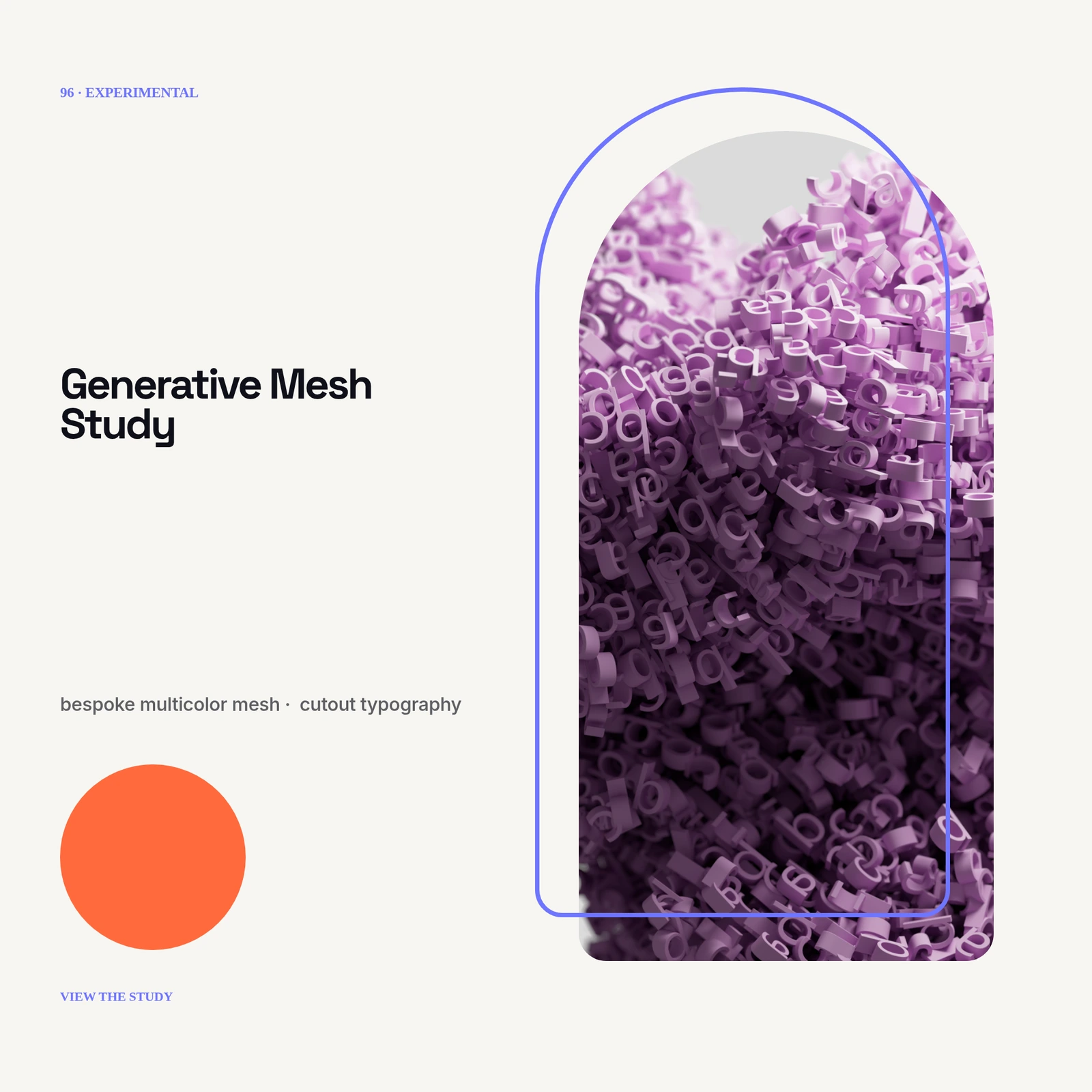 02 · Image
No photo: bespoke multicolor mesh, cutout typography, grain displacement and layered depth masks.
View project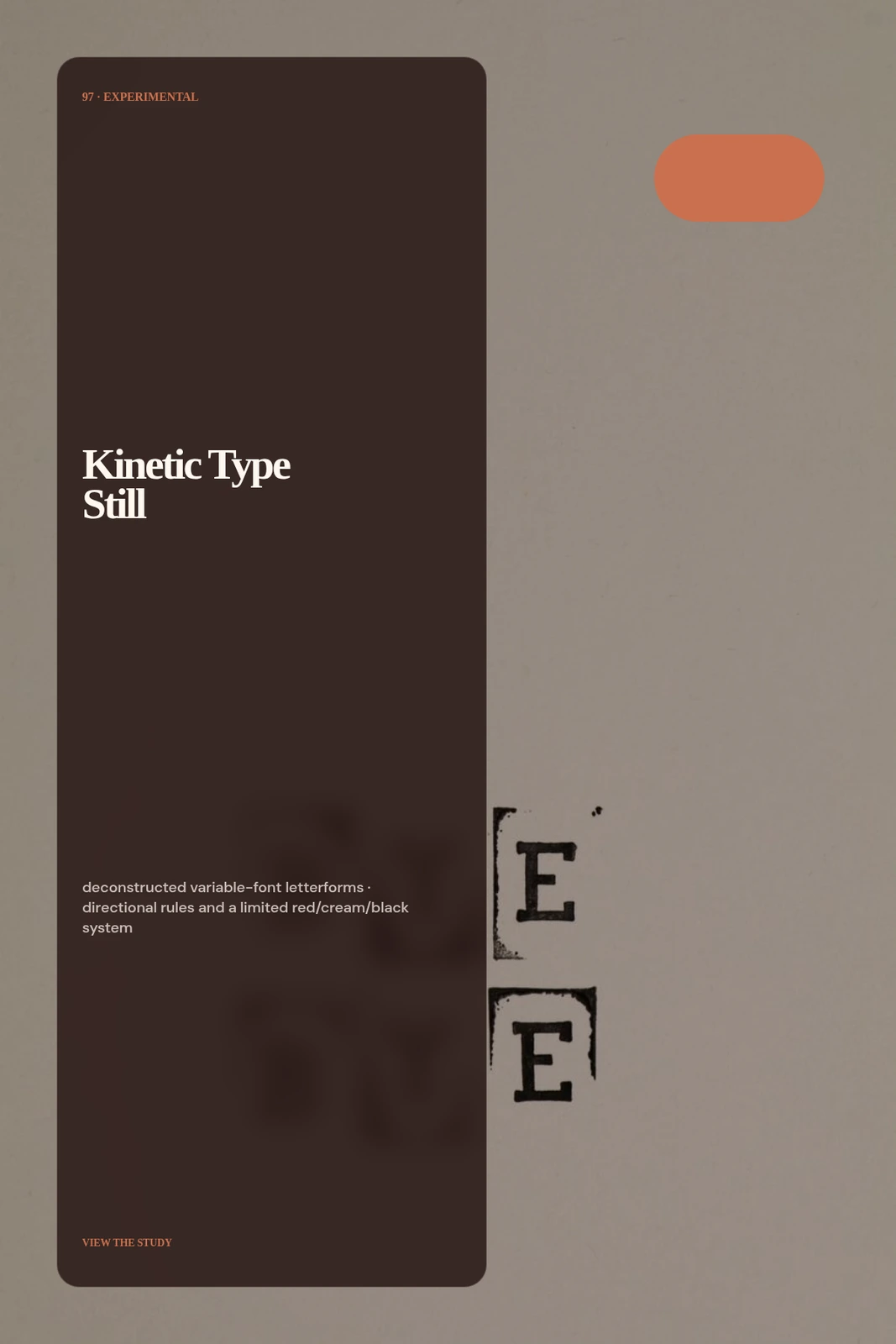 03 · Image
No photo: deconstructed variable-font letterforms, directional rules and a limited red/cream/black system.
View projectBuild the first result.
Keep the next one easier.
Start with a complete image or video project. Add templates, automation or an Agent where they remove repeated work.
Open JsonCut Studio