
Make motion feel intentional.
Keep every change understandable.
Animate normal editable layers directly on the canvas. Save visual states, choose how they travel and reveal precise controls only when the idea needs them.
IT MOVE.
Position568 · 184
Rotation12°
Scale108%
CurveSoft end
Move what you see.
JsonCut builds the motion.
No graph editor is required for everyday motion. Work on the canvas, at the moment where the change should happen.
Place the playhead
Choose the moment where the next visual state begins.
Change the object
Move, resize, rotate or edit any supported property directly.
Choose the feel
Keep the smooth default or select another curve for the next state.
Animate the whole idea.
Fine-tune only what needs it.
A single keyframe can capture the visible state. When the choreography asks for more, position, scale, rotation, opacity and effects can use independent timing.
Position
Move along a straight line or a designed path.
Scale
Build focus without flattening the layer.
Rotation + 3D
Turn in 2D or add perspective on X and Y.
Opacity + effects
Blend visibility, blur, color and light over time.
A curve changes the story.
Choose it in plain language.
Start with a familiar preset. Use a custom cubic Bézier only when the exact pace matters, or give individual properties different curves.
cubic-bezier(.4, 0, .2, 1)One selection can drive the complete state. Per-property curves stay available when the motion needs a different rhythm.
Every state stays where you can find it.
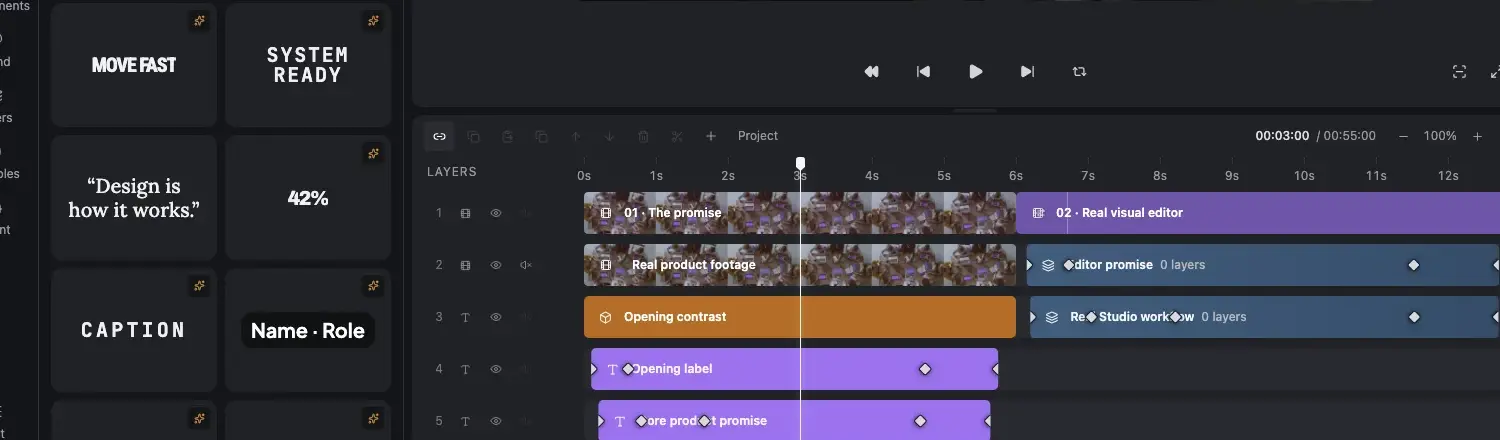
Keyframe markers remain visible on the timeline. Select one to see exactly which properties changed, update its values or remove it again.
- Canvas, timeline and inspector stay synchronized
- The selected state is clearly highlighted
- Separate curves remain available per property
Enter. Move. Hand off.
Each control stays understandable.
Entrance and exit effects describe how a layer appears. Keyframes describe what it does while visible. Transitions connect one clip or scene to the next.
Bring the layer in
Fade, slide, reveal, pop, blur, scale and directional systems are ready to use.
Choreograph the layer
Connect any number of states with understandable curves and visible markers.
Connect the scenes
Use spatial, reveal, blur, light and stylized hand-offs between clips and scenes.
Move the complete composition without losing its parts.
Animate a group as one spatial object while every child remains a normal editable layer. Perspective, 3D rotation and transform origin add depth without turning the project into a black box.
GroupsKeep related layers and internal timing together.
2D + 3DCombine position, depth and perspective deliberately.
PathsGuide focal objects along a designed route.
From one precise interaction
to a complete motion system.
Product UI
Guide attention through interfaces, feature states and data without losing editability.
Kinetic type
Coordinate scale, position, color and opacity around the rhythm of the message.
Spatial explainers
Animate grouped compositions with perspective while child timing remains intact.
Power without the motion-design learning cliff.
01Is this available in both image and video projects?
The page states where a capability applies. Shared controls use the same visual language in both editors.
02Does it remain editable after using AI?
Yes. The assistant changes ordinary project layers and versions, so you can inspect and refine the result.
03Can the same result be automated?
Yes. Projects can become typed templates or be rendered through the focused V2 API and MCP surface.
Set the first state.
Make the next one move.
Start in the Studio for free and see how direct motion feels on a real project.
Start creating free