
Turn one idea into
the complete content package.
Create videos, clips, covers, captions and social images in one place while keeping enough control to make the work feel like yours.
Keep your point of view.
Create the formats around it.
JsonCut helps creators reuse source media and visual identity across video and image outputs without requiring an automation setup.
Bring the source once
Keep footage, audio, images and generated resources inside the project library.
Use AI as an assistant
Start a draft, ask for changes and review the editable result instead of accepting a black box.
Create the surrounding assets
Produce the video, cover, announcement and follow-up formats from related projects.
A clear path from
source to output.
Create videos, clips, covers, captions and social images in one place while keeping enough control to make the work feel like yours.
- 01
Bring in the source
Keep footage, audio, images and generated media together.
- 02
Build the main story
Use the editor or AI Director while every layer remains changeable.
- 03
Create the package
Turn the finished story into covers, clips and announcement assets.
Concrete work.
Not generic promises.
See finished work.
Inspect the project behind it.
Social-first video and image examples for creators, podcasts, short-form captions, audience milestones and editorial series.
Explore creators & social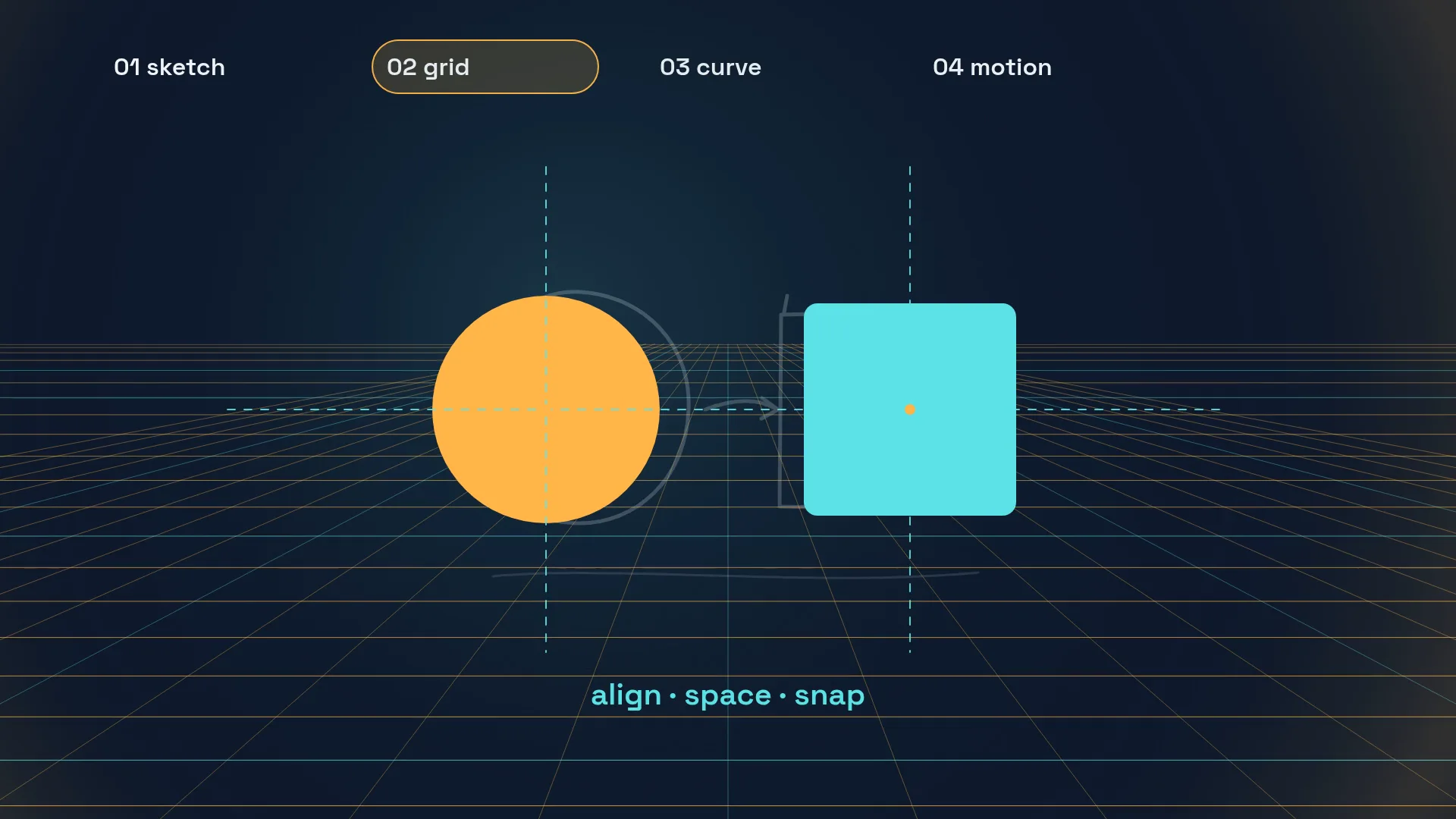 01 · Video
A process showreel in four steps: a rough sketch, shapes snapping onto a grid, an ease-in-out curve plotting itself and the name card of a fictive designer.
View project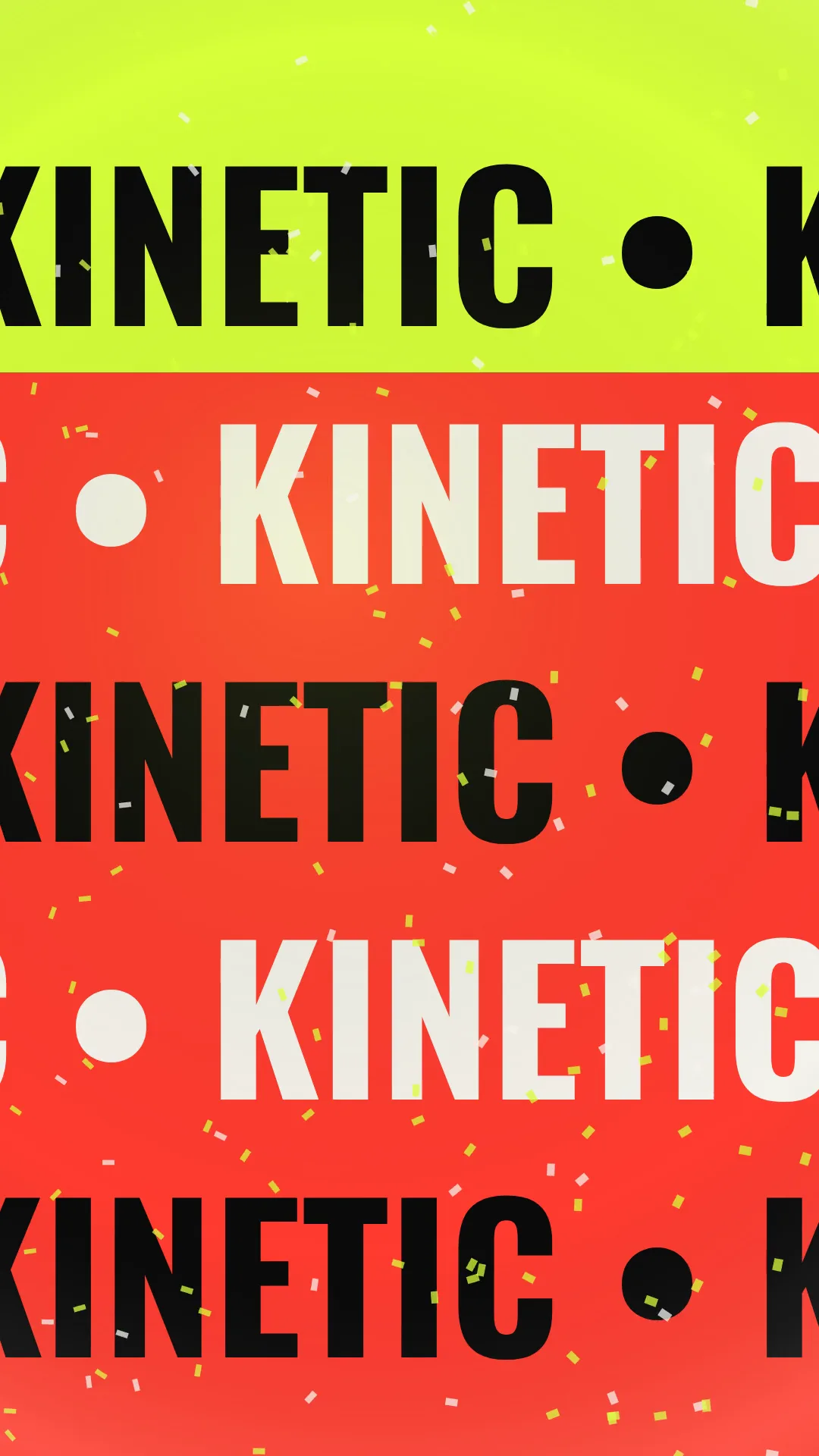 02 · Video
A vertical kinetic-type showreel: MAKE / TYPE / MOVE stacks, word swaps on acid yellow, five marquee rows, a 100 % counter with equalizer bars and a designer name card.
View project 03 · Video
A 15-second motion designer showreel in five sets: kinetic MOTION type, springing shapes, a 60 fps counter over a spirograph, a flipping tile grid and the line "Motion, written as data."
View projectBuild the first result.
Keep the next one easier.
Start with a complete image or video project. Add templates, automation or an Agent where they remove repeated work.
Open JsonCut Studio