
Connect data to creative.
Not just to a rigid slot.
Build editable image and video systems, inspect their inputs and run them from n8n, Make, your application or an AI agent.
Map the useful inputs.
Keep the output visible.
JsonCut gives automation builders a controlled template path and a flexible project path on the same rendering foundation.
Start with a reviewed template
Discover the exact typed fields before wiring a production workflow.
Upload once, reuse safely
Project media references replace repeated base64 payloads and unclear external links.
Handle real outcomes
Async jobs, webhooks and row-level batch states support reliable automation.
A clear path from
source to output.
Build editable image and video systems, inspect their inputs and run them from n8n, Make, your application or an AI agent.
- 01
Discover the contract
Read the template fields and media requirements before mapping a workflow.
- 02
Run asynchronously
Submit one render or a bounded batch from n8n, Make, API or MCP.
- 03
Route the result
Use status and webhooks to store, publish, review or retry deliberately.
Concrete work.
Not generic promises.
See finished work.
Inspect the project behind it.
Show AI products, agents and automated workflows with motion-native diagrams, editable steps, variables and production-ready calls to action.
Explore ai & automation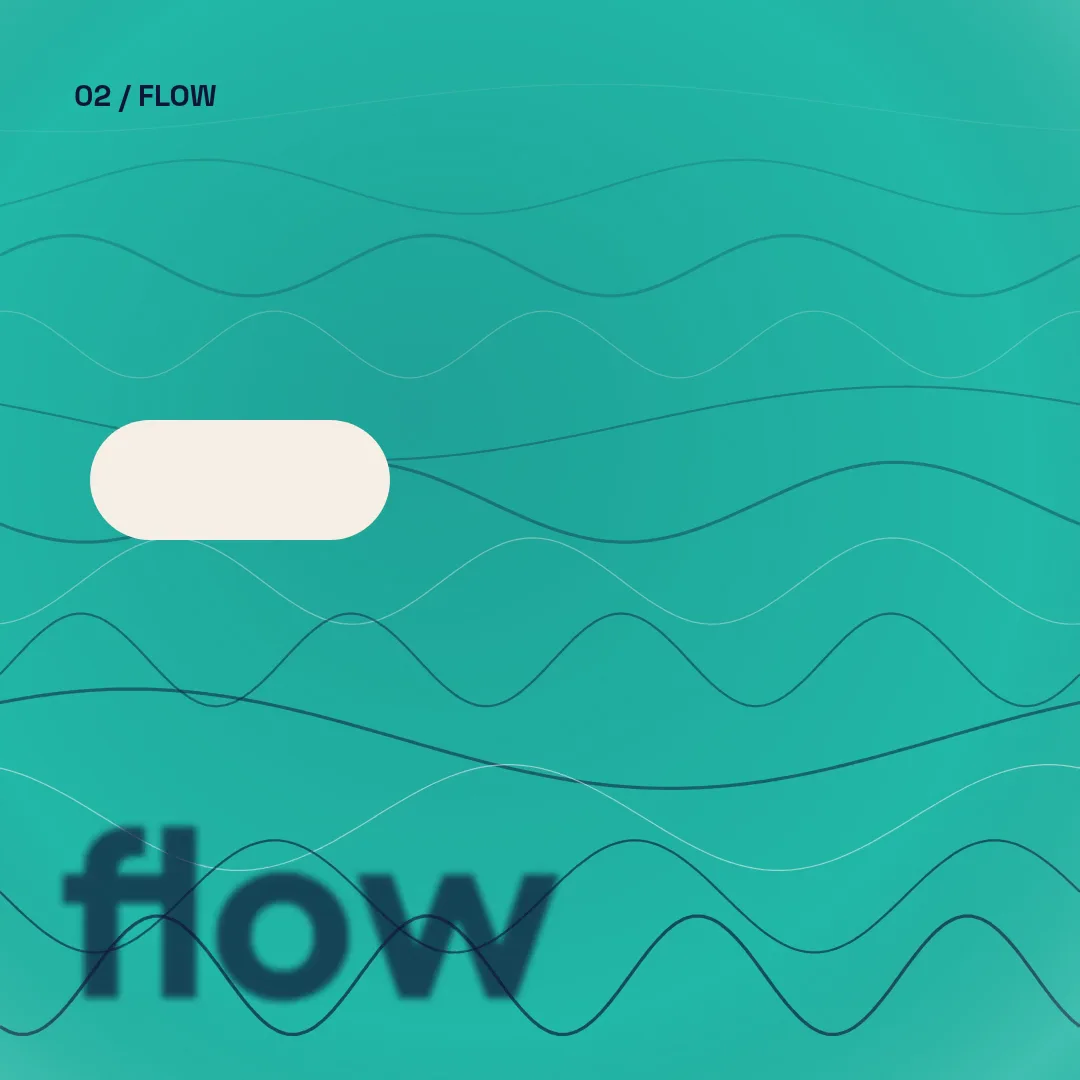 01 · Video
An abstract square reel in four movements, form, flow, field and pulse, each with its own colour world, shape play and text effect, ending on a studio lockup.
View project 02 · Video
A seamless vintage collage zoom dives through a pocket watch, a camera lens and a nautilus shell and lands back on the mountain lake it started from.
View project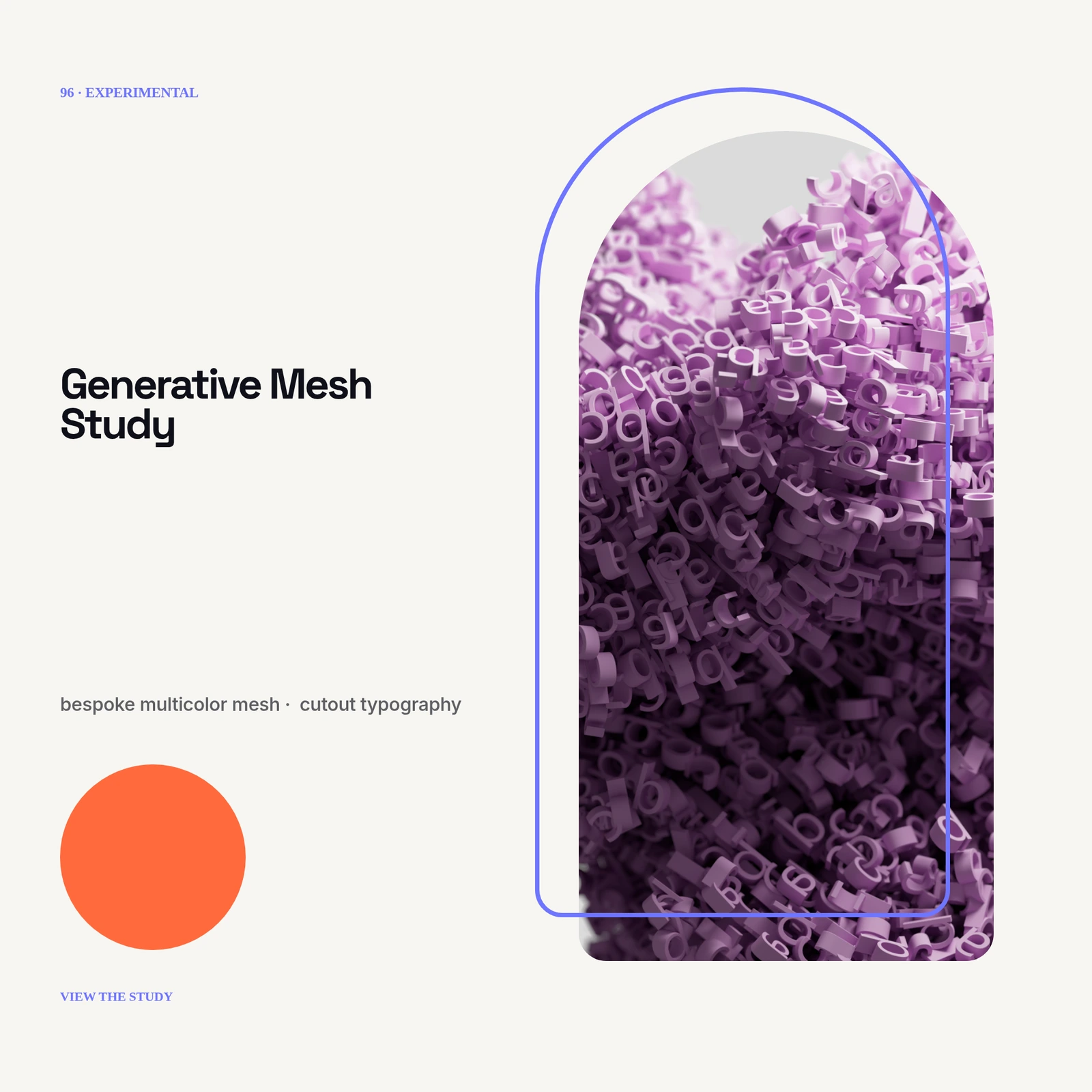 03 · Image
No photo: bespoke multicolor mesh, cutout typography, grain displacement and layered depth masks.
View projectBuild the first result.
Keep the next one easier.
Start with a complete image or video project. Add templates, automation or an Agent where they remove repeated work.
Open JsonCut Studio