
01
Bring the idea
Start with a brief, media, a product page or an existing design.
Start with a brief, your media, a product page or an existing design. Create visually or with AI, edit every layer and finish one polished result or a complete set of versions.
Free to create and preview · Exports and AI included in the 14-day Pro trial
Works with the tools already in your workflow
 ClaudeChatGPTGemini
 n8n
n8n Make
MakeBuild one result hands-on or together with AI. Keep the project editable, then finish one version or connect it to the workflows that need many.
Start with a brief, media, a product page or an existing design.
Design, media, motion and sound remain available for the next change.
Reuse the approved design with new text, media, products or languages.
Export in Studio or create variants from your app, workflow or AI agent.
Scroll through real, editable projects. Videos play as they enter the stage; every card opens the complete source.
Explore all examples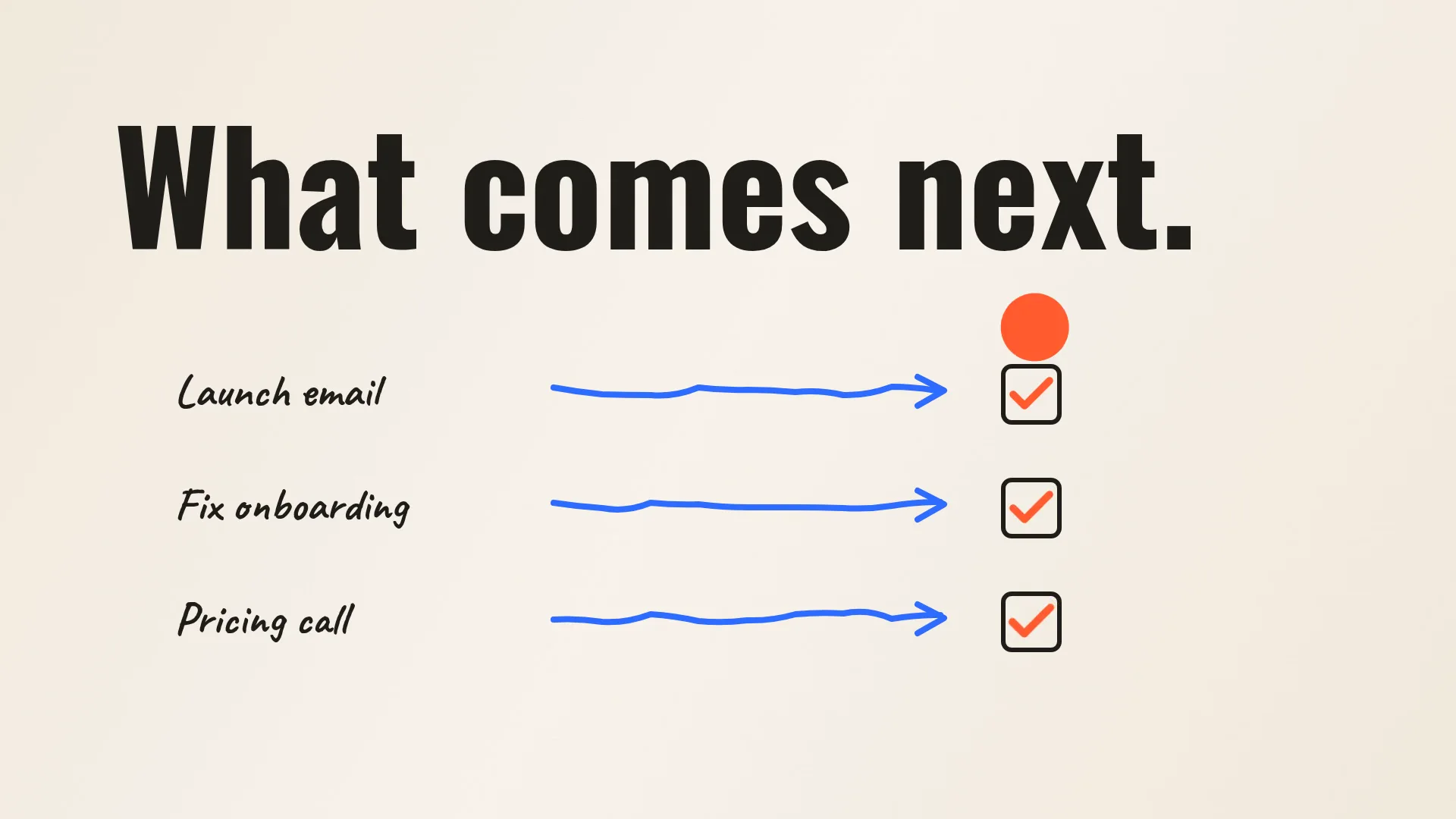


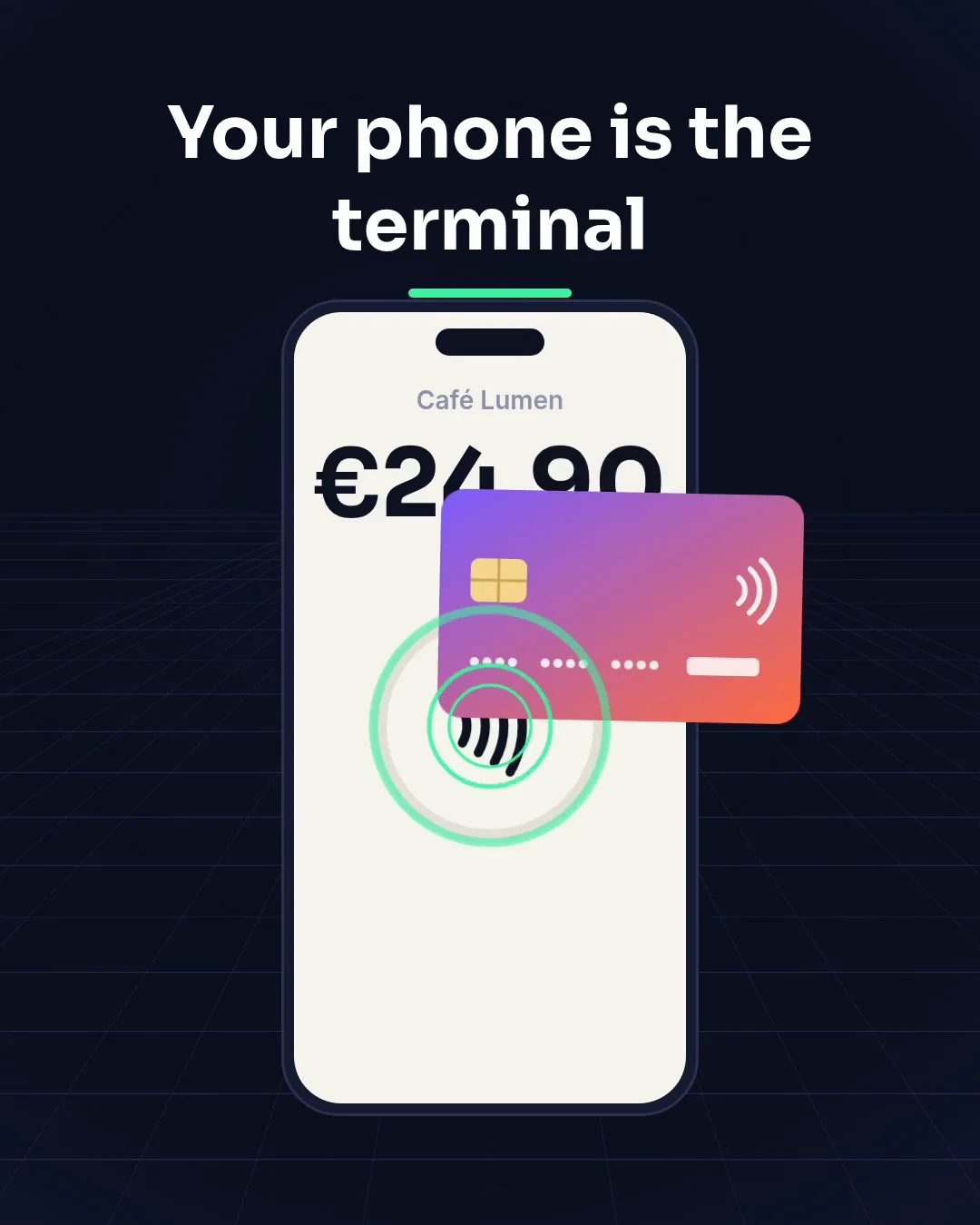
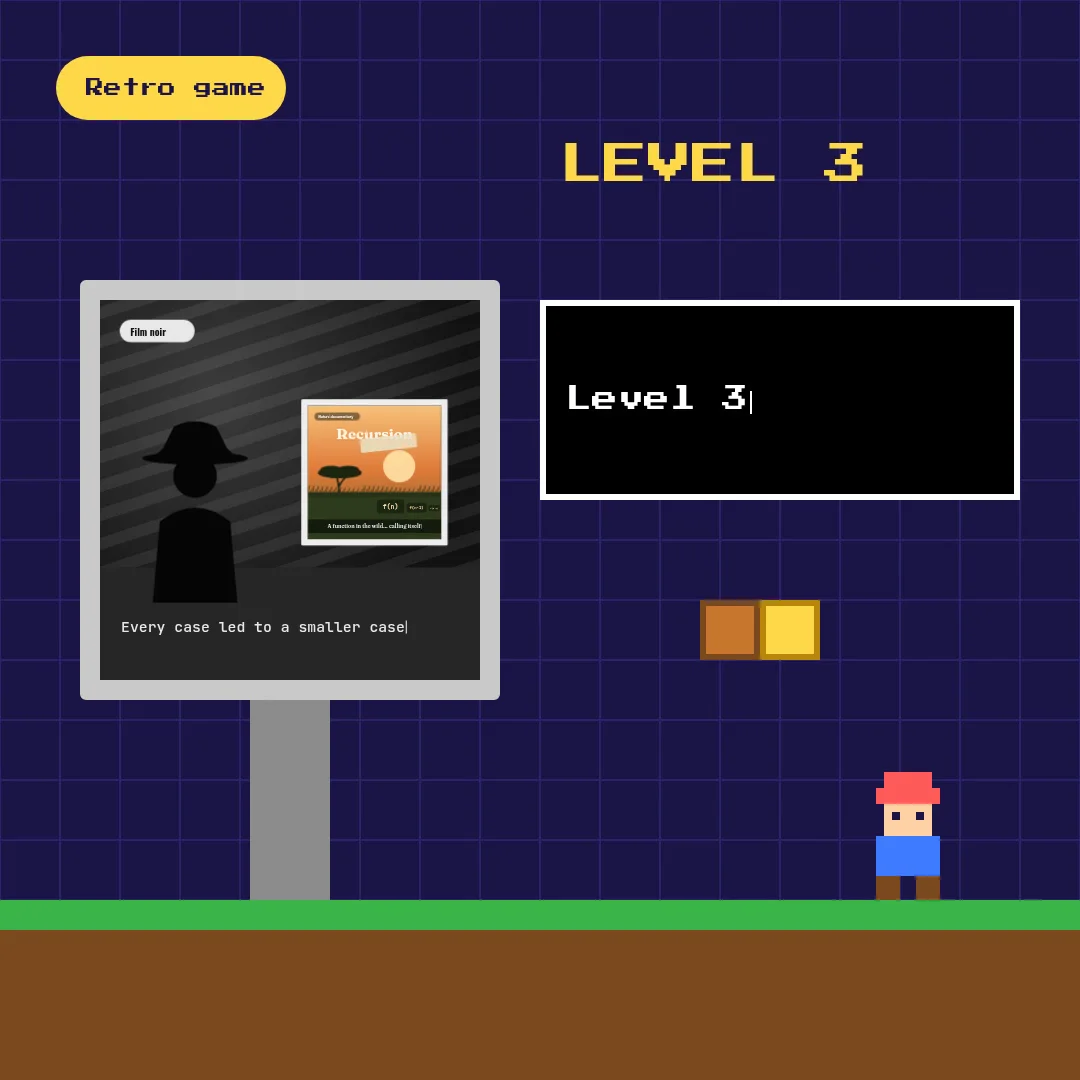
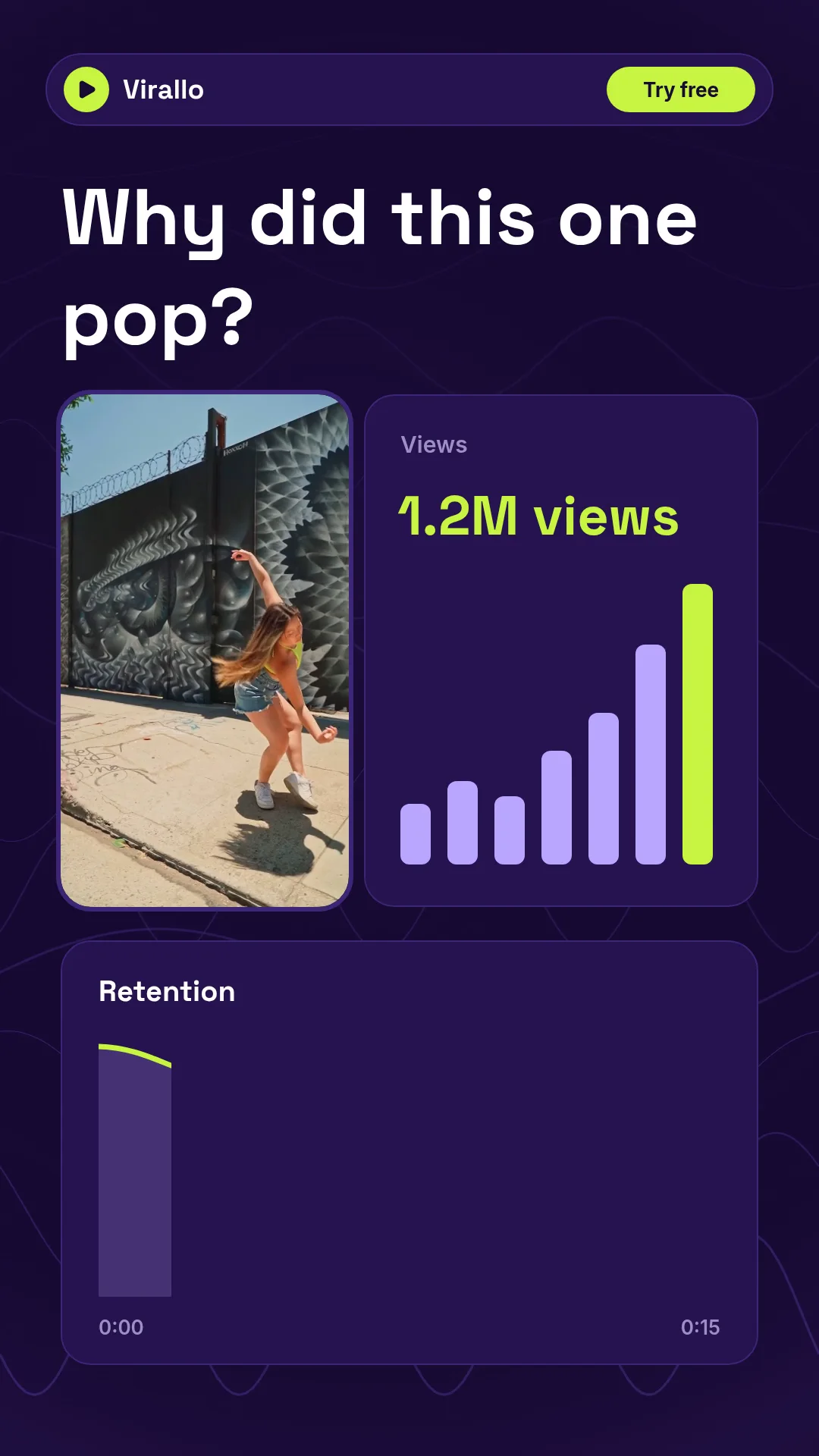
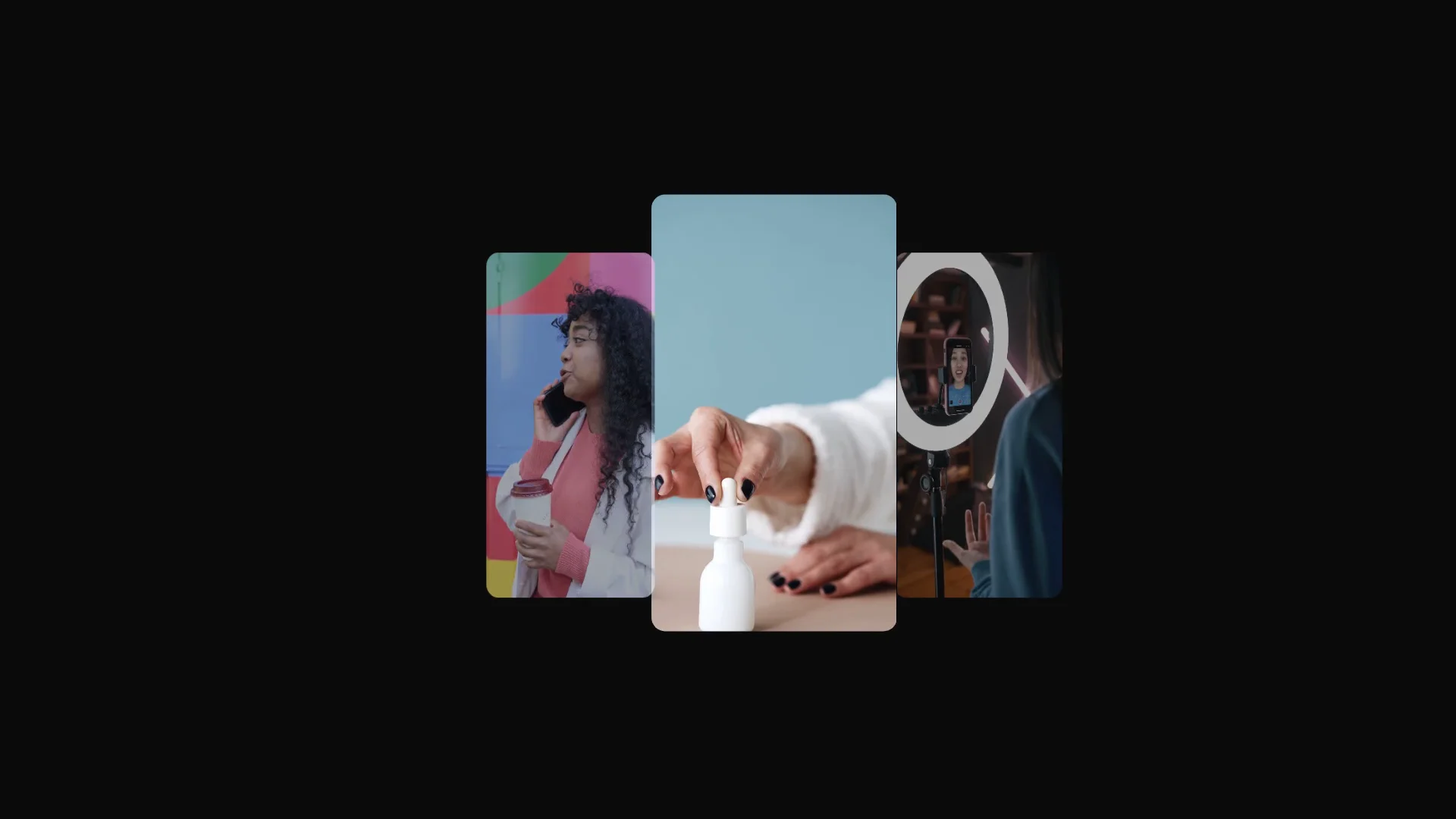
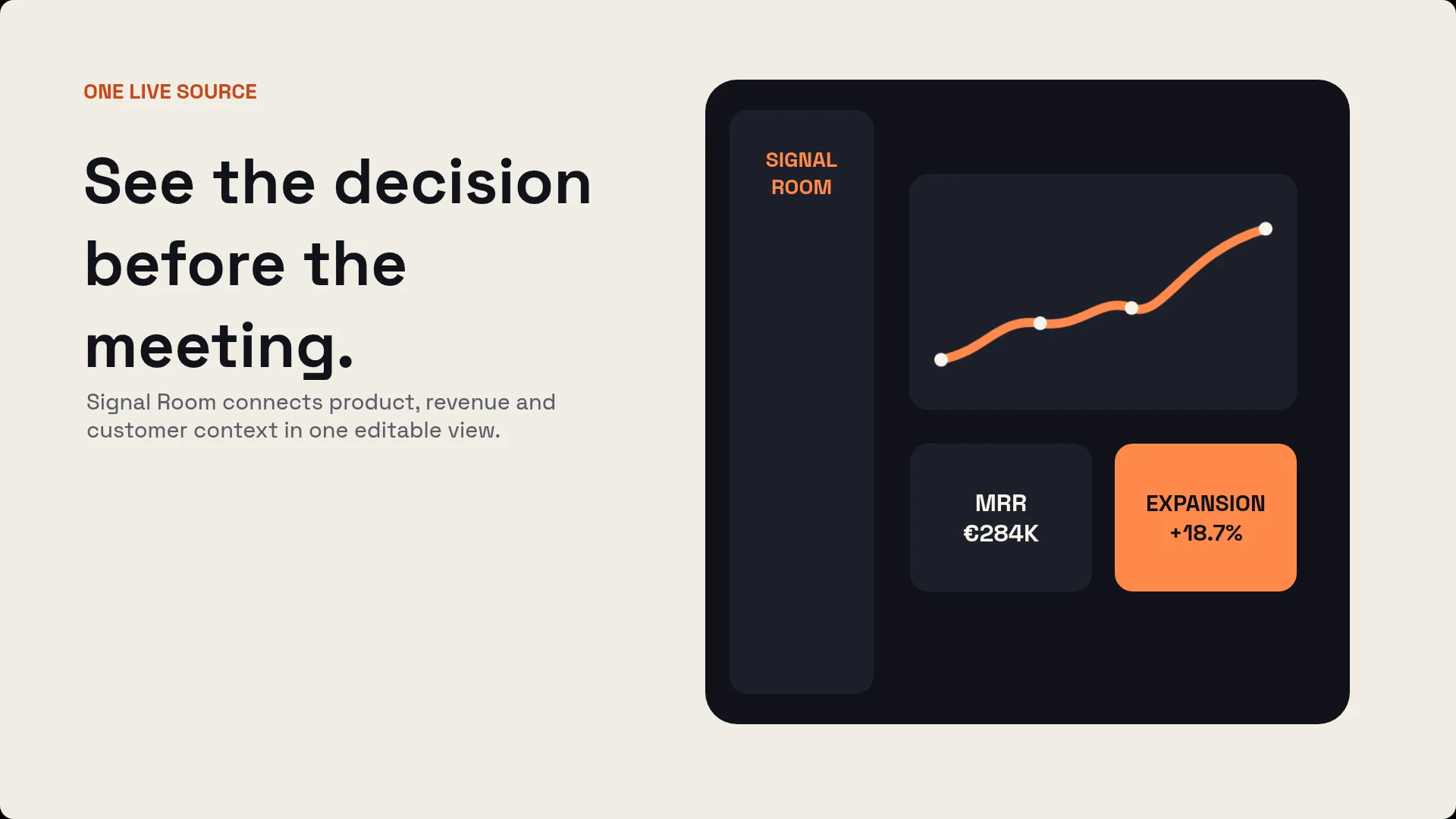
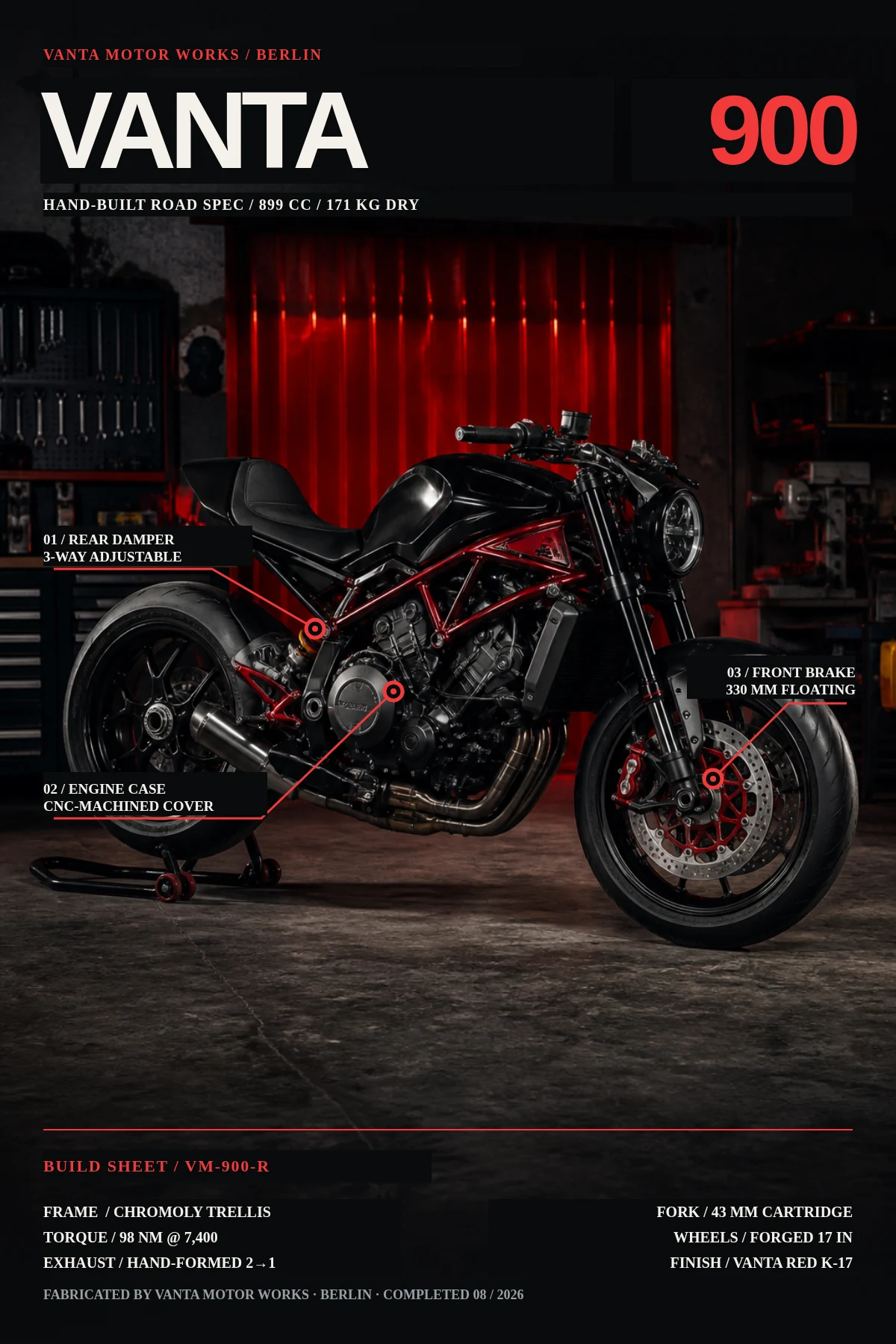
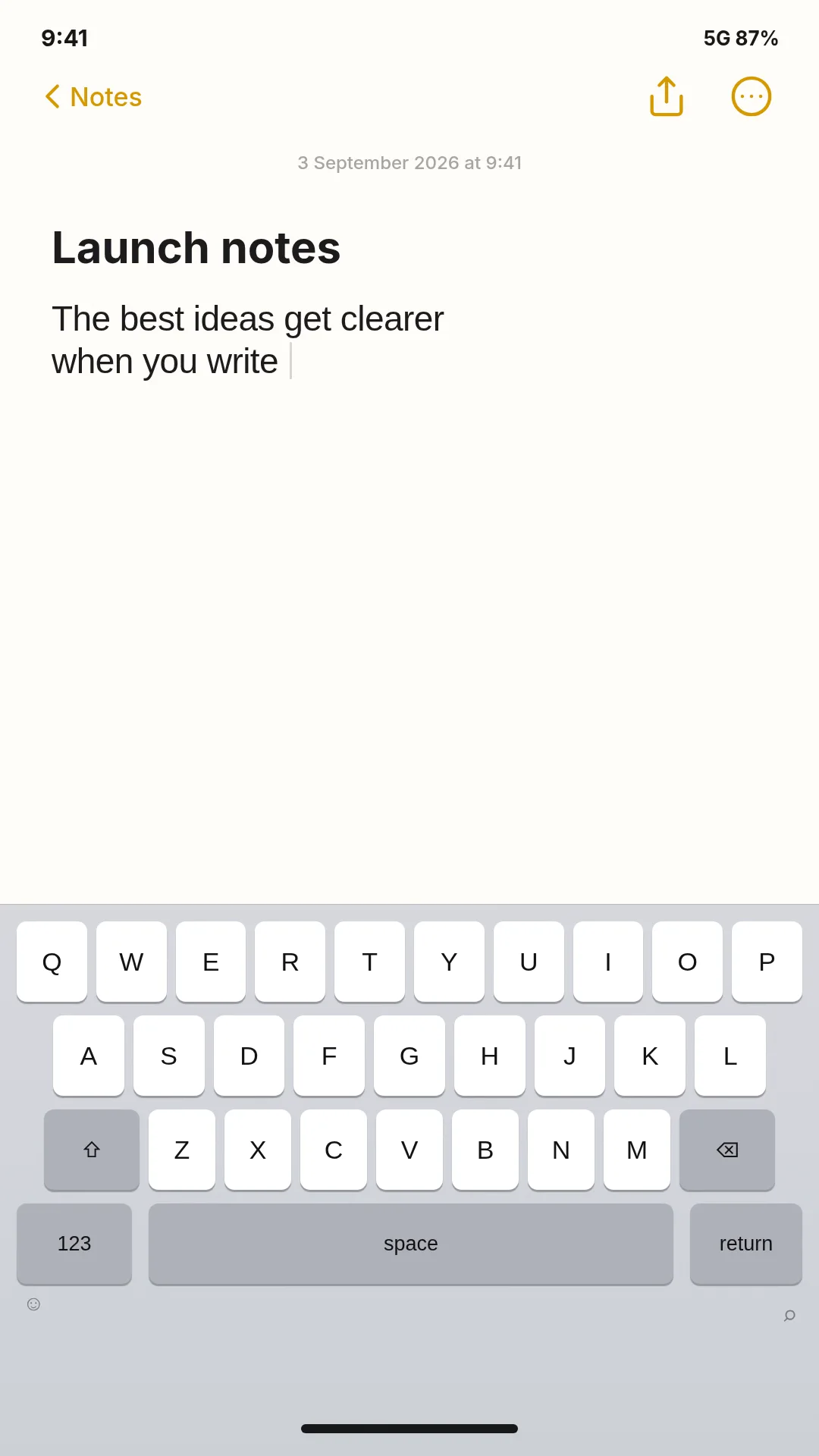
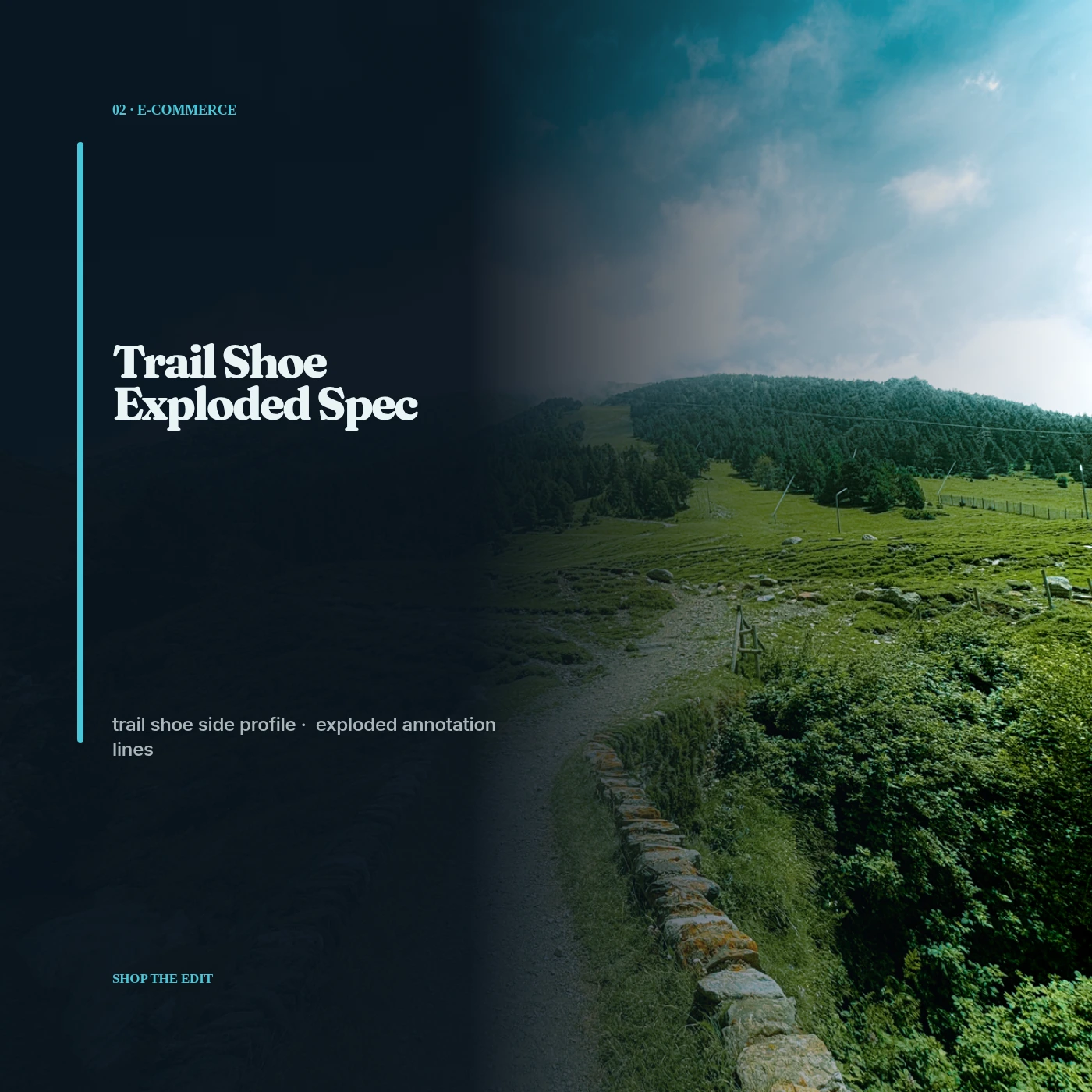
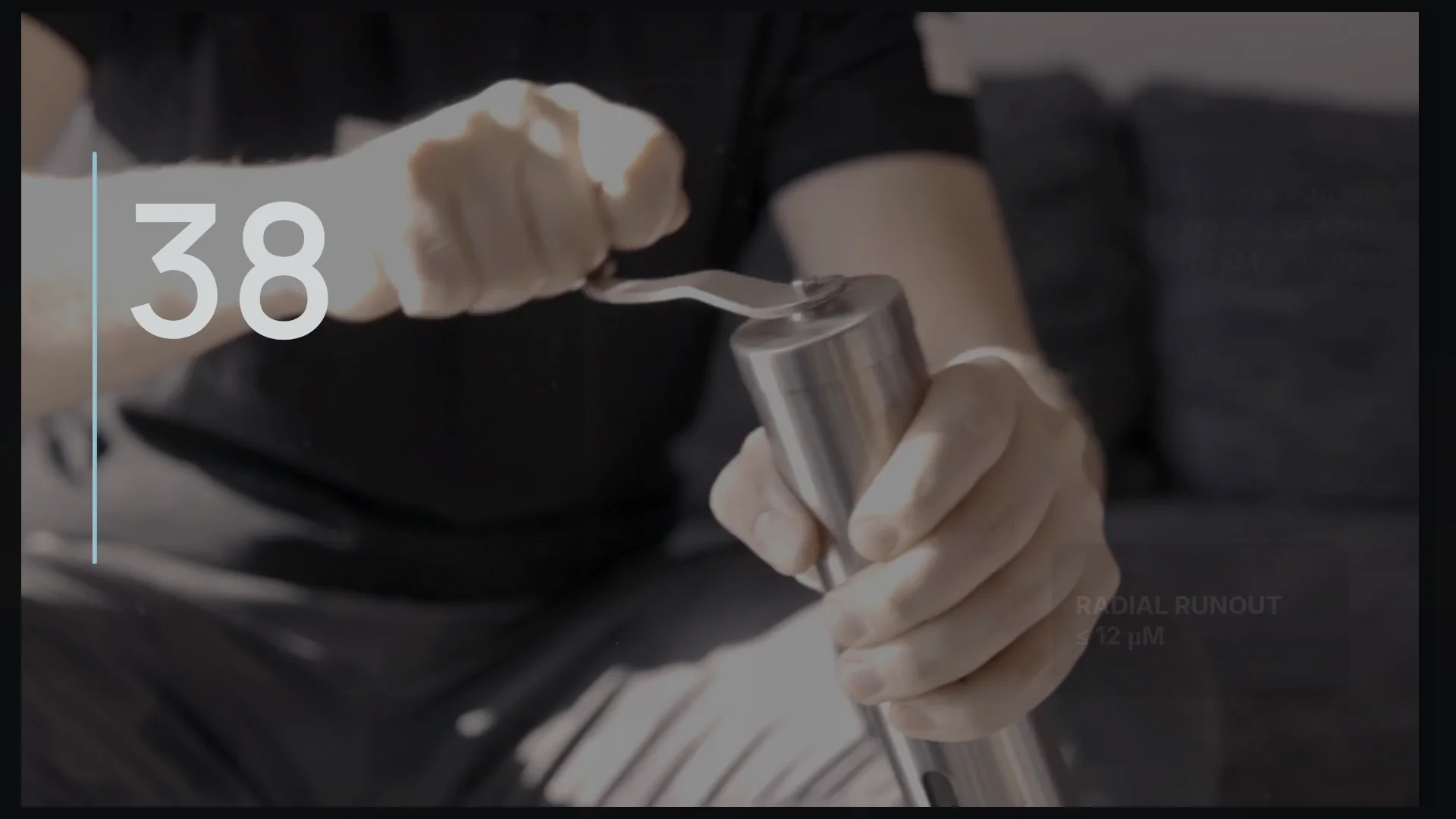
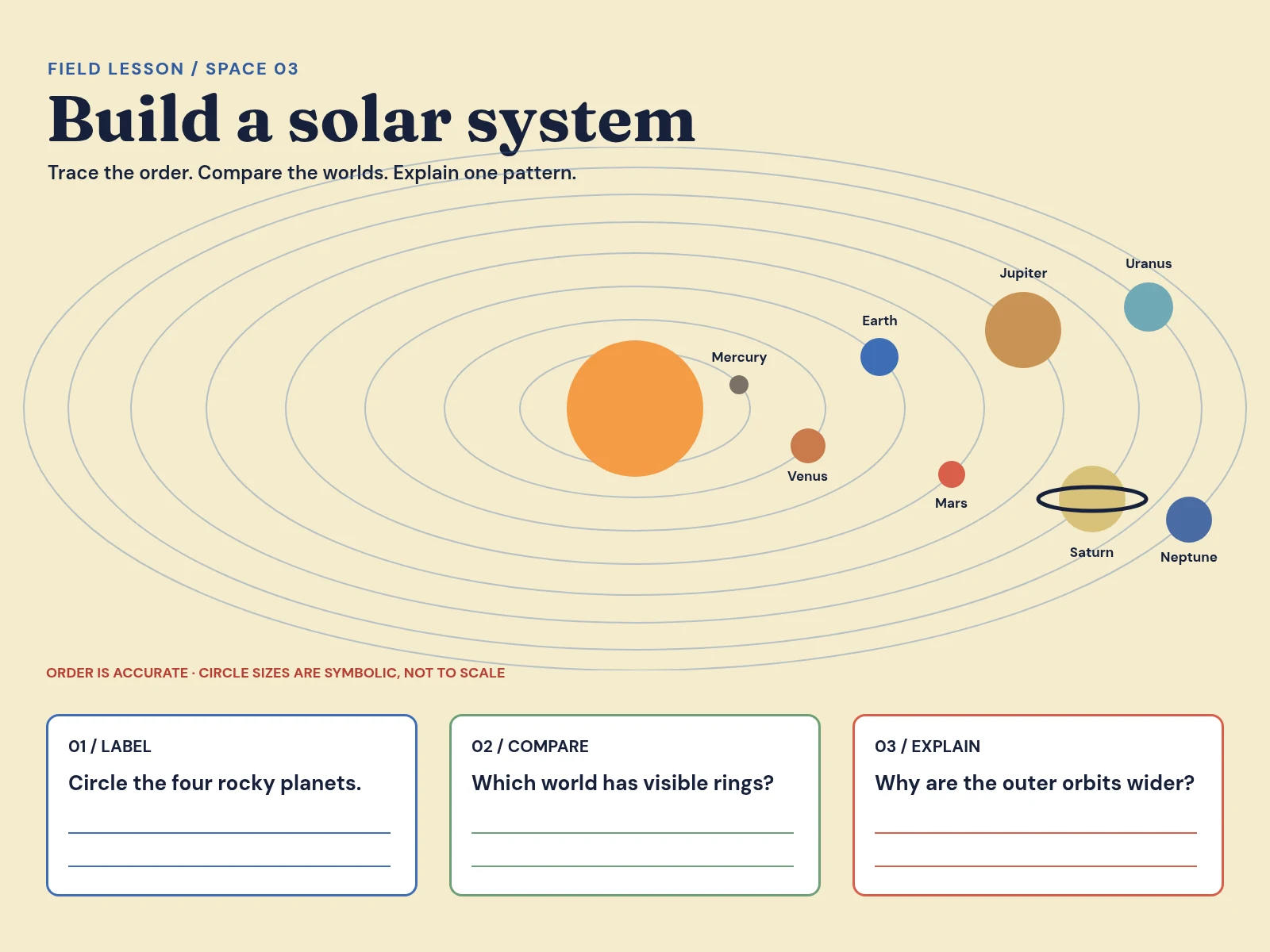
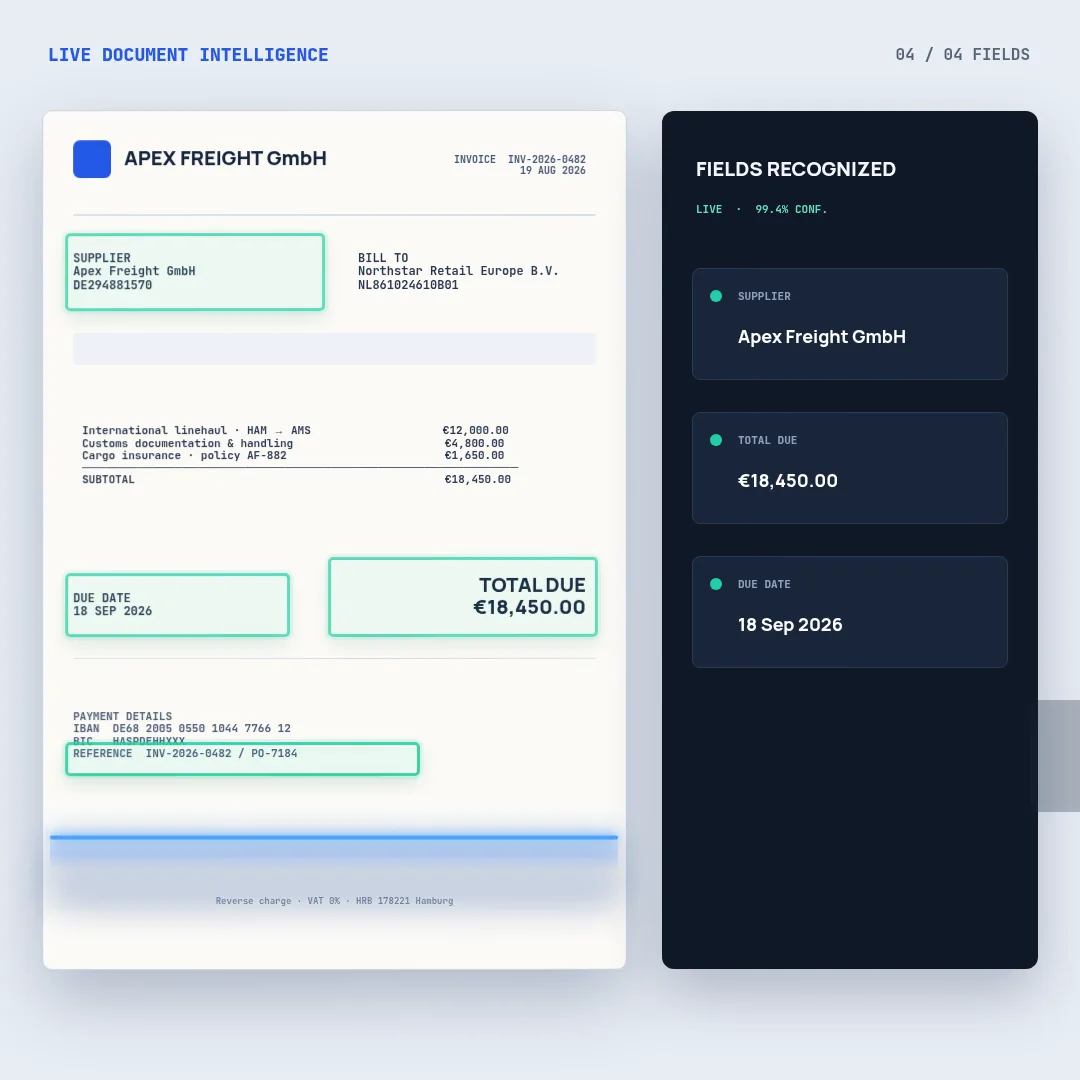
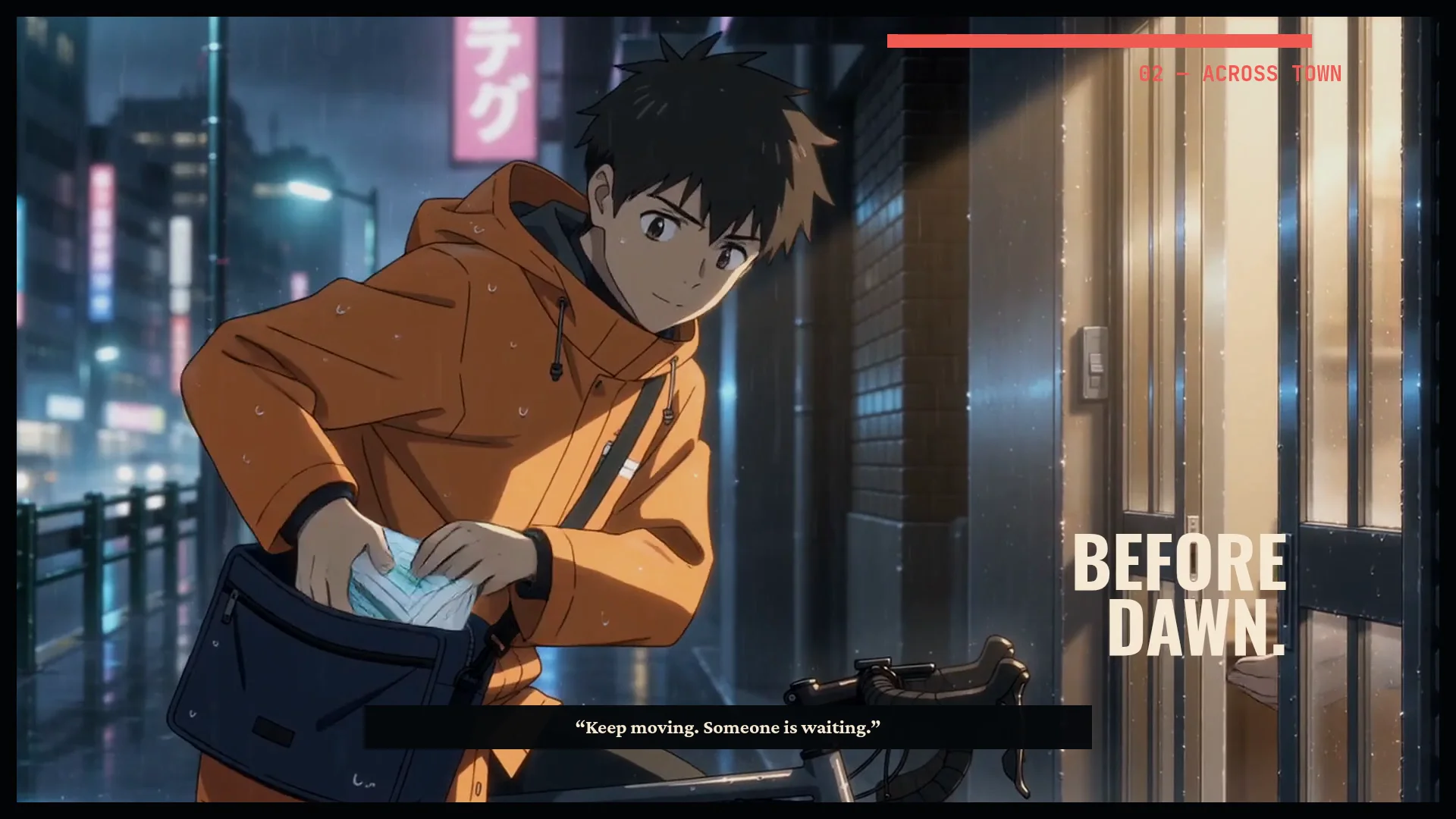
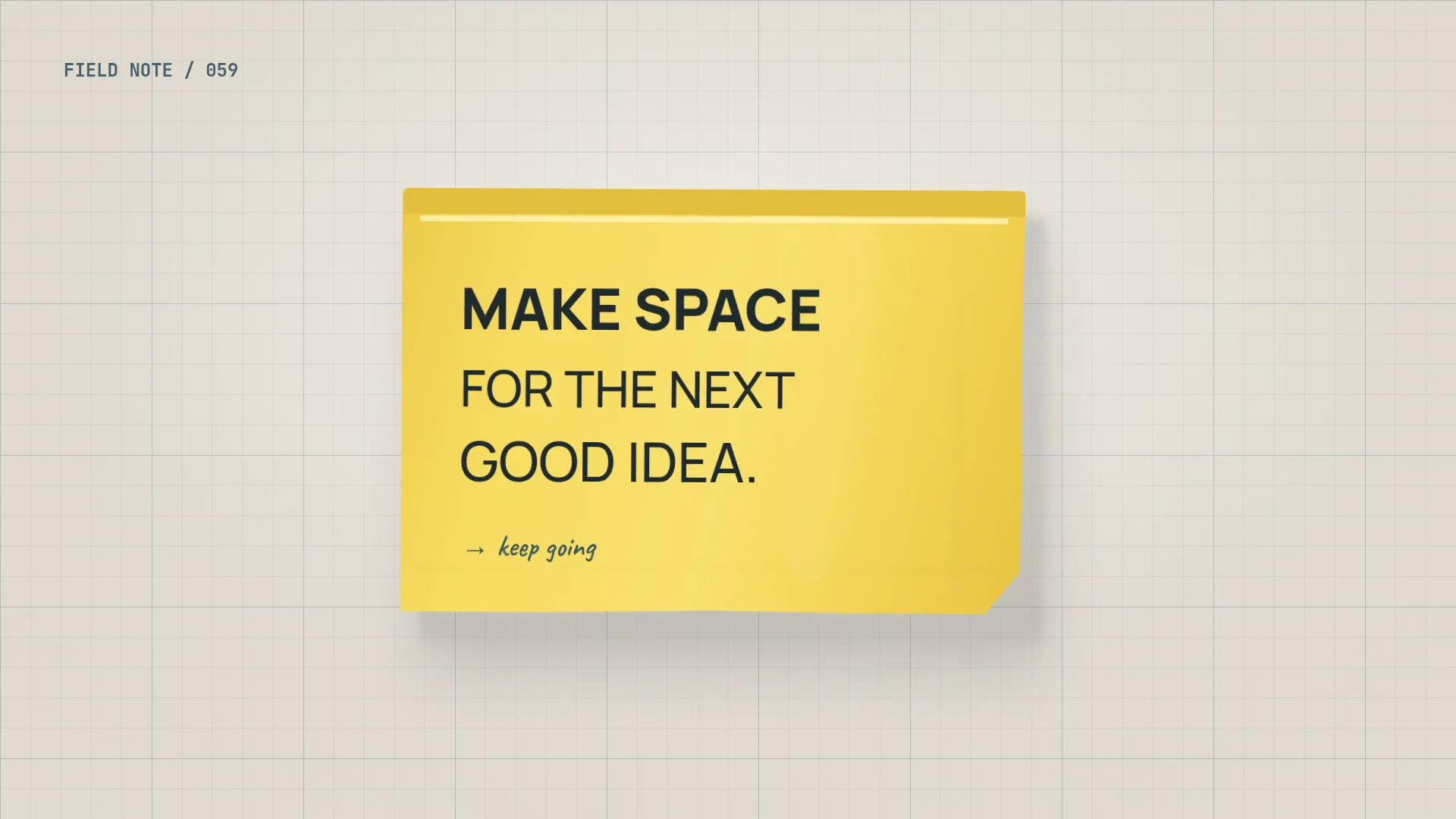
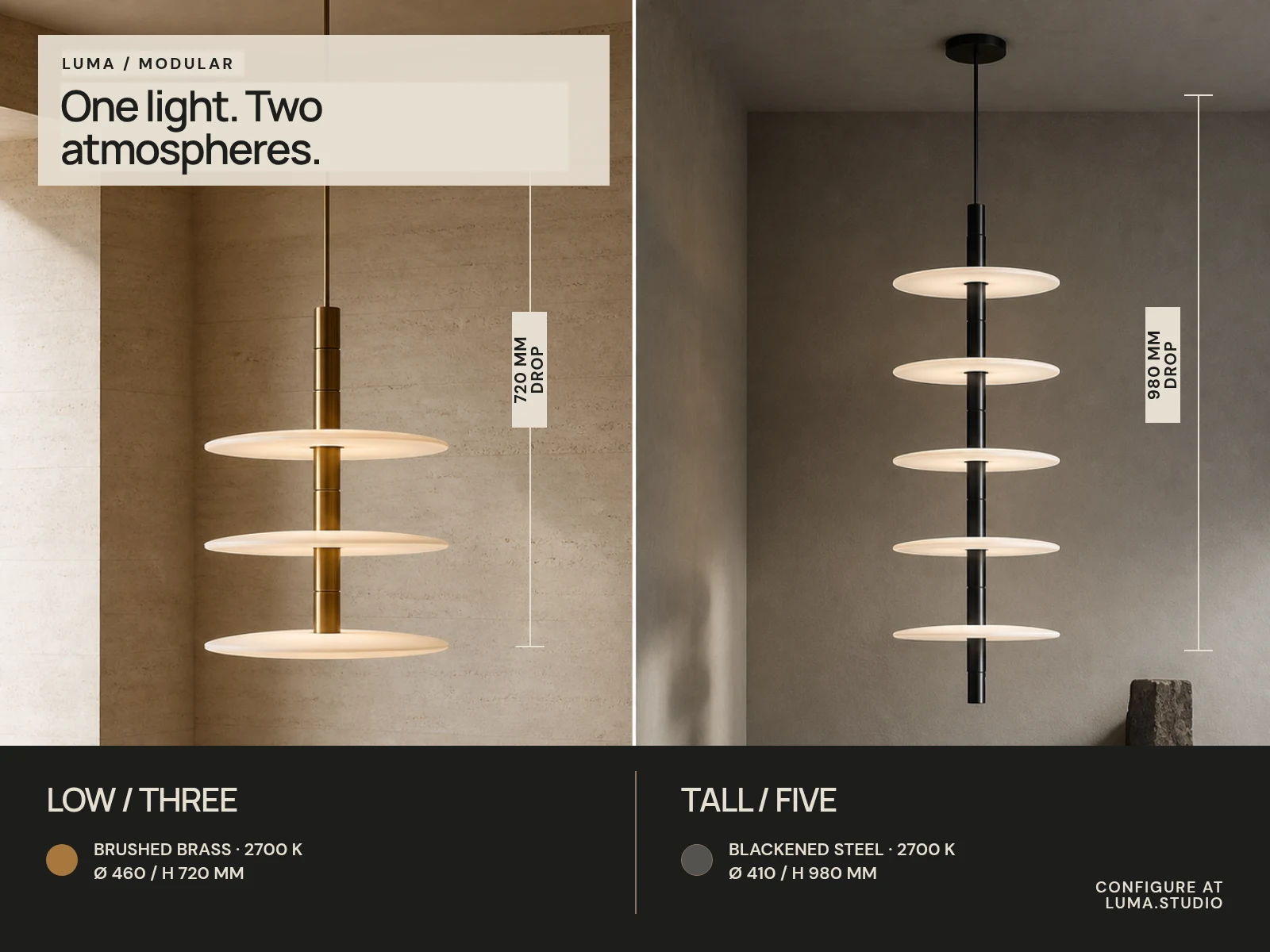
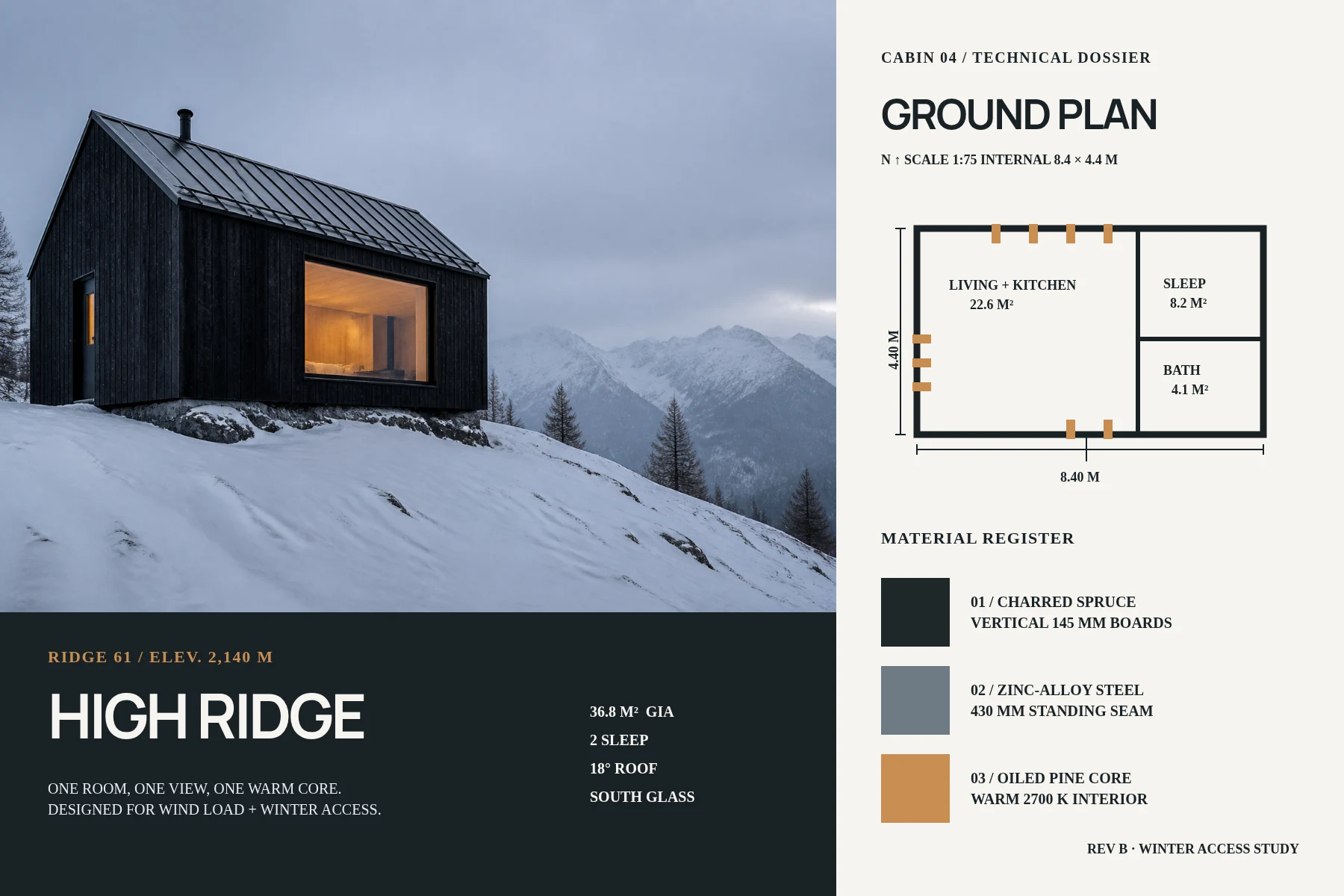

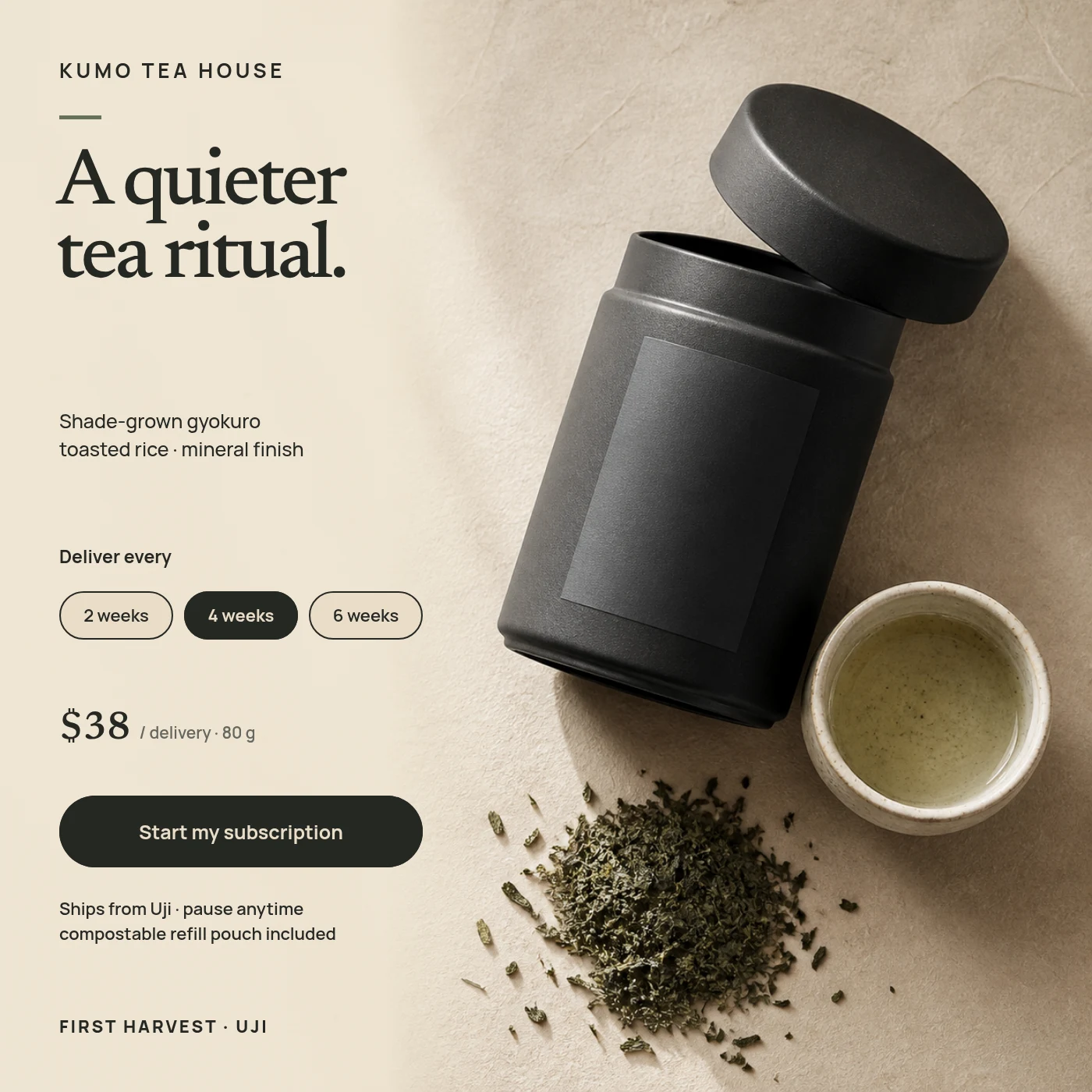
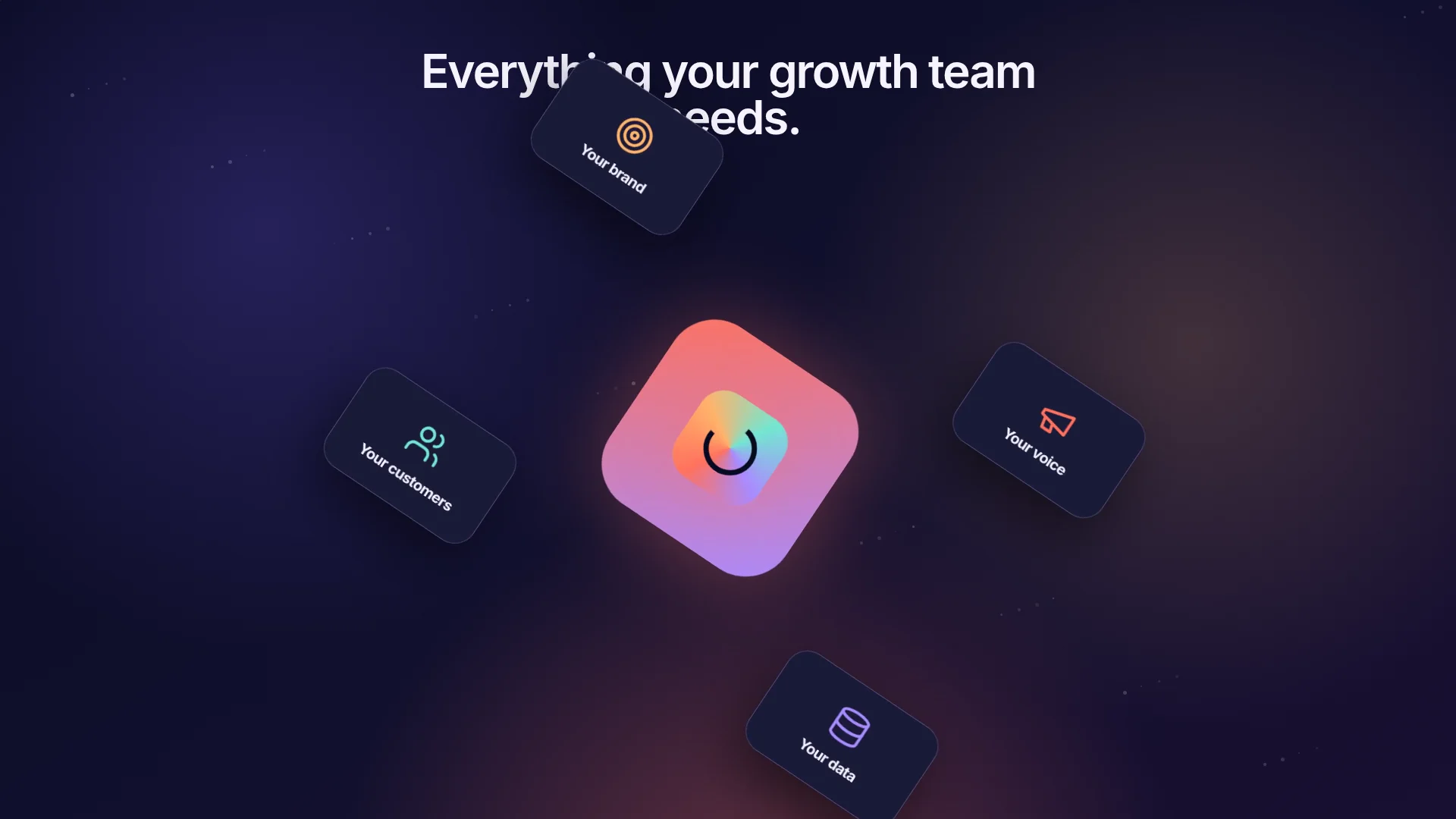
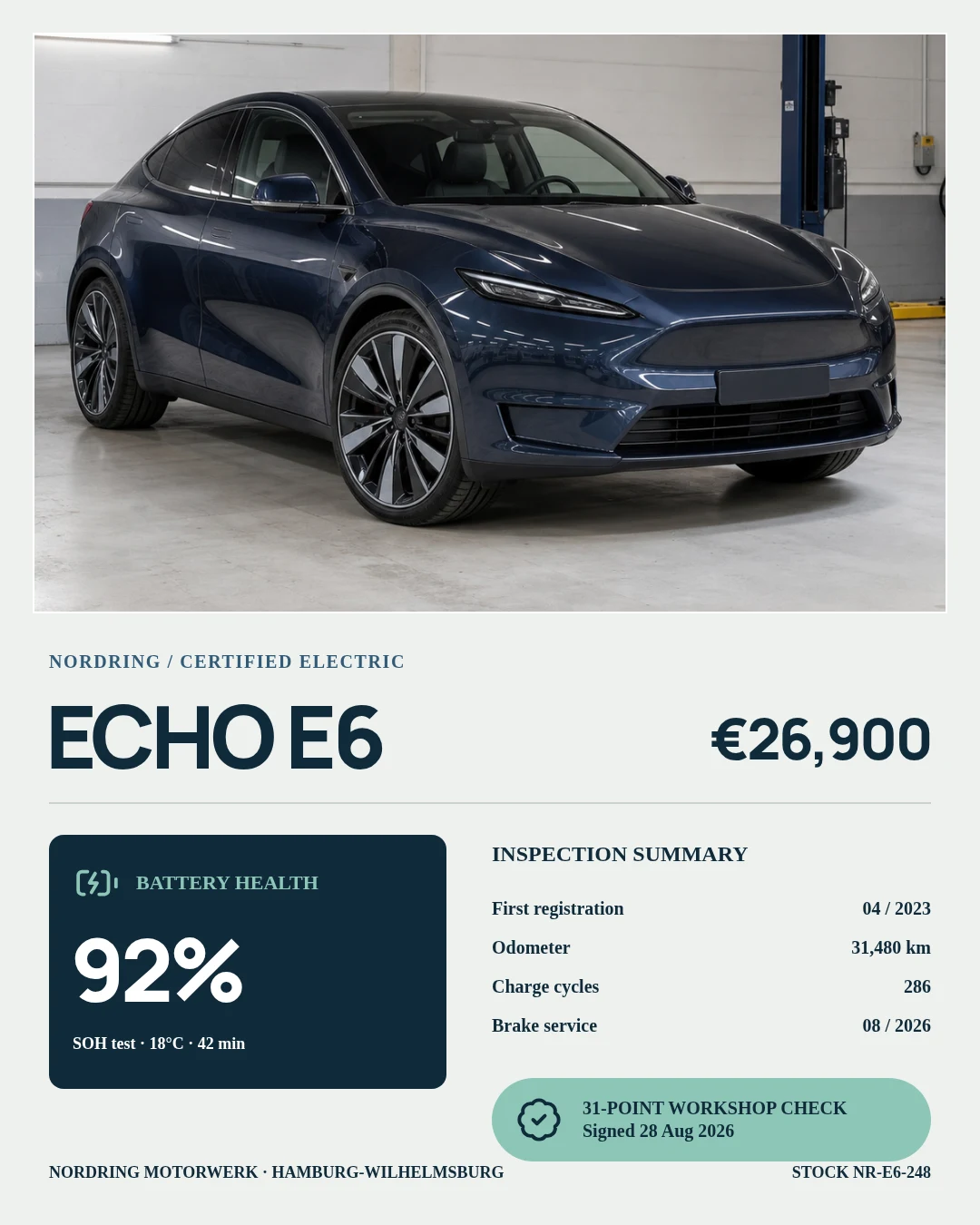
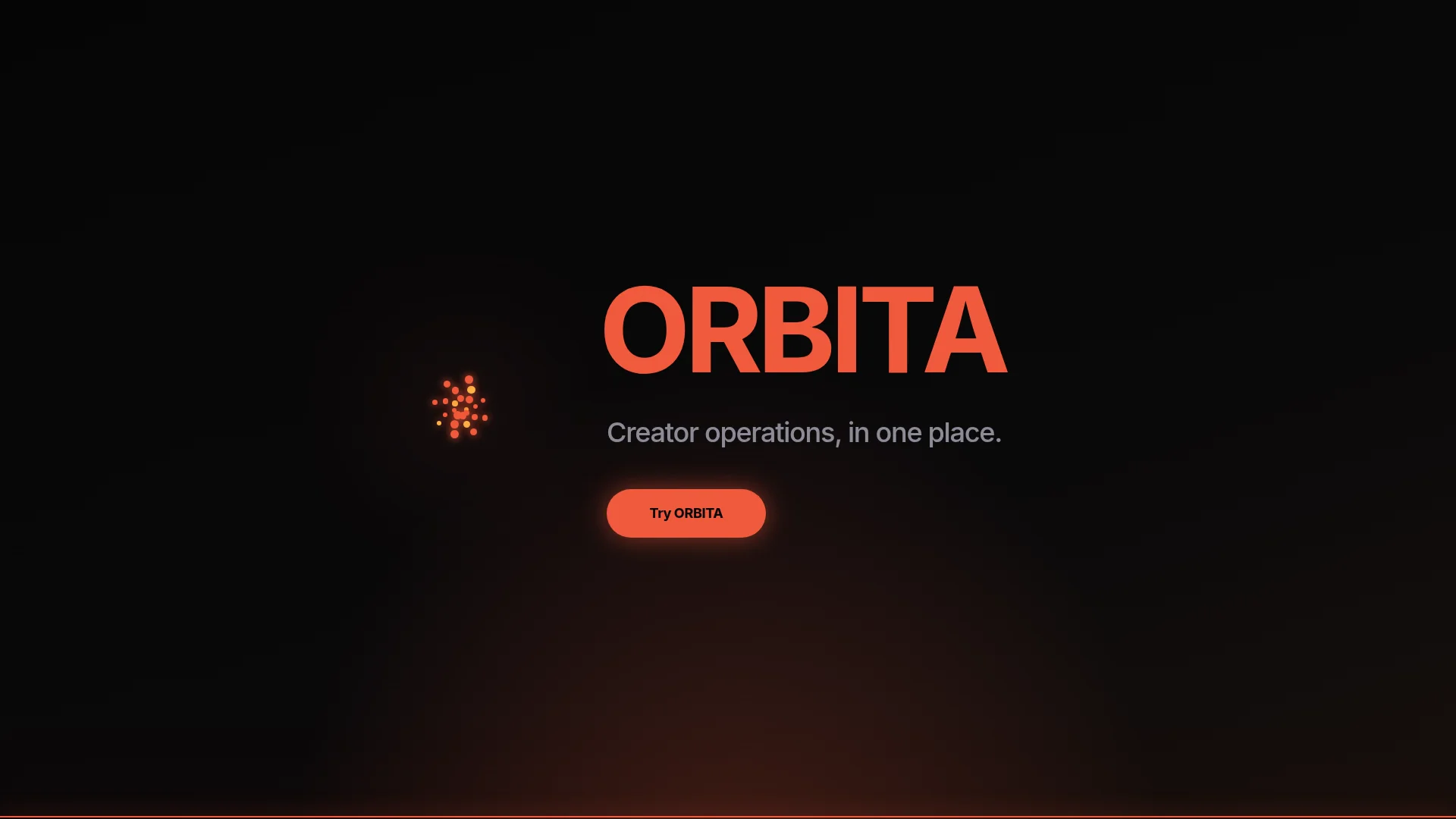
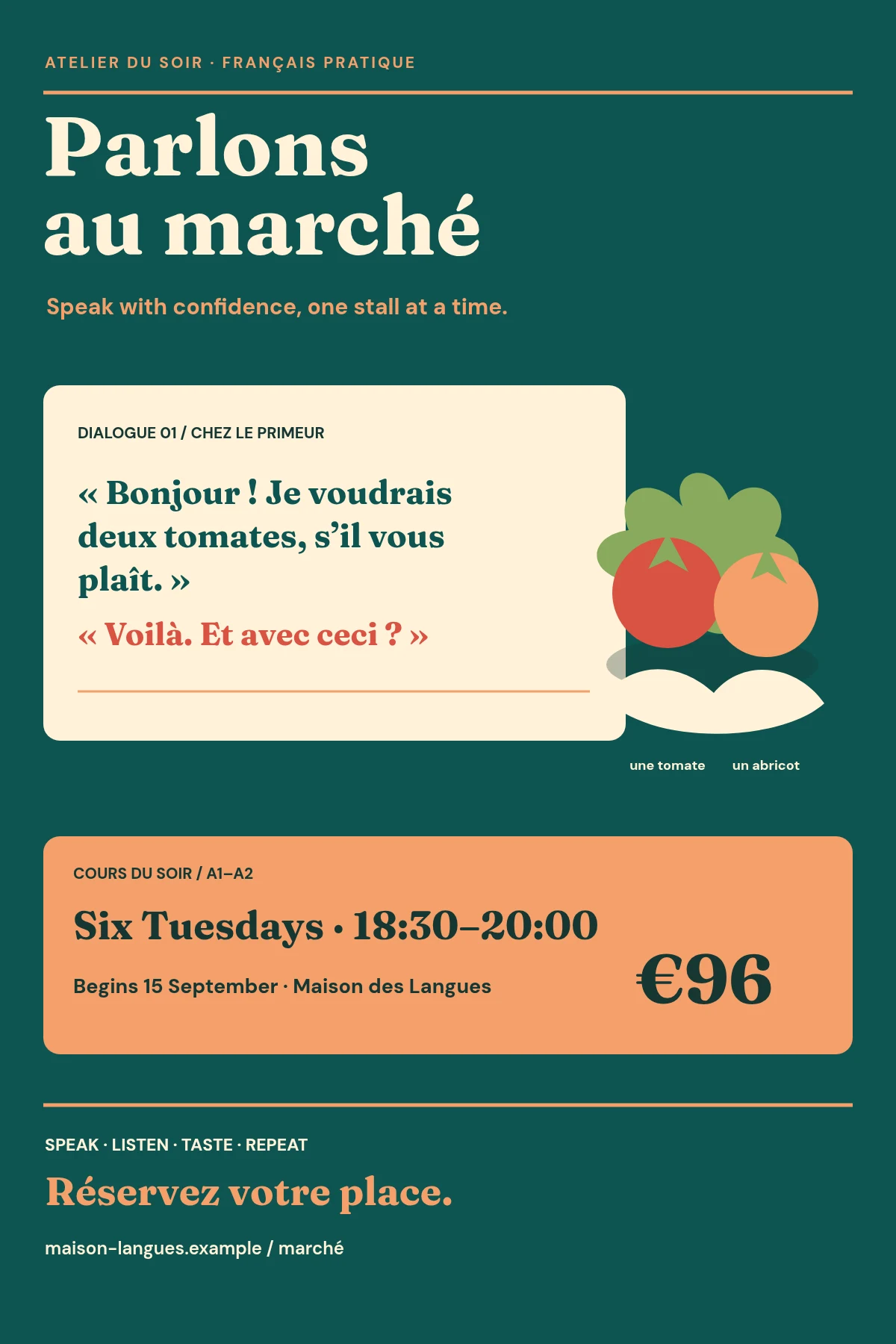
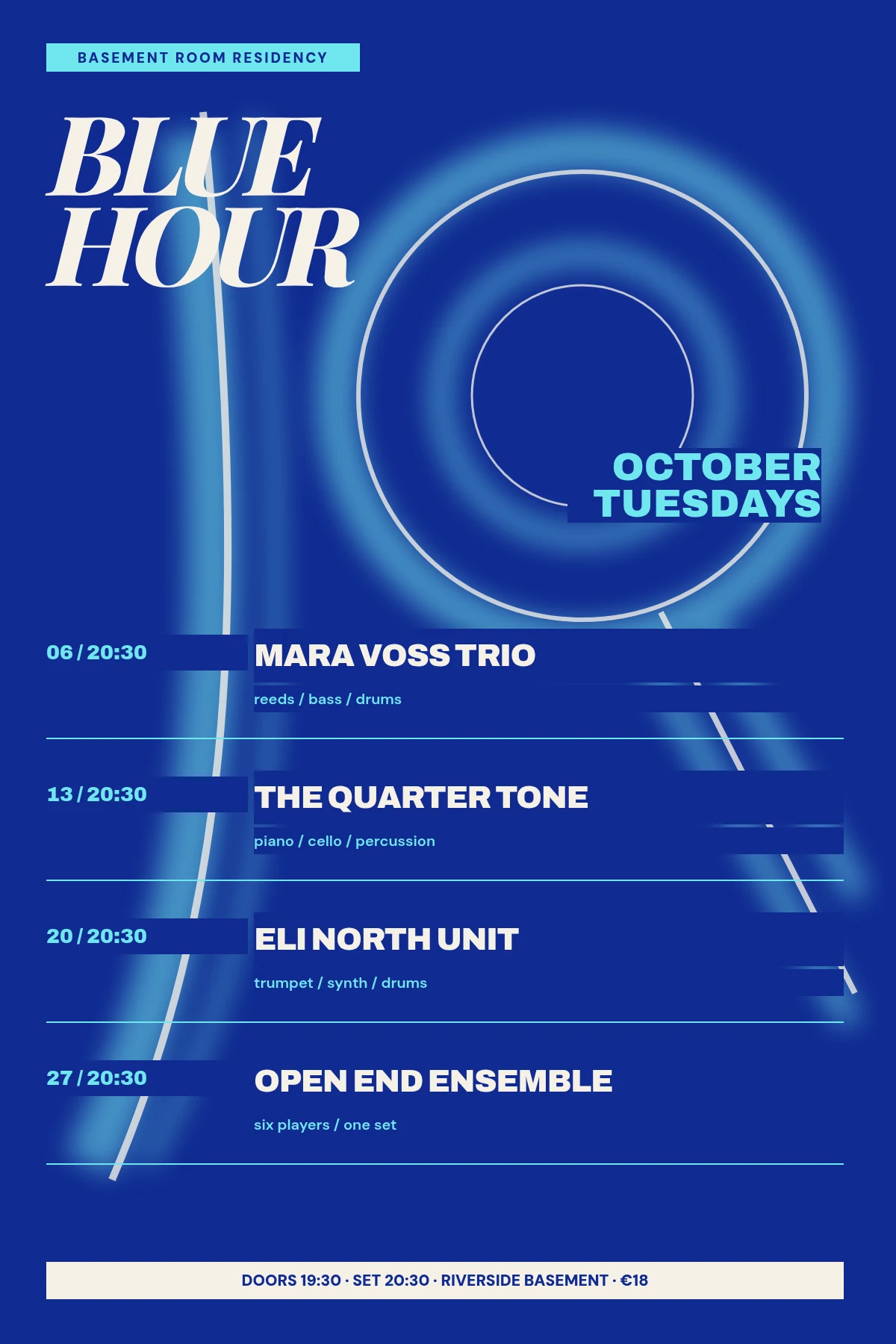
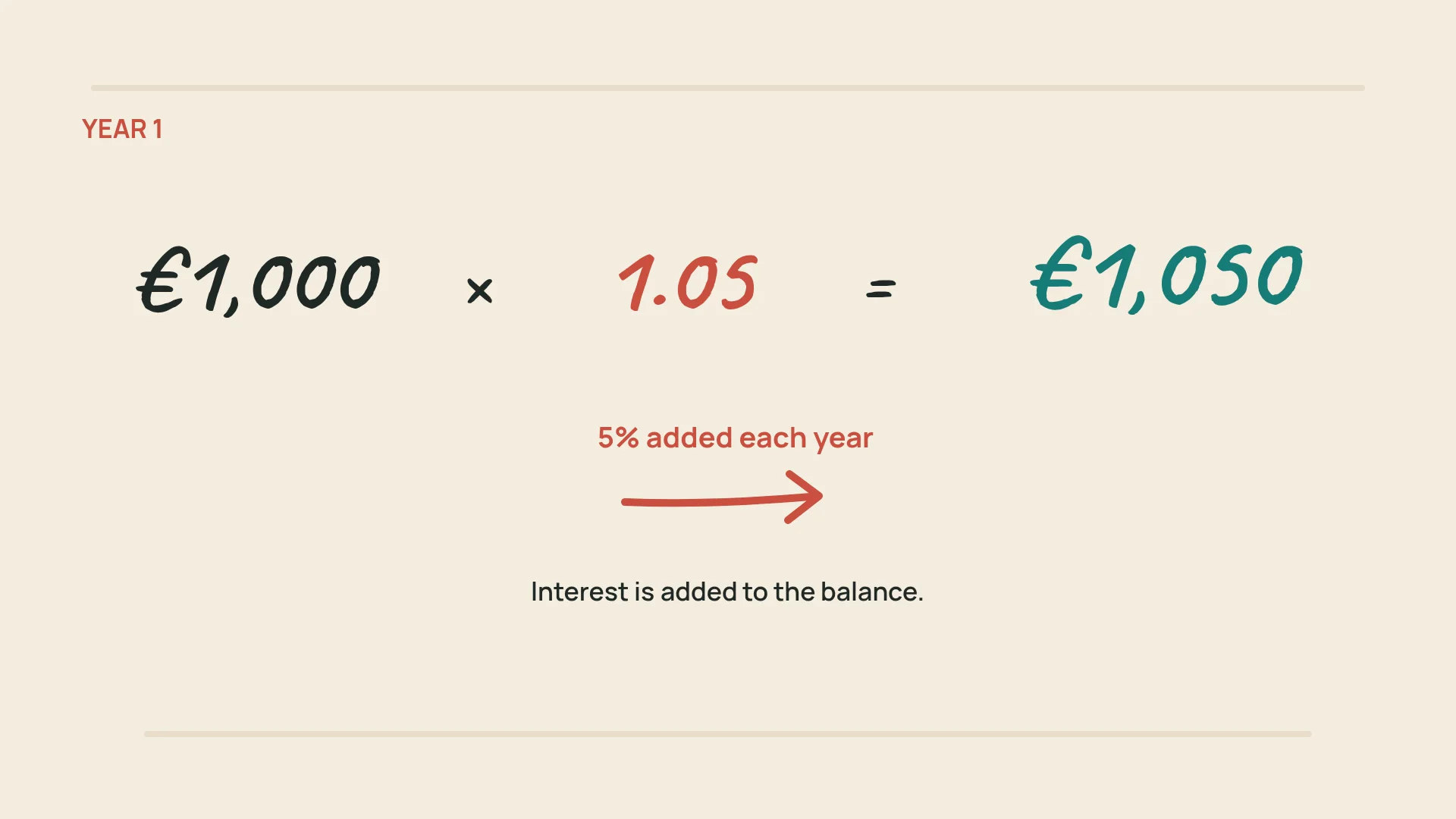
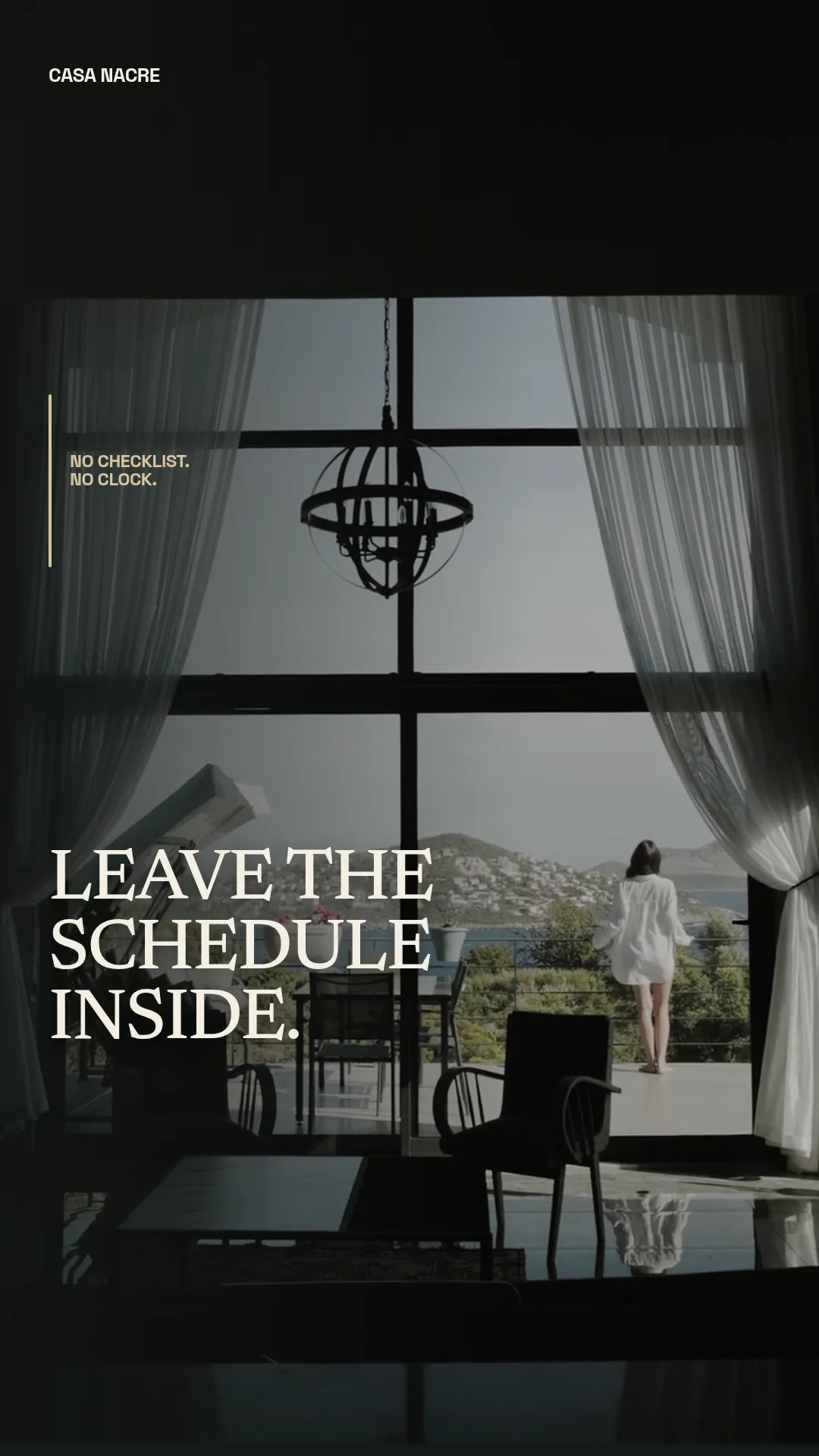
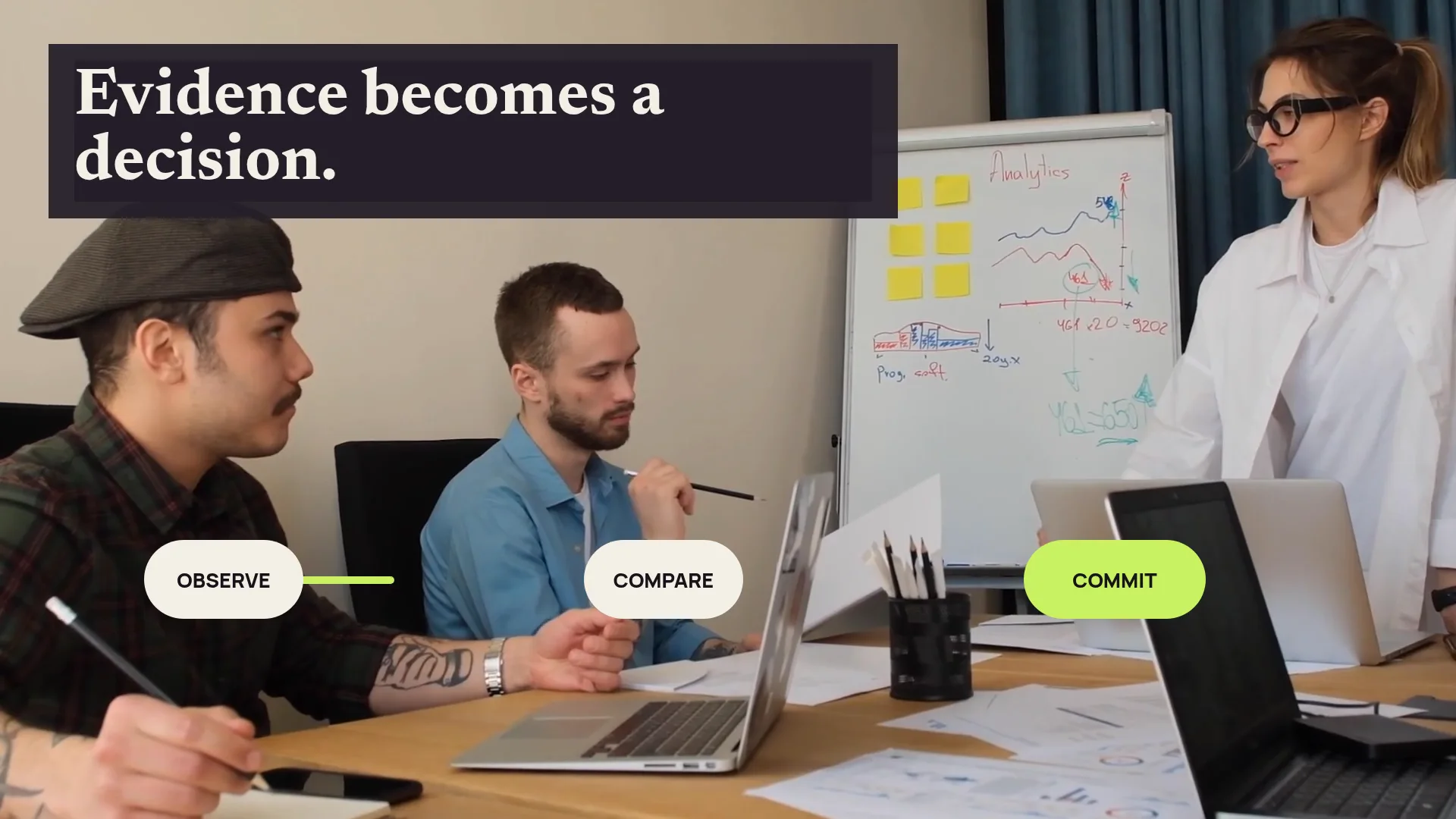
Use the focused editor that fits the output. Your media, reusable resources and creative workflow remain familiar between images and video.
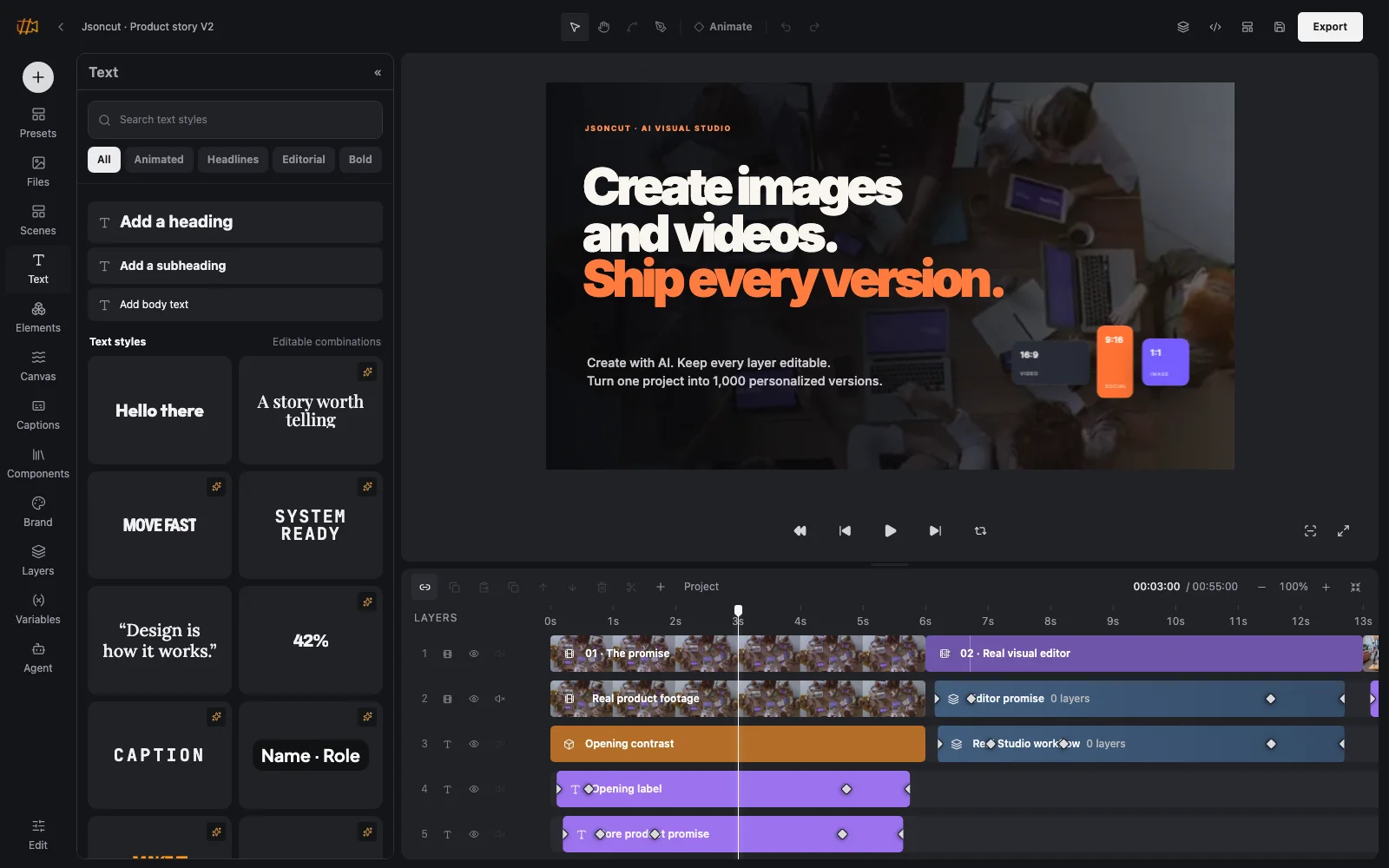
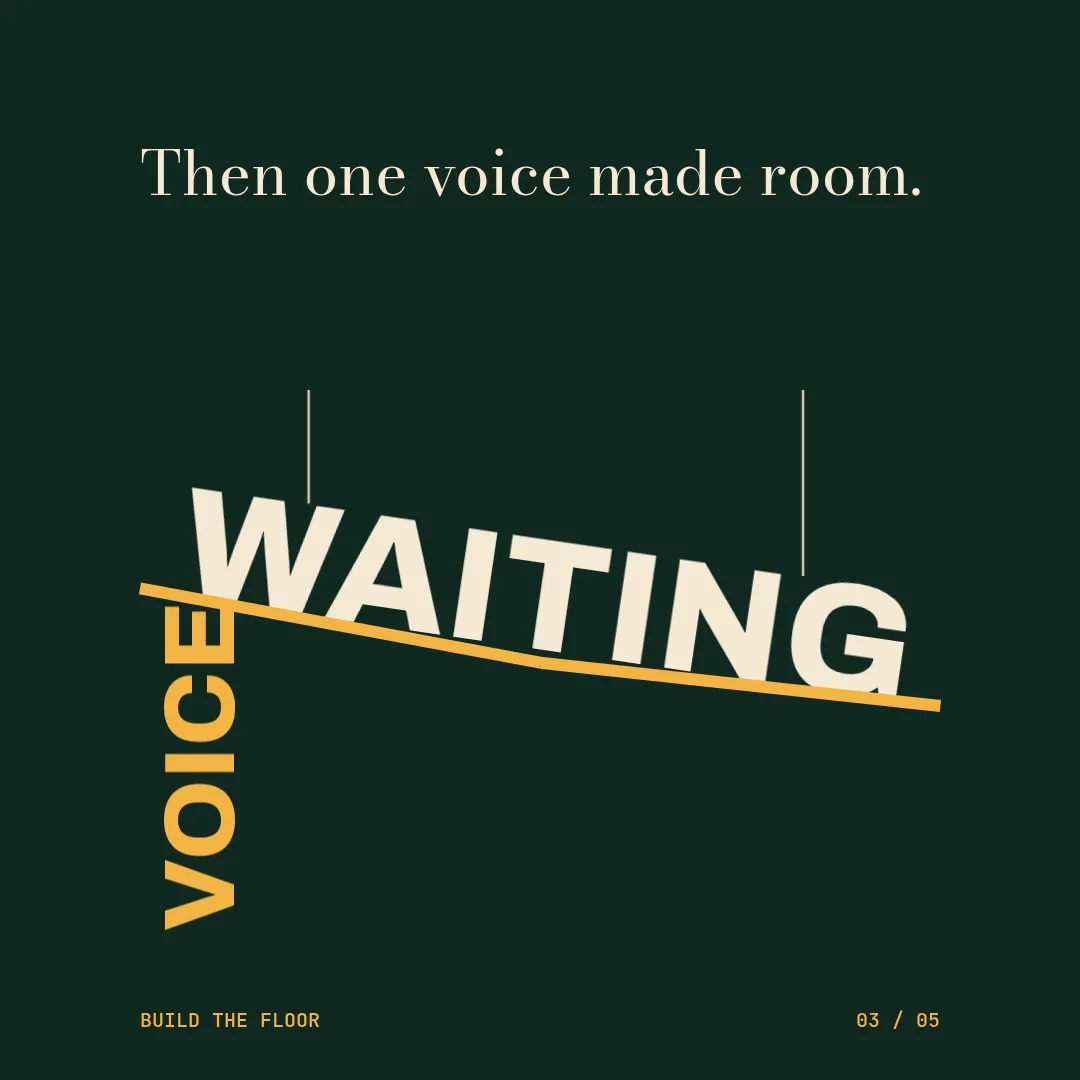
Work on a visual timeline, animate individual properties, organize complex scenes and keep the result understandable from the first cut to the final export.
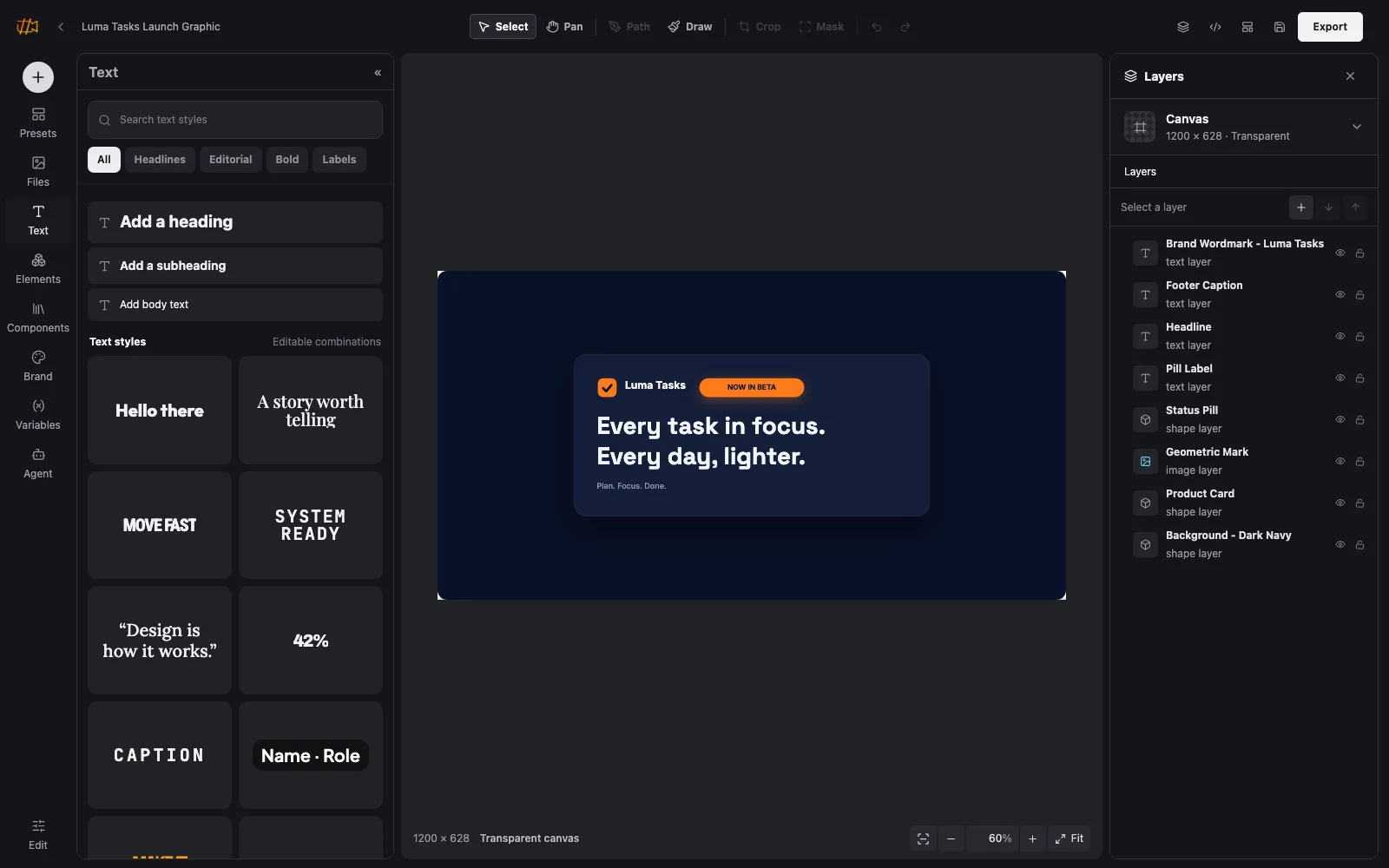
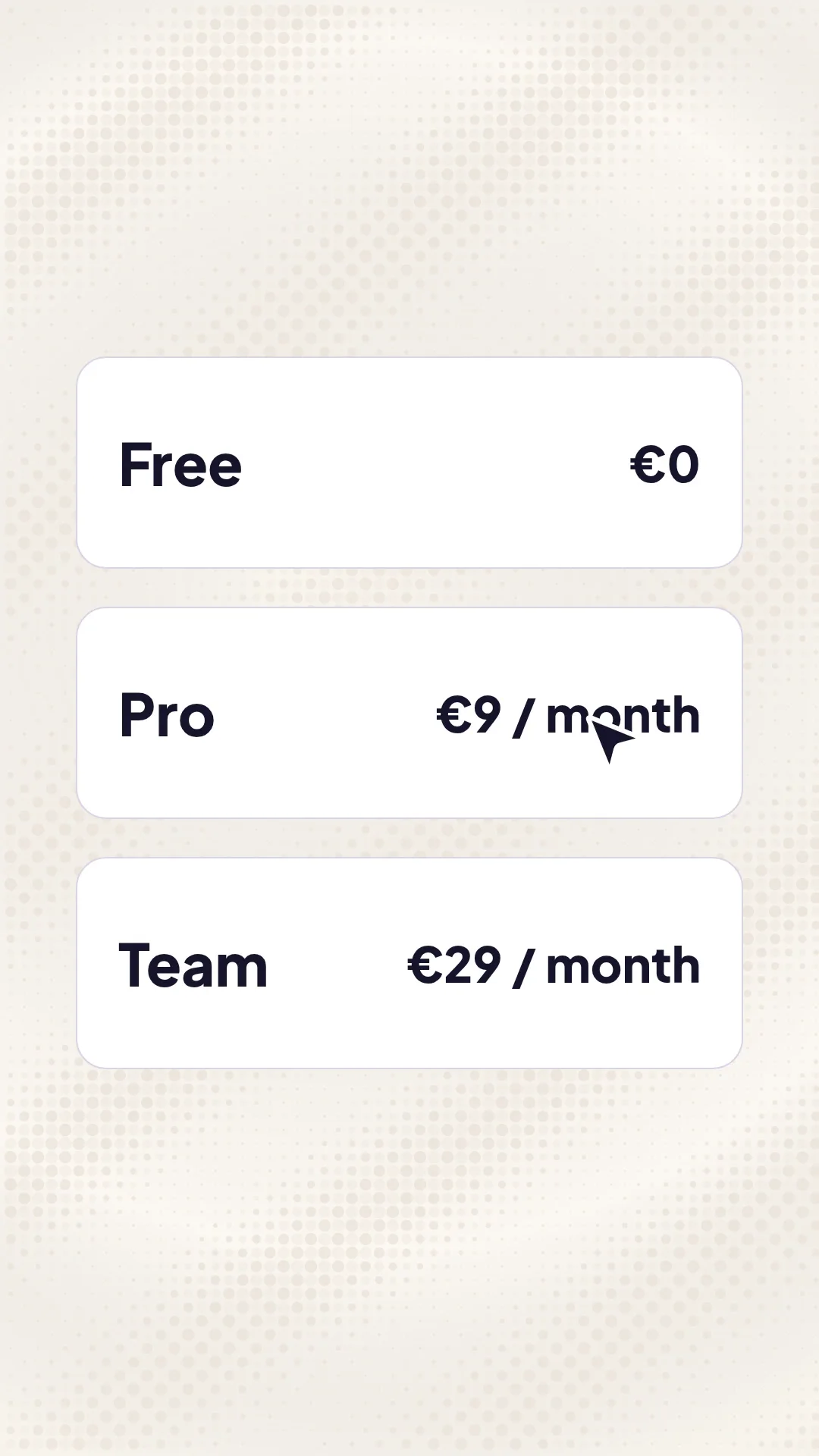
Compose real images, text, shapes, masks and effects. Remove backgrounds, generate missing media and keep every element ready for the next edit.
The AI Director works beside the editors. Ask it to assemble a first version, generate supporting media, create captions or refine what is already there. The result returns as ordinary editable layers.
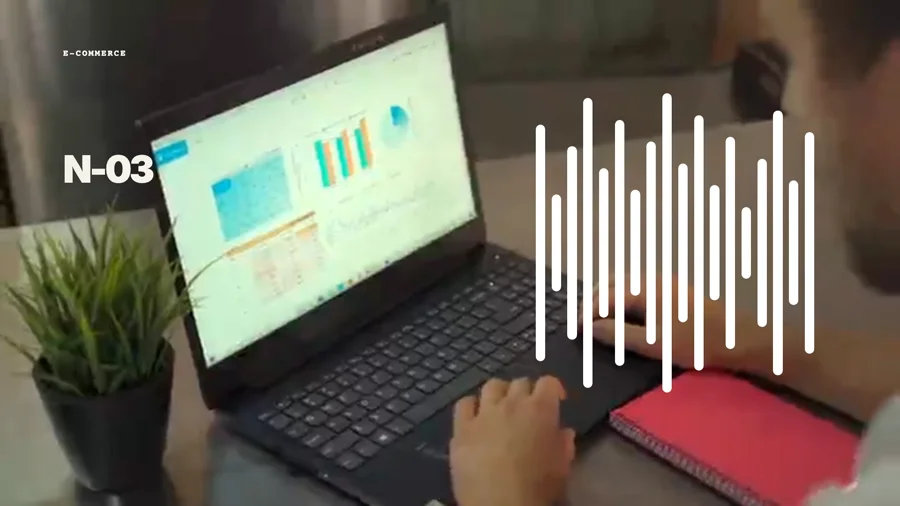
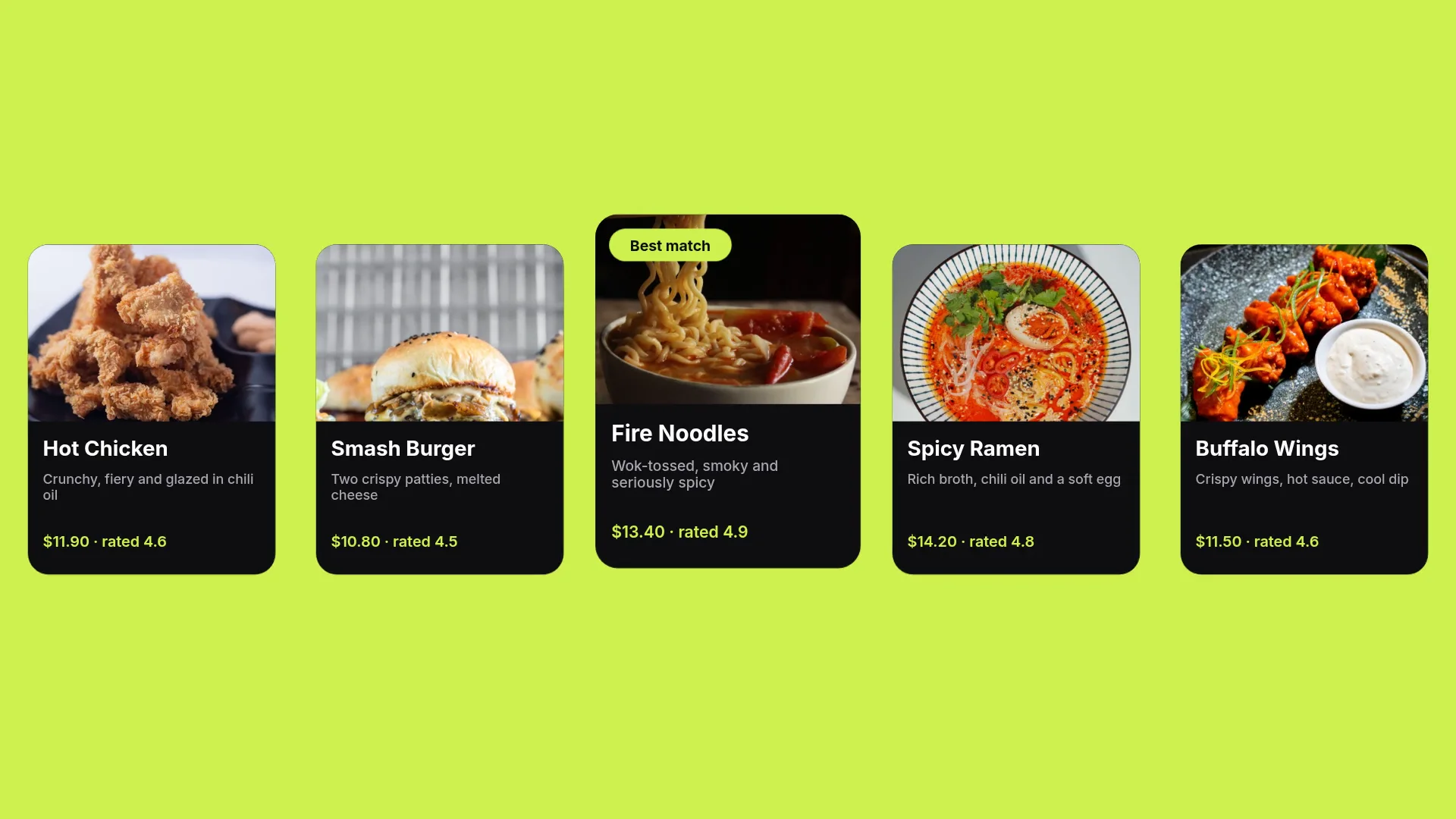
Turn a finished project into a reusable design. Decide which text, media, colors or numbers may change, preview every variation and keep the approved composition intact.
Explore reusable designs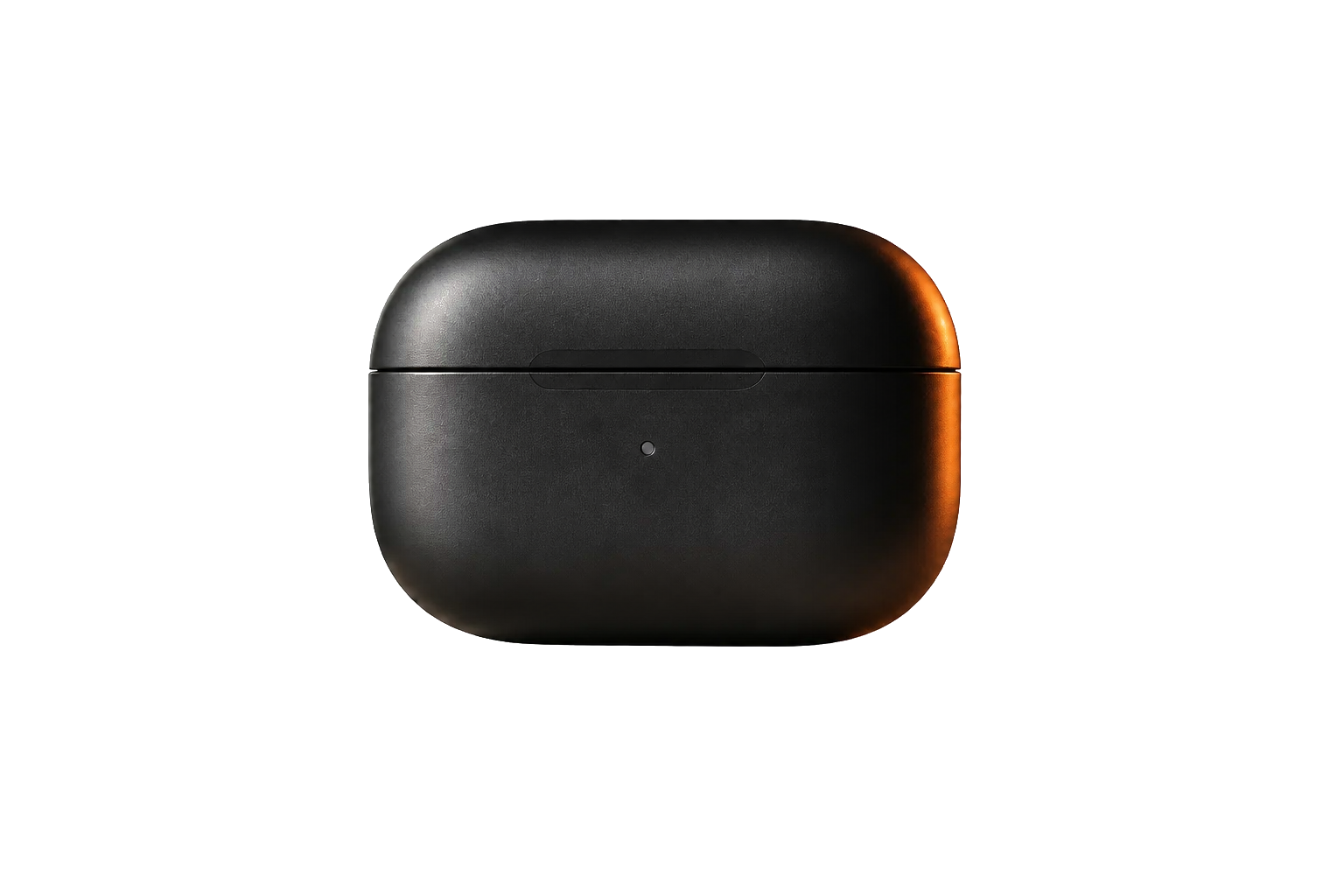 NEW COLOR
You do not need automation to use JsonCut. When the same design needs new products, languages, customers or campaign versions, the project is already prepared for it.
Expose only the headline, price, image or other values needed for the next version.
Timing, layout, motion and all unexposed layers remain exactly as approved.
Use a form, a spreadsheet, an assistant or your own product when production needs to scale.
From a first visual draft to recurring automated production. JsonCut is already used by teams and developers to create at scale.
Open Studio, build complete image and video projects and preview the result. Exports, AI production and automation are included in the free 14-day Pro trial.
Start creating freeEverything you need to decide whether JsonCut fits the way you create today and the work you may want to repeat tomorrow.
Both, without splitting your work across two products. Start manually or with AI, then keep editing the same layers, timing, media and template fields in Studio.
Yes. Image and video projects share the same visual system, media library, templates, variables and automation layer. Video adds timeline, audio, captions and motion controls.
No. Studio is designed for visual creation. Code, API and MCP are optional ways to connect the same project to products, data and agents.
Choose the text, media, colors or numbers that may change, then fill them visually, from a table or through a connected workflow. Each result can be previewed before it is finished.
Yes. Add JsonCut Studio from the Claude directory and connect your JsonCut account. ChatGPT, n8n, Make and other compatible tools have their own integration guides. Your projects stay editable in Studio.
Generated images, video, music and sound enter the normal project media library. They remain replaceable, editable and reusable instead of becoming a locked final output.
Create the first result visually or with AI. Refine every detail, then publish every version without starting over.
Create your first project