
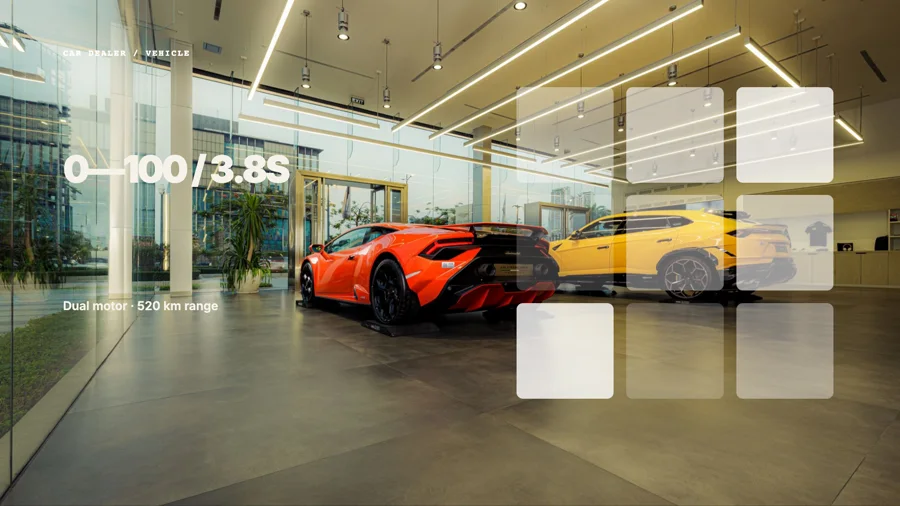
 0:12Night drive
VIDEO STUDIOA complete video editor.
A complete video editor.
Ready when the work repeats.
Cut footage, compose motion graphics, mix audio and create captions in one visual project. Every layer remains ready for the next edit, template or automated variant.
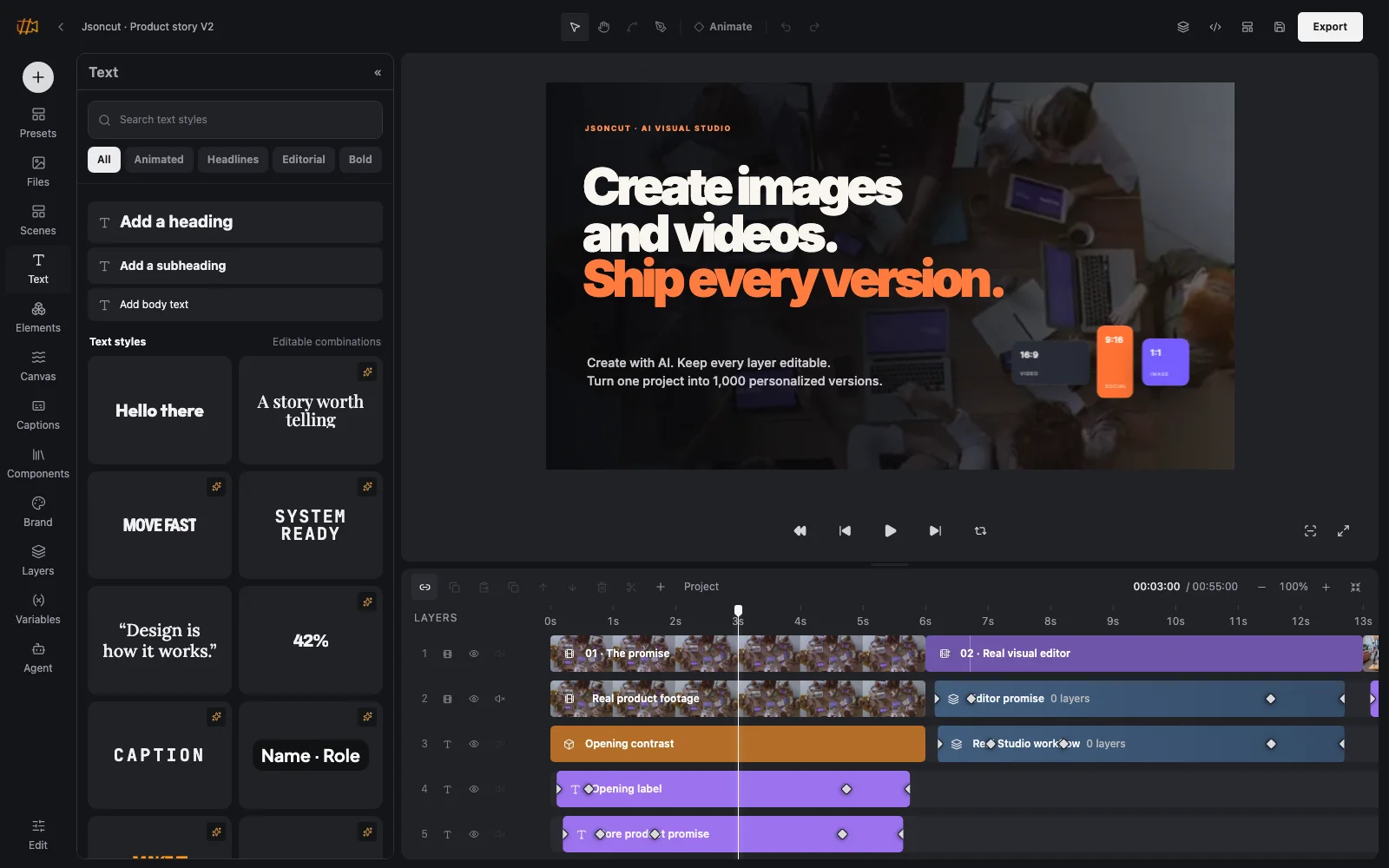
01Visual timeline02Motion and audio03Editable automation
BUILT FOR THE ACTUAL WORKFamiliar enough to start immediately.
Familiar enough to start immediately.
Flexible enough to finish real work.
JsonCut keeps the everyday workflow direct: drag media into the timeline, edit text on the canvas, trim clips and preview the result. Groups, keyframes, custom blocks and variables appear only when the project needs more control.
- No code required for normal editing
- The same project can become a template
- Browser preview and export stay connected
01 · THE TIMELINE
See the whole story without losing the layers.
Video, images, text, groups, audio and captions remain recognizable. Trim from either edge, move complete clips, expand groups in place and edit the selected element on the canvas or in the inspector.
Explore the visual timeline00:07.12 / 00:18.00100%
0s2s4s6s8s10s12s
Product walkthrough
Headline and callout
Interface motion group
Voiceover and music
Editable captions
02 · MOTION
Move one property or choreograph the complete scene.
Keyframes can capture the complete visual state or only one property. Choose a familiar easing curve, adjust the values directly and keep every motion point visible on the timeline.
See motion and keyframes Keyframe · 00:04.20Position 742, 314Scale 112%Rotation 8°Smooth ease to next state
03 · READY-TO-USE RESOURCES
Start from something useful, not an empty toolbox.
Bring your own files or browse stock video, audio, captions, transitions, text treatments, components, shapes and animated canvas backgrounds. Drag a resource straight into the timeline and replace it later without rebuilding the scene.
Explore media and brand resourcesOpen stockSearch media
VideoImagesAudioCurated sources
0:12Night drive 0:09POV service
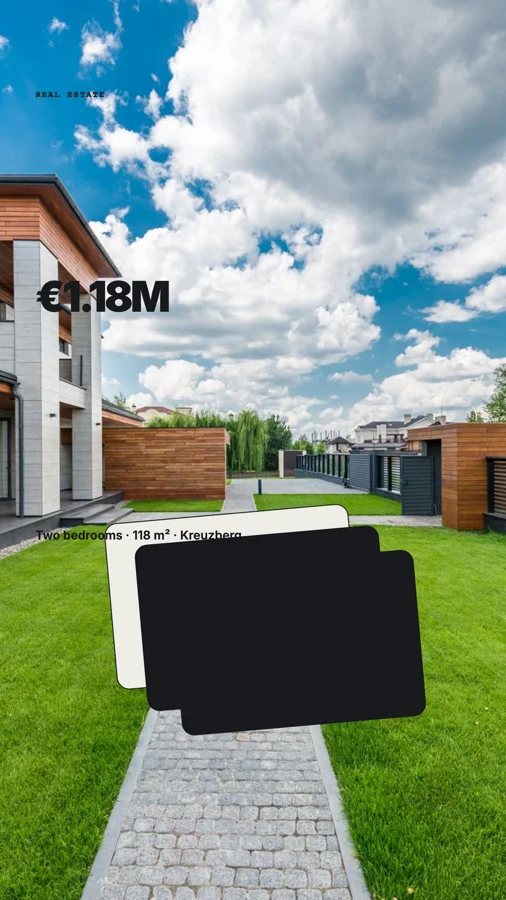 0:14Interior
Royalty-free audioPreview before adding
Warm pulseMusic · 0:42
Clean narration bedMusic · 1:16
Soft interface clickSound effect · 0:02
Drag a clip or audio file directly into the timeline
04 · BUILT-IN MEDIA PRODUCTION
Create the missing shot, voice and soundtrack in the same project.
Generate video clips and images, create a voiceover, transcribe editable captions, compose music and add sound effects without exporting an unfinished cut to separate services. Every result lands in Your media and remains replaceable on the timeline.
Explore built-in media creationCreate the missing product shot and finish this 20-second launch reel.Generate
 AI video0:06
 AI image4 variants
MOVEFASTERTOGETHER
05 · AI DIRECTOR
Ask for the result. Keep the editable project.
The project-aware Director can draft scenes, use uploaded or generated media, add captions and refine motion. It reviews actual frames and applies validated changes as normal layers, groups and keyframes.
Meet the AI DirectorAI Director
Turn this launch brief into a 30-second product story. Use the uploaded screen recording and add concise captions.
1Draft2Review3Editable
06 · VARIABLES AND TEMPLATES
Design one strong source. Change only what should change.
Bind copy, numbers, colors and media to understandable variables. Preview alternative values in Studio, save the finished project as a template and generate one or many reviewed variants without flattening the design.
See templates and variablesTemplate inputsheadline Textmedia Videoaccent Colorprice Number
 Morning drop€24
 New spaceFrom €950Studio sound€189
 Studio edition€68
THE COMPLETE VIDEO WORKFLOWCut the footage.
Cut the footage.
Design the motion.
Keep both editable.
The timeline remains approachable for a short social clip, but it does not impose a ceiling when the project becomes a narrated explainer, product walkthrough or reusable campaign system.
Cut and arrange real footage
Trim source-in and source-out, crop, change speed and combine clips without flattening the project.
Build the complete sound mix
Place voice, music and effects on dedicated tracks with fades, envelopes, normalization and ducking.
Create captions people can actually edit
Transcribe the full mix or a selected range, choose a social style and correct every timed segment.
Go beyond conventional editing
Use groups, vectors, paths, animated canvas layers and custom visual blocks for complete motion-design scenes.
ONE EDITABLE SOURCEFinish once.
Finish once.
Choose how it ships.
A normal Studio project can remain a one-off export, become a typed template or supply the exact source used by an API or agent workflow.
FROM FIRST CLIP TO DELIVERY
A workflow that grows only when the video does.
- 01
Start with media or a preset
Drop in video, images and audio, or begin with a polished scene system.
- 02
Build the story
Arrange tracks, groups, captions, transitions and motion directly on the canvas and timeline.
- 03
Export or automate
Render from Studio, expose variables, or send the project through API and MCP.
VIDEO EDITOR QUESTIONS
Before you move the first clip.
01Do I need to write code?
No. The normal workflow is visual. Custom HTML, CSS and JavaScript blocks are optional for specialist work.
02Can a video become a template later?
Yes. Any normal project can expose typed variables and become a reusable template without being rebuilt.
03Can I continue editing an AI-created video?
Yes. Validated agent changes appear as the same editable layers, groups, keyframes and media used by the Studio.
Build the complete cut.
Keep the next version close.
Edit, animate and preview the complete video before choosing export or automation.
Open the Video Studio