
Build the design once.
Change what matters.
Expose only the values that should change, keep the visual structure protected and render one reviewed project with new data whenever you need it.
{ "market": "Berlin", "headline": "Summer, made lighter.", "price": "€79", "accent": "#FF6B35", "productImage": "ceramic-launch.webp"} BERLIN · DROP 01Summer, made lighter.€79One approved template
The design stays composed.
The inputs stay obvious.
Expose only the values another person, workflow or agent should control. Everything else remains part of the reviewed visual source.
and spacing stay protected.
Only these named values become inputs. Layer order, masks, motion, typography and output settings remain part of the approved project.
Change the content.
Keep the art direction.
Produce hundreds or thousands of image and video variants without rebuilding each asset. Every result below keeps the same hierarchy, spacing and output format while media, copy, price and palette change.
See variables in StudioDiscover the fields.
Render without guessing.
Every published template exposes its exact field names, types, requirements and examples. Integrations can validate the payload before a render enters the queue.
- Version-pinned template source
- Typed values and media requirements
- Idempotent single renders
- Human-readable validation errors
{
  "headline": "Summer, made lighter.",
  "price": 79.9,
  "accent": "#FF6B35",
  "productImage": "jsoncut-media://media_01J...",
  "showOffer": true,
  "highlights": ["Recycled", "48h delivery"]
}
{
"headline": "Summer, made lighter.",
"price": 79.9,
"accent": "#FF6B35",
"productImage": "jsoncut-media://media_01J...",
"showOffer": true,
"highlights": ["Recycled", "48h delivery"]
}curl -X POST "$JSONCUT_API/api/v2/templates/$TEMPLATE_ID/renders" \
-H "X-API-Key: $JSONCUT_API_KEY" \
-H "Idempotency-Key: summer-card-1042" \
-H "Content-Type: application/json" \
-d '{
"values": {
"headline": "Summer, made lighter.",
"price": 79.9,
"accent": "#FF6B35",
"productImage": "jsoncut-media://media_01J...",
"showOffer": true
},
"kind": "image",
"format": "webp"
}'curl -X POST "$JSONCUT_API/api/v2/templates/$TEMPLATE_ID/renders" \
-H "X-API-Key: $JSONCUT_API_KEY" \
-H "Idempotency-Key: summer-card-1042" \
-H "Content-Type: application/json" \
-d '{
"values": {
"headline": "Summer, made lighter.",
"price": 79.9,
"accent": "#FF6B35",
"productImage": "jsoncut-media://media_01J...",
"showOffer": true
},
"kind": "image",
"format": "webp"
}'sku-1042-deBerlin€79readysku-1042-enLondon£69readysku-1042-noOslokr 899readysku-1042-jpTokyo¥12,800readyFill it by hand.
Then let the data run.
Use the visual fill view for one result, or submit CSV and JSON batches when a campaign, catalog or customer workflow needs many versions.
A template is useful
when the next version is real.
BERLIN · DROP 01Quiet form.€84LONDON · DROP 02Made to hold.£72OSLO · DROP 03Daily ritual.kr 940Product and catalog creative
Swap product media, pricing, availability and calls to action for every SKU.
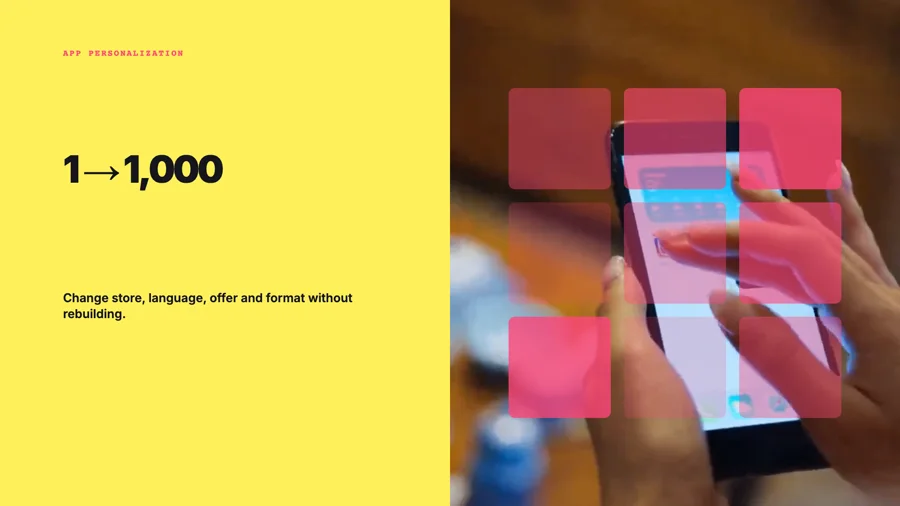 BERLIN · DEEin System. Jede Region.DELONDON · ENOne system. Every region.ENOSLO · NOEtt system. Hver region.NO
Localized video campaigns
Change language, offer and supporting footage while the approved composition stays intact.
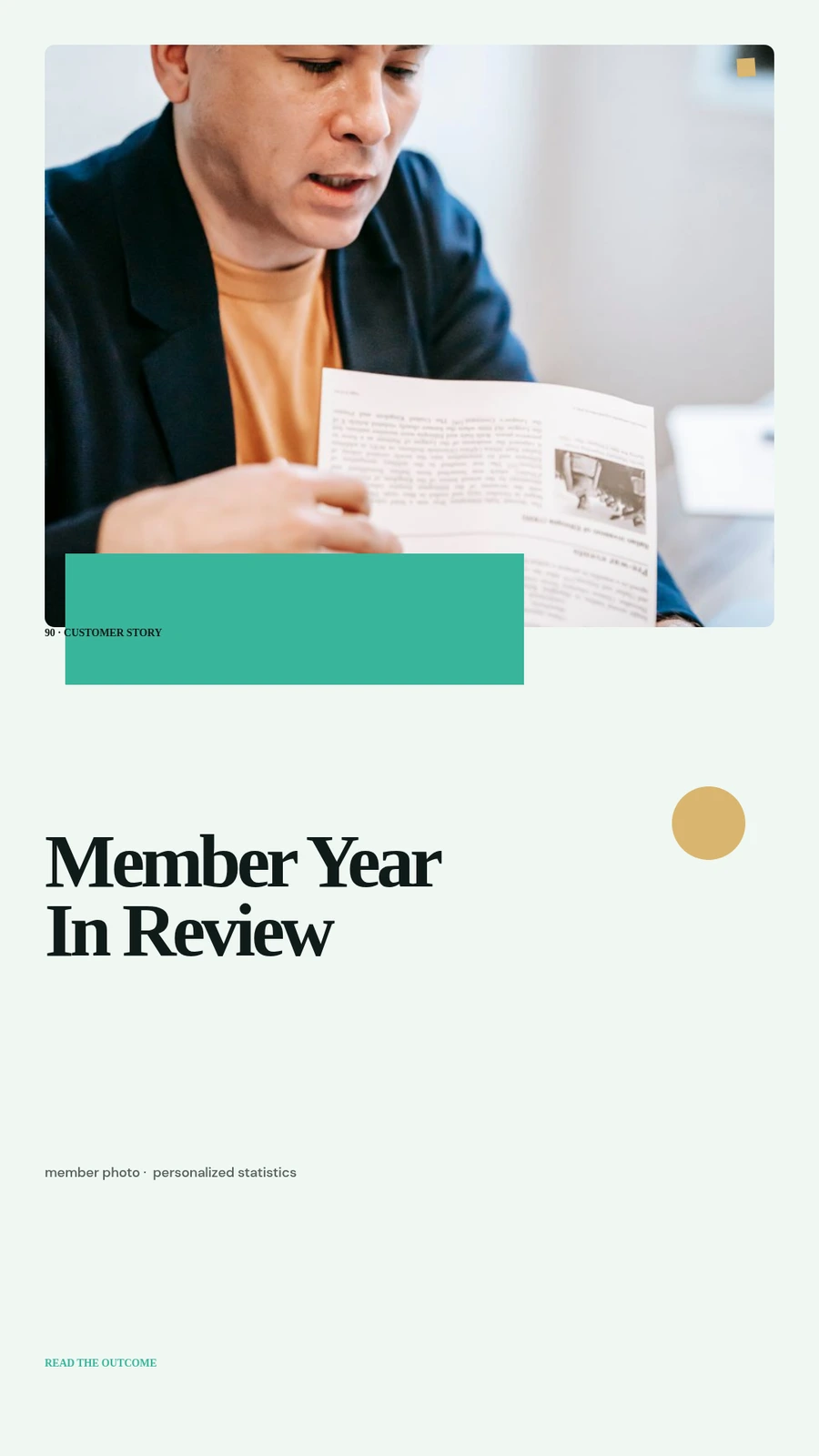 MAYA · 2026Your year in motion.148 projectsLEO · 2026Your year in motion.92 projectsNORA · 2026Your year in motion.231 projects
Personalized recaps
Turn account names, metrics and highlights into individual images or complete videos.
 RELEASE · 04.8Faster review loops.AVAILABLE NOWRELEASE · 04.9Shared brand controls.AVAILABLE NOWRELEASE · 05.0Bulk variants.EARLY ACCESS
Product updates at scale
Connect release data to one reviewed motion system and produce every customer or channel version.
No new format.
No creative handoff.
A template is a controlled way to reuse the same project. Designers keep the visual source; operators and developers get an understandable input contract.
- 01Create normally
Start with an image or video project in Studio or let the AI Director build the first editable source.
- 02Expose one input
Adding the first variable offers to convert the project into a template. Nothing needs to be rebuilt.
- 03Review the contract
Set labels, examples, defaults and required fields, then preview values against the real composition.
- 04Publish a version
Automation always targets a known template version while the editable source can continue evolving.
Make the first version.
Keep the next one easy.
Start from a normal image or video project. Turn it into a reusable template only when the work is worth repeating.
Start creating free