
Make still media
feel deliberately paced.
Sequence photography with crop, camera motion, transitions, typography and music for listings, travel, products and events.
Sequence the photography.
Vary the rhythm.
JsonCut photo videos treat every image as a timed, editable media layer rather than a fixed slideshow slot.
Crop for the story
Set framing per image and animate the camera only where it adds focus.
Vary the rhythm
Use different timing and transitions instead of repeating one effect across every slide.
Add contextual layers
Mix labels, maps, pricing, captions and calls to action with the photography.
A clear path from
source to output.
Sequence photography with crop, camera motion, transitions, typography and music for listings, travel, products and events.
- 01
Define the repeatable format
Create a strong first output with the correct media, hierarchy, pacing and destination ratio.
- 02
Expose only changing content
Bind copy, values and media where variants need them while preserving the creative system.
- 03
Generate and review
Create one result in Studio or produce validated variants through templates, bulk, API or MCP.
Concrete work.
Not generic promises.
See finished work.
Inspect the project behind it.
Hand-picked image and video projects that demonstrate the slideshow & photo video workflow with editable source.
Explore all examples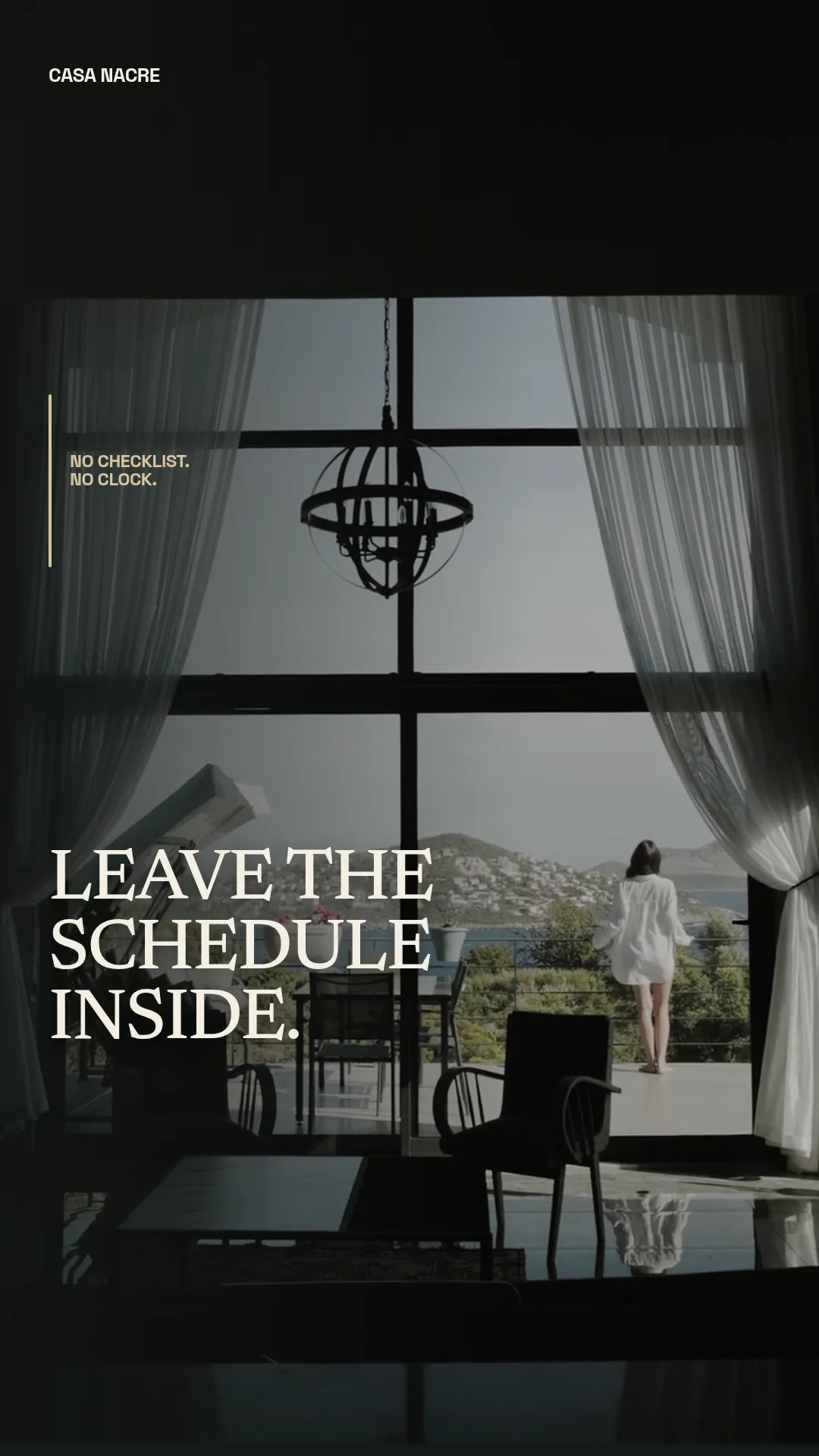 01 · Video
A restrained luxury-hotel reel moves through pool, suite and balcony footage with quiet editorial pacing.
View project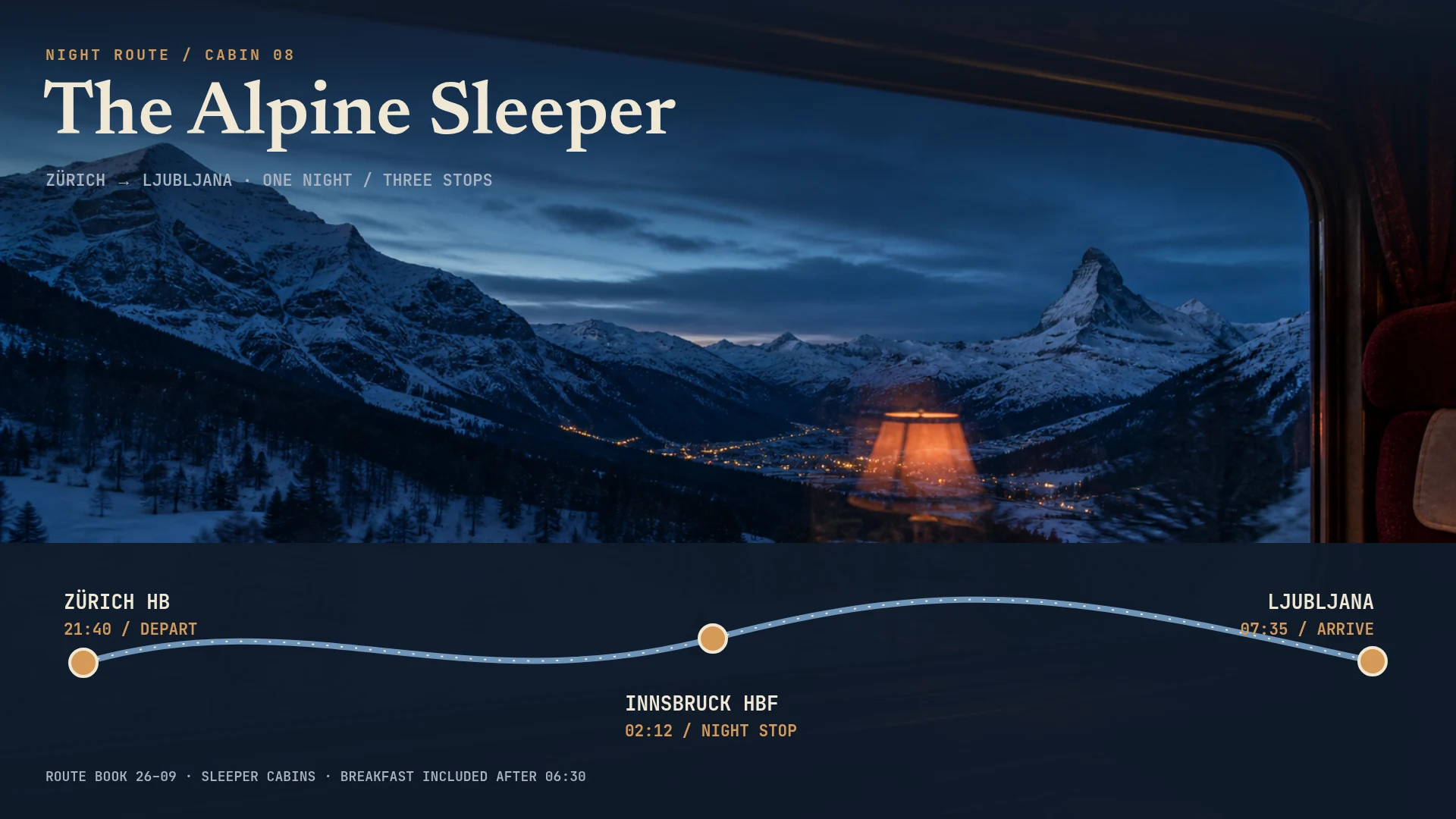 02 · Image
Analog night-train route book with an Alpine window panorama, topographic line and chronological overnight stops.
View project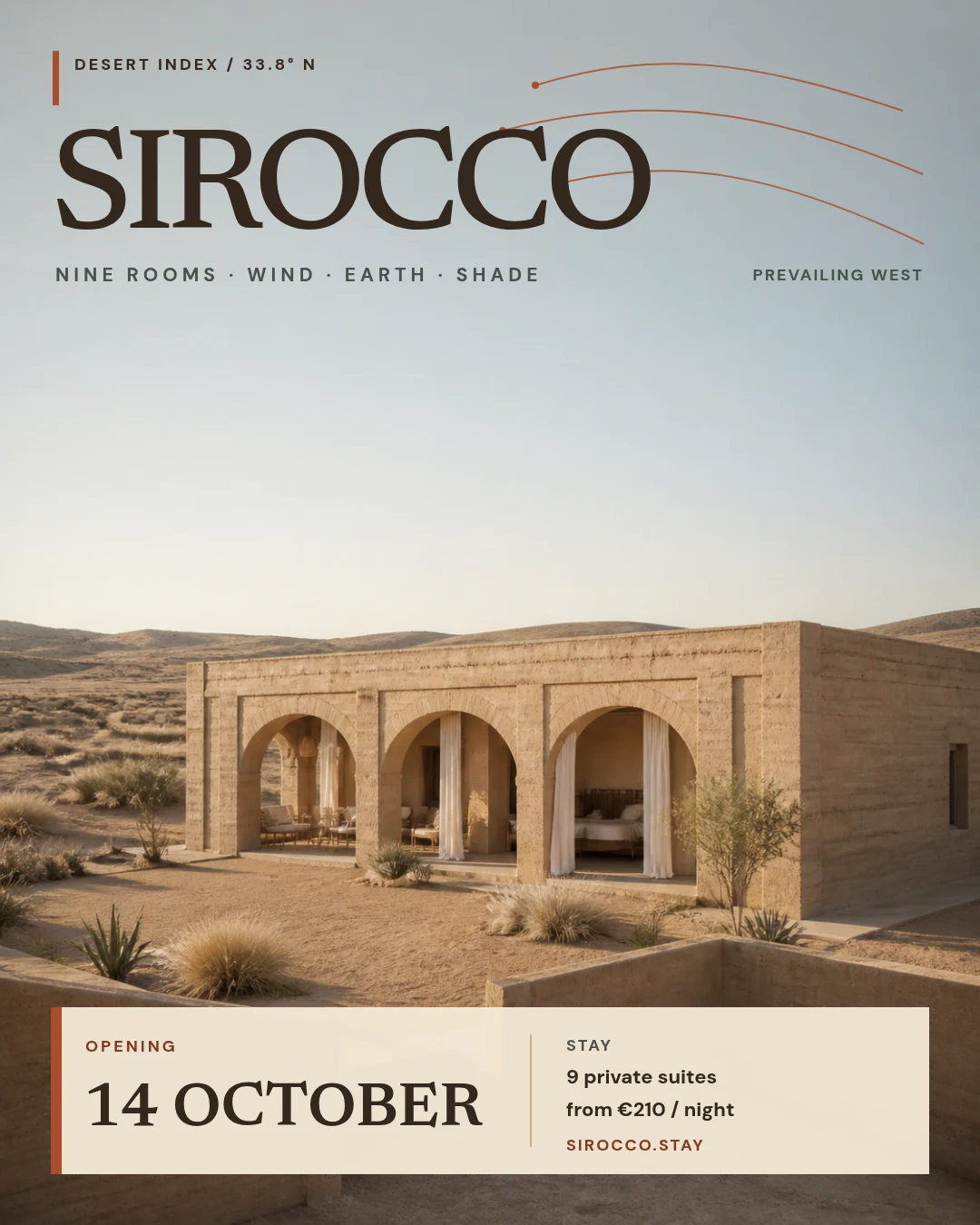 03 · Image
Sun-bleached eco-lodge opening campaign with quiet architecture, wind lines and a restrained booking block.
View projectBuild the first result.
Keep the next one easier.
Start with a complete image or video project. Add templates, automation or an Agent where they remove repeated work.
Open JsonCut Studio