
A real image editor.
A reliable image API.
Design layered image systems with typography, media, vectors, masks and palettes, then fill them from product data or automation.
Keep the composition.
Change the content.
Dynamic image generation turns a layered JsonCut image project into a typed template that can produce validated variants headlessly.
Design visually first
Create and inspect the exact image system before connecting data.
Keep alpha and masks
Transparent output, compositing and vector layers remain part of automated renders.
Serve many channels
Generate product cards, OG images, reports and ad formats from one system.
A clear path from
source to output.
Design layered image systems with typography, media, vectors, masks and palettes, then fill them from product data or automation.
- 01
Create one strong source
Build the visual in Studio, with the assistant, or from an existing project.
- 02
Keep the useful structure
Expose variables only where content should change and keep creative decisions editable.
- 03
Publish every version
Export by hand or generate through a template, API, MCP or bulk workflow.
Concrete work.
Not generic promises.
See finished work.
Inspect the project behind it.
Flexible product promotion systems for launches, offers, catalog variants, back-in-stock campaigns and social commerce.
Explore e-commerce & retail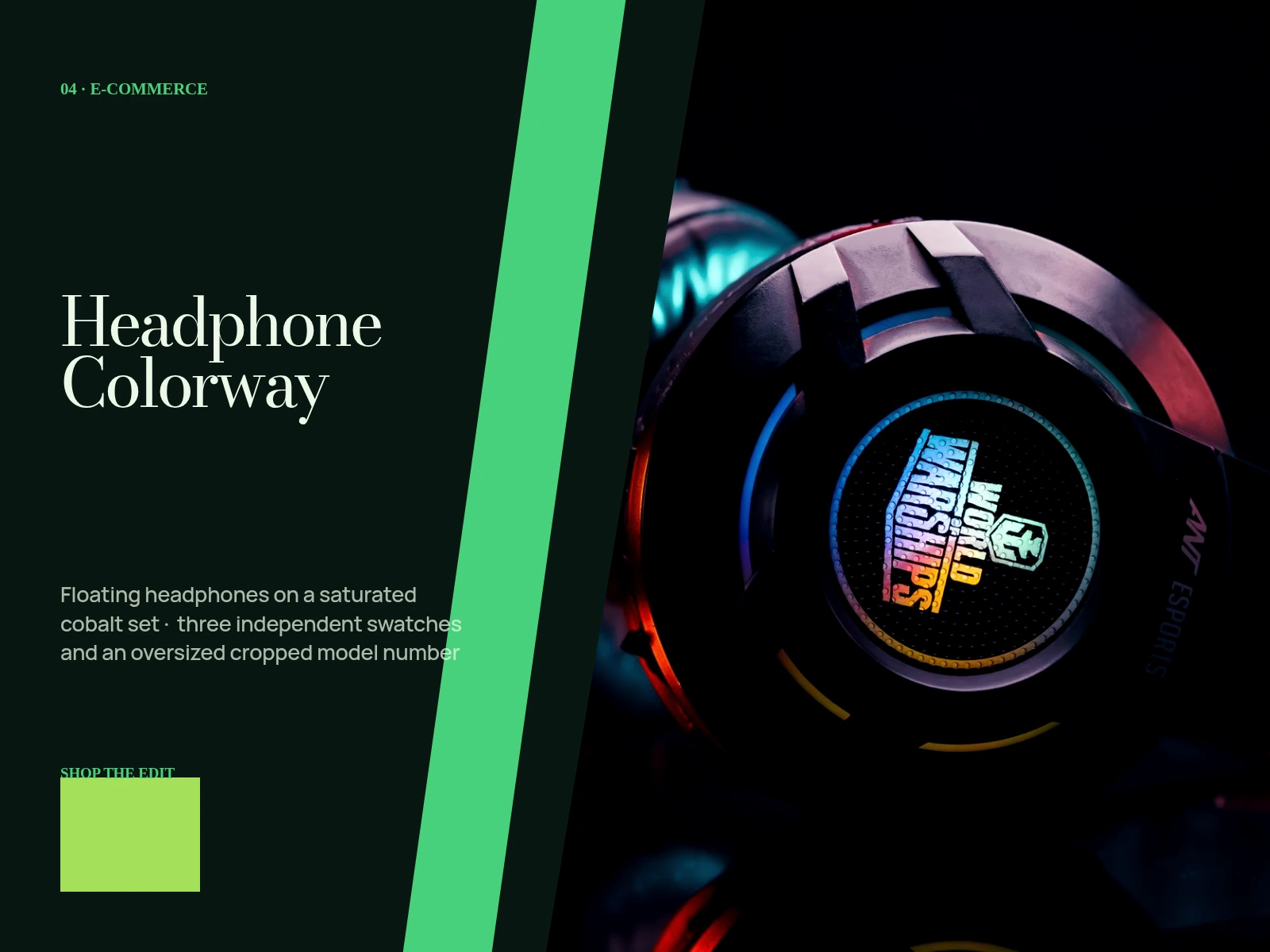 01 · Image
Floating headphones on a saturated cobalt set, three independent swatches and an oversized cropped model number.
View project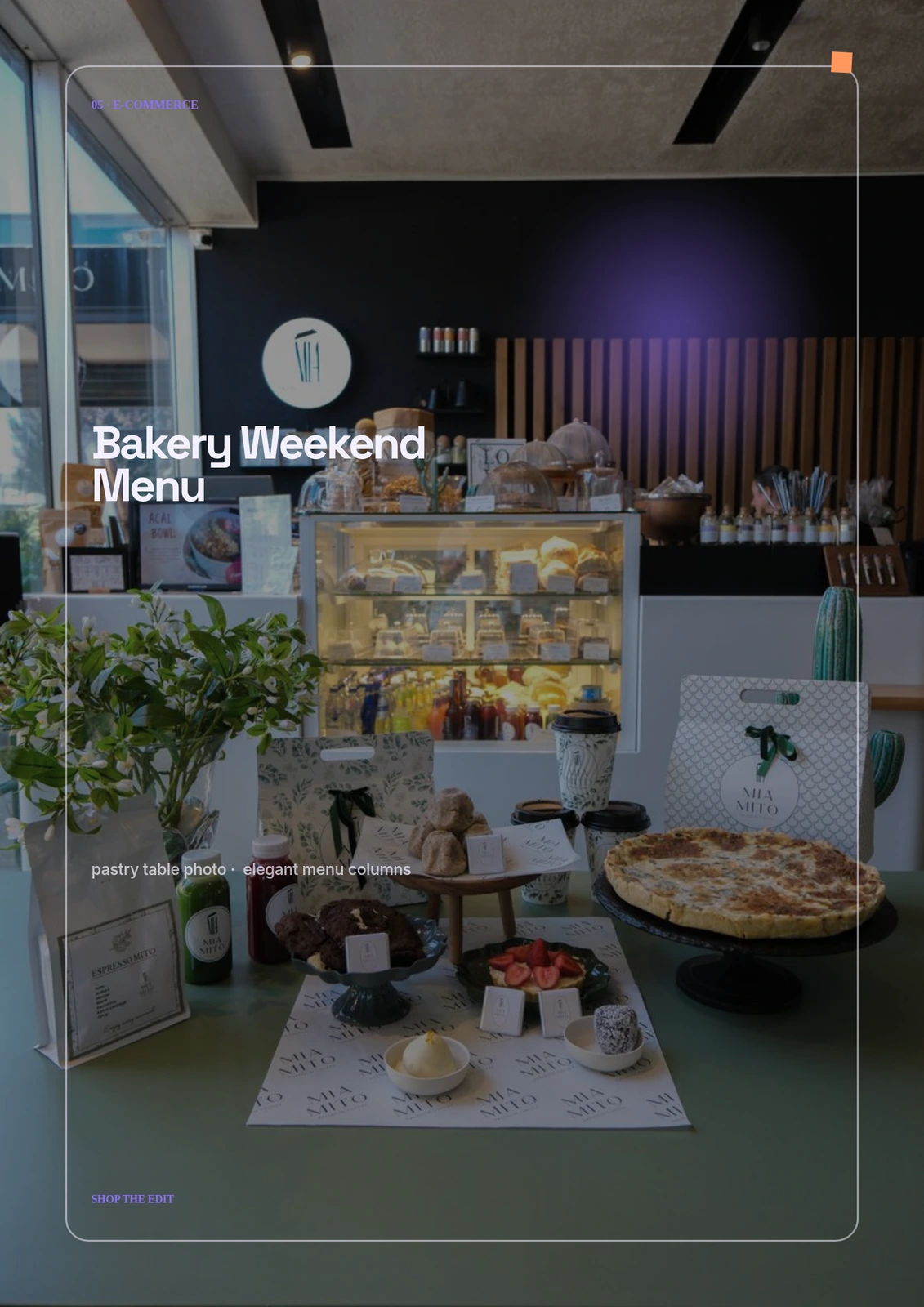 02 · Image
Original pastry table photo, elegant menu columns, stamped availability marks and paper-grain overlay.
View project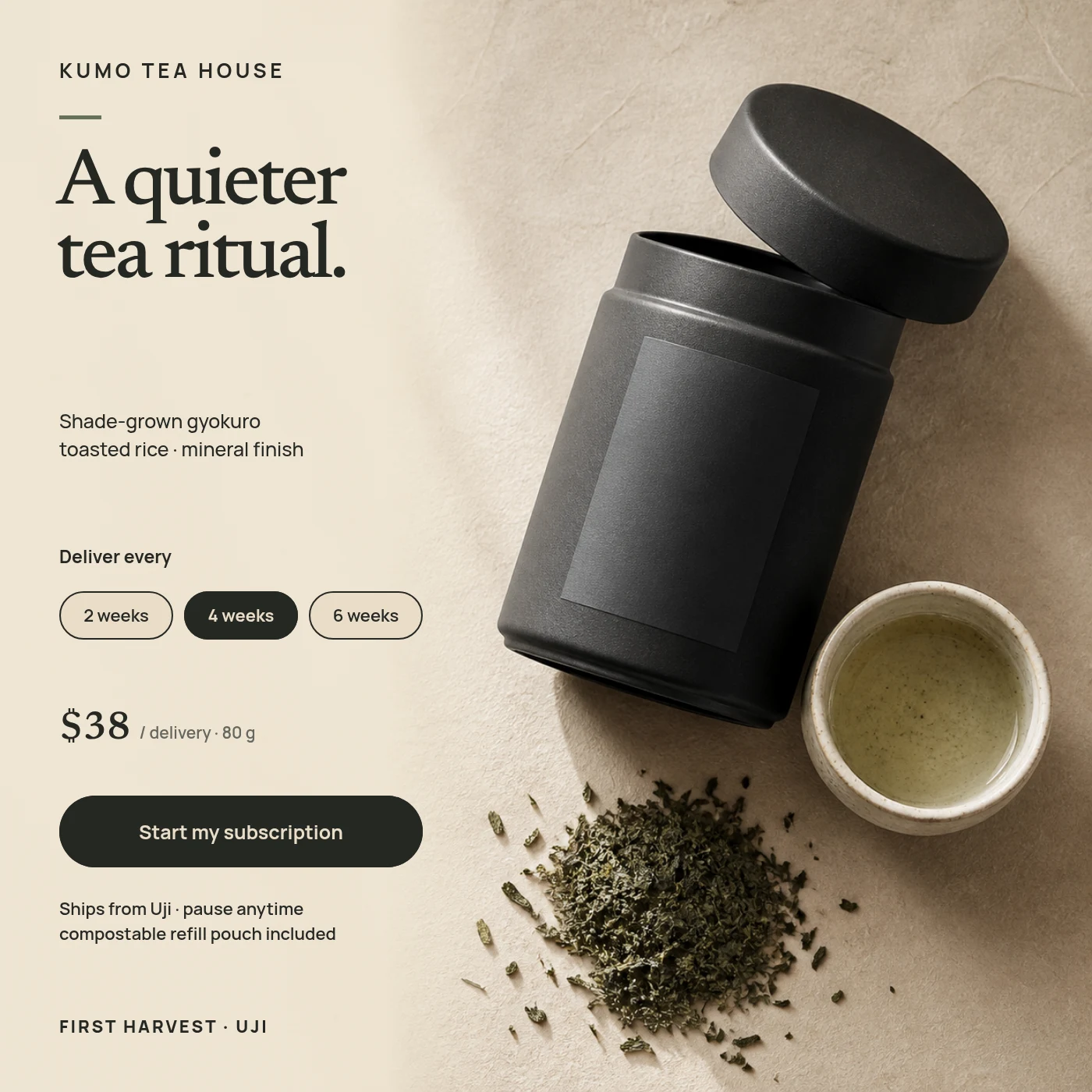 03 · Image
A calm square ecommerce subscription card for fictional tea house Kumo, built from an exclusive top-down product still and editable subscription controls.
View projectBuild the first result.
Keep the next one easier.
Start with a complete image or video project. Add templates, automation or an Agent where they remove repeated work.
Open JsonCut Studio