
Keep reusable assets
close to the work.
Upload project media, reuse workspace fonts and palettes, and preserve readable references throughout Studio and automation.
JsonCut connects scoped project files with reusable workspace resources without exposing technical media URIs in the interface.
Media library
Color palettes
JsonCut connects scoped project files with reusable workspace resources without exposing technical media URIs in the interface.
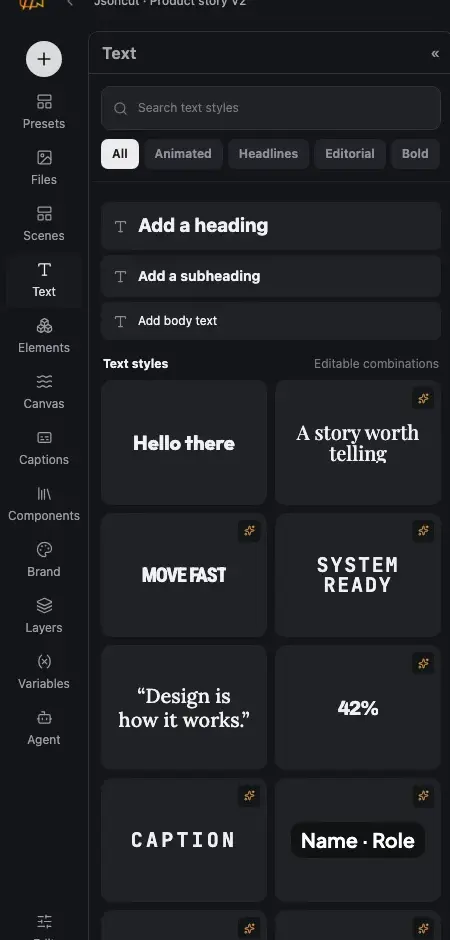
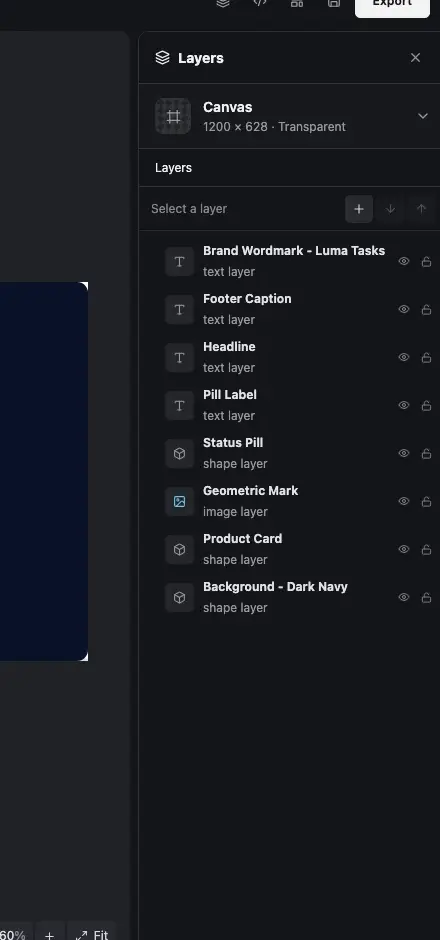
Enough control for real work.
Only when you need it.
Upload project media, reuse workspace fonts and palettes, and preserve readable references throughout Studio and automation.
Keep files with the right project
Uploaded and generated assets retain human-readable names, previews and recoverable missing-media states.
Reference named colors
Link fills and gradients to project or workspace colors and update every reference from one deliberate palette change.
Pin typography dependencies
Custom font resources retain license metadata and deterministic versions for browser and headless output.
Reuse approved visual groups
Save selected groups as versioned components, insert linked instances or detach them for a local variation.
What makes brand & media useful in real work.
Each capability remains connected to the same editable JsonCut project.
Drop files where you need them
Upload images, video and audio into the project library before placing them on canvas or timeline.
Reference named colors
Project and workspace palettes can update linked colors while exports still receive resolved values.
Pin font dependencies
Custom fonts carry license metadata and deterministic project dependencies.
Keep files with the right project.
Reuse approved visual groups.
Keep files with the right project
Uploaded and generated assets retain human-readable names, previews and recoverable missing-media states.
Reference named colors
Link fills and gradients to project or workspace colors and update every reference from one deliberate palette change.
Reuse approved visual groups
Save selected groups as versioned components, insert linked instances or detach them for a local variation.
Consistent campaign packs.
And the work after it.
Know what the feature changes.
01Is this available in both image and video projects?
The page states where a capability applies. Shared controls use the same visual language in both editors.
02Does it remain editable after using AI?
Yes. The assistant changes ordinary project layers and versions, so you can inspect and refine the result.
03Can the same result be automated?
Yes. Projects can become typed templates or be rendered through the focused V2 API and MCP surface.
See the control.
Keep the result editable.
Start a free project and use the same feature in the image or video workflow it belongs to.
Start creating free