
Captions that read well.
And remain editable.
Transcribe a selected source or the full project mix, review the transcript and add a styled caption track with adjustable segments.
Make the words readable.
Keep them part of the edit.
JsonCut captions are timed text segments on a dedicated track with global styling and per-segment editing.
Choose the source
Transcribe one audio/video file or use the complete mixed project when no source is selected.
Use readable motion
Choose phrase, word-by-word, typewriter and active-word styles with smooth visual behavior.
Correct every segment
Adjust text and timing directly after generation instead of accepting a locked transcript.
A clear path from
source to output.
Transcribe a selected source or the full project mix, review the transcript and add a styled caption track with adjustable segments.
- 01
Create one strong source
Build the visual in Studio, with the assistant, or from an existing project.
- 02
Keep the useful structure
Expose variables only where content should change and keep creative decisions editable.
- 03
Publish every version
Export by hand or generate through a template, API, MCP or bulk workflow.
Concrete work.
Not generic promises.
See finished work.
Inspect the project behind it.
Social-first video and image examples for creators, podcasts, short-form captions, audience milestones and editorial series.
Explore creators & social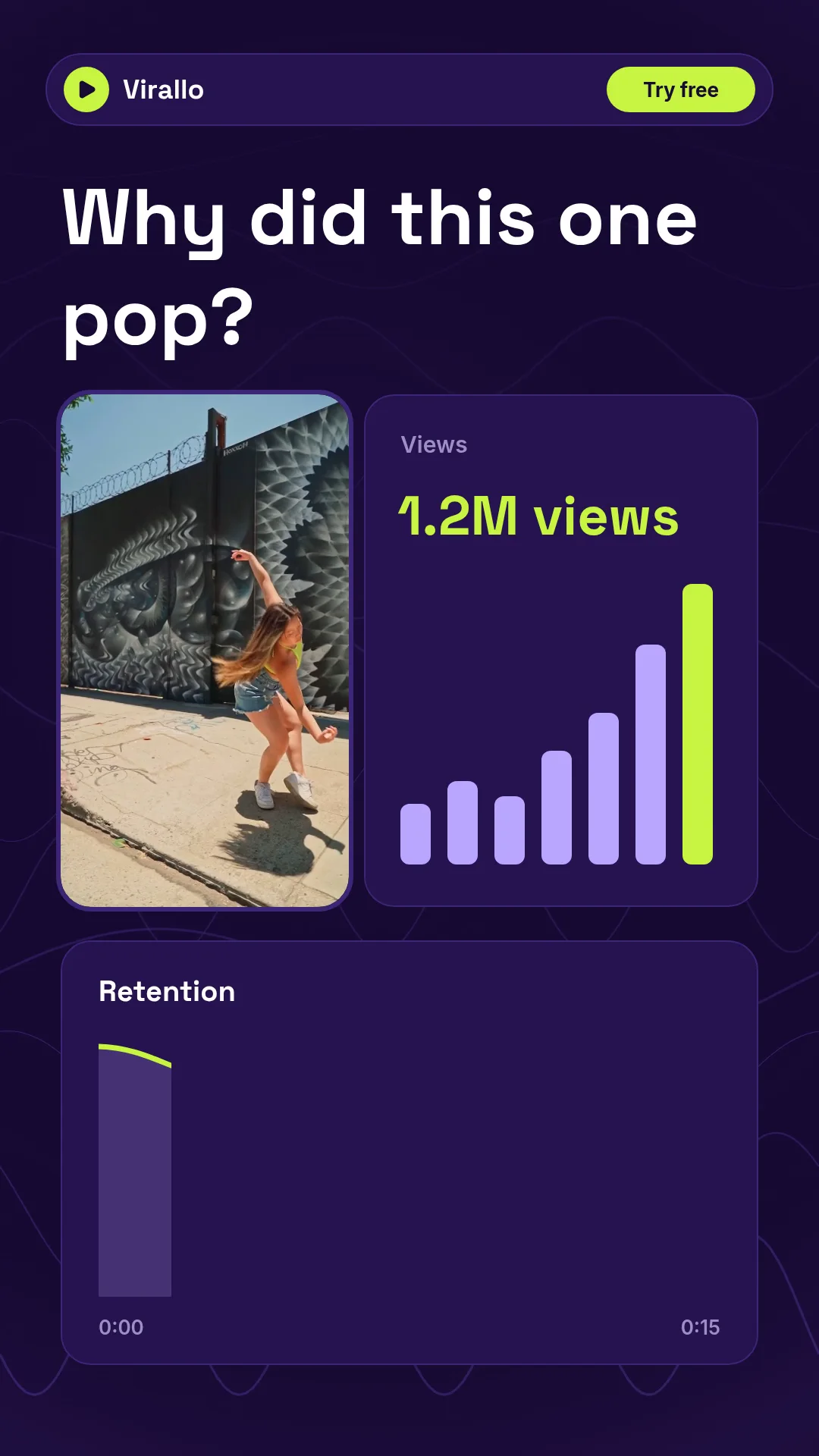 01 · Video
A vertical analytics promo for the fictive Virallo: a real street-dance clip, 1.2M views counting up, a retention curve and the best time to post next.
View project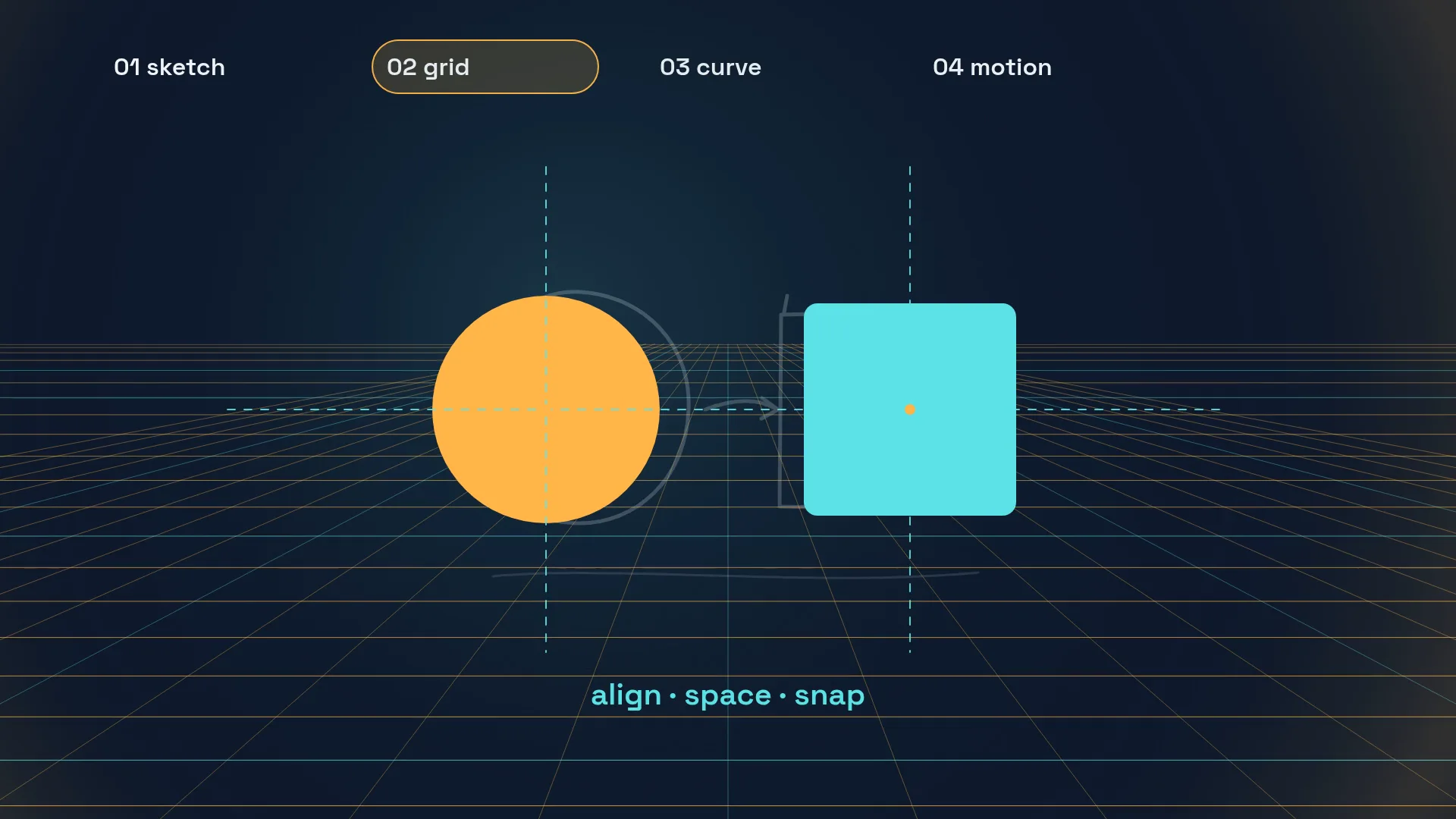 02 · Video
A process showreel in four steps: a rough sketch, shapes snapping onto a grid, an ease-in-out curve plotting itself and the name card of a fictive designer.
View project 03 · Video
A vertical kinetic-type showreel: MAKE / TYPE / MOVE stacks, word swaps on acid yellow, five marquee rows, a 100 % counter with equalizer bars and a designer name card.
View projectBuild the first result.
Keep the next one easier.
Start with a complete image or video project. Add templates, automation or an Agent where they remove repeated work.
Open JsonCut Studio