
Create the campaign once.
Adapt it to every feed.
Design social images and video with real creative control, then produce platform, audience and language variants from one approved source.
Build for the feed.
Keep every version related.
Social media automation in JsonCut combines visual authoring, reusable formats, captions and template-driven production.
Multi-format by design
Prepare related formats without treating every output as an unrelated file.
Readable captions
Generate timed captions, choose social-native styles and edit every segment.
Controlled scale
Bind copy and media to approved inputs for scheduled or bulk generation.
A clear path from
source to output.
Design social images and video with real creative control, then produce platform, audience and language variants from one approved source.
- 01
Create one strong source
Build the visual in Studio, with the assistant, or from an existing project.
- 02
Keep the useful structure
Expose variables only where content should change and keep creative decisions editable.
- 03
Publish every version
Export by hand or generate through a template, API, MCP or bulk workflow.
Concrete work.
Not generic promises.
See finished work.
Inspect the project behind it.
Social-first video and image examples for creators, podcasts, short-form captions, audience milestones and editorial series.
Explore creators & social 01 · Video
A looping motion system film in which one orange dot connects every scene: a toggle, a spring graph, a growing disc, orbiting type and a final card.
View project 02 · Video
A punchy hard-cut social promo for the fictive payout app @voltline: +$480.00 lands on a phone, then 40+ currencies, a 0.5 % fee and 120 countries.
View project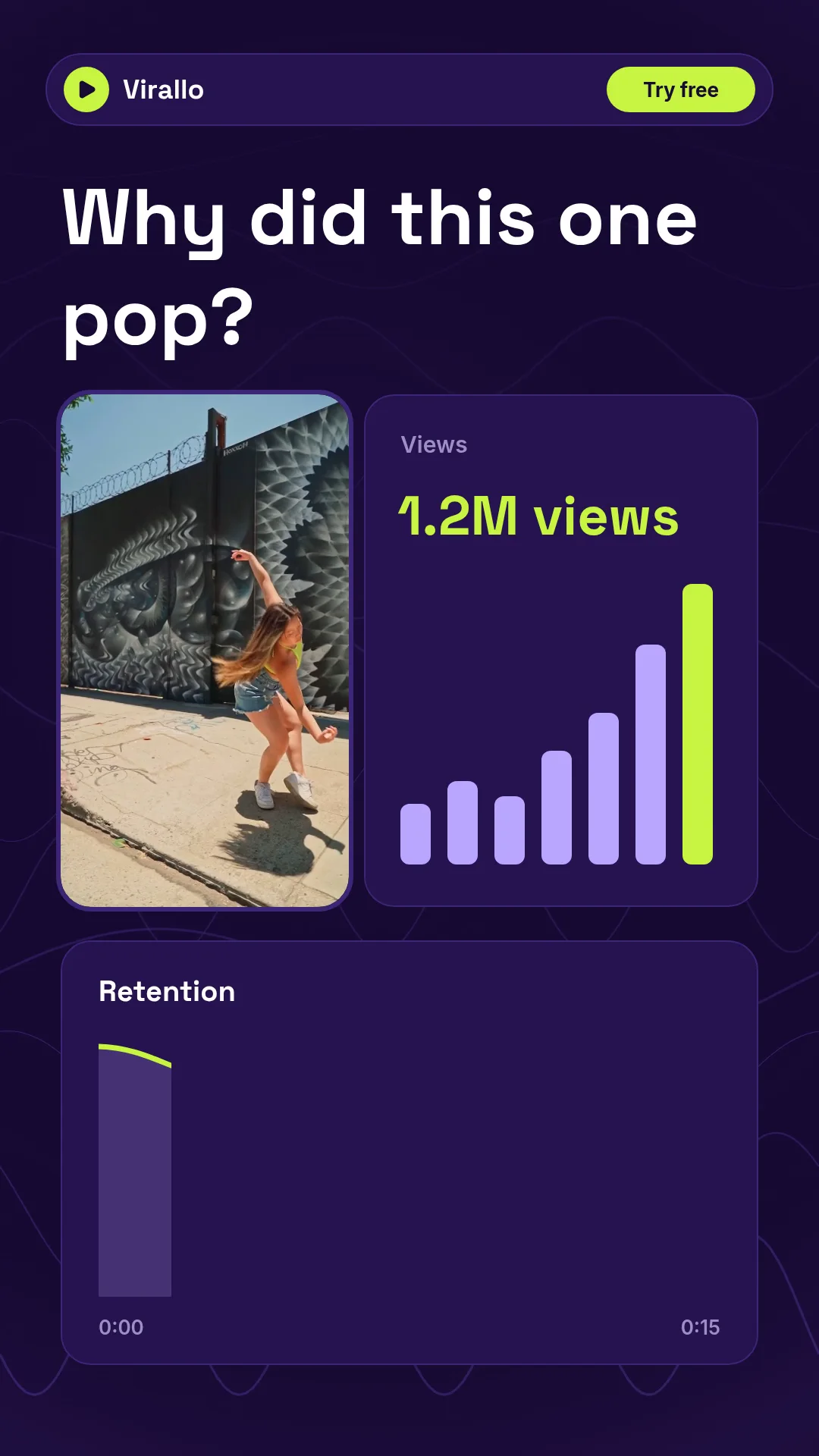 03 · Video
A vertical analytics promo for the fictive Virallo: a real street-dance clip, 1.2M views counting up, a retention curve and the best time to post next.
View projectBuild the first result.
Keep the next one easier.
Start with a complete image or video project. Add templates, automation or an Agent where they remove repeated work.
Open JsonCut Studio