
Adapt the language.
Keep the visual system coherent.
Use editable captions, template inputs and replaceable voice or media tracks to create localized video variants.
Change every spoken word.
Keep the visual direction.
Video localization in JsonCut treats translated copy, captions and media as editable project content rather than baking them into a flattened export.
Translate visible copy
Bind headlines and labels to typed inputs and adjust layout when language length changes.
Keep captions editable
Review word timing, segment text and global style on a dedicated caption track.
Replace narration cleanly
Voiceover and source media remain independent tracks with explicit timing.
A clear path from
source to output.
Use editable captions, template inputs and replaceable voice or media tracks to create localized video variants.
- 01
Create one strong source
Build the visual in Studio, with the assistant, or from an existing project.
- 02
Keep the useful structure
Expose variables only where content should change and keep creative decisions editable.
- 03
Publish every version
Export by hand or generate through a template, API, MCP or bulk workflow.
Concrete work.
Not generic promises.
See finished work.
Inspect the project behind it.
Reusable systems for marketplaces, localized campaigns, personalized onboarding and data-driven account content.
Explore marketplaces & personalization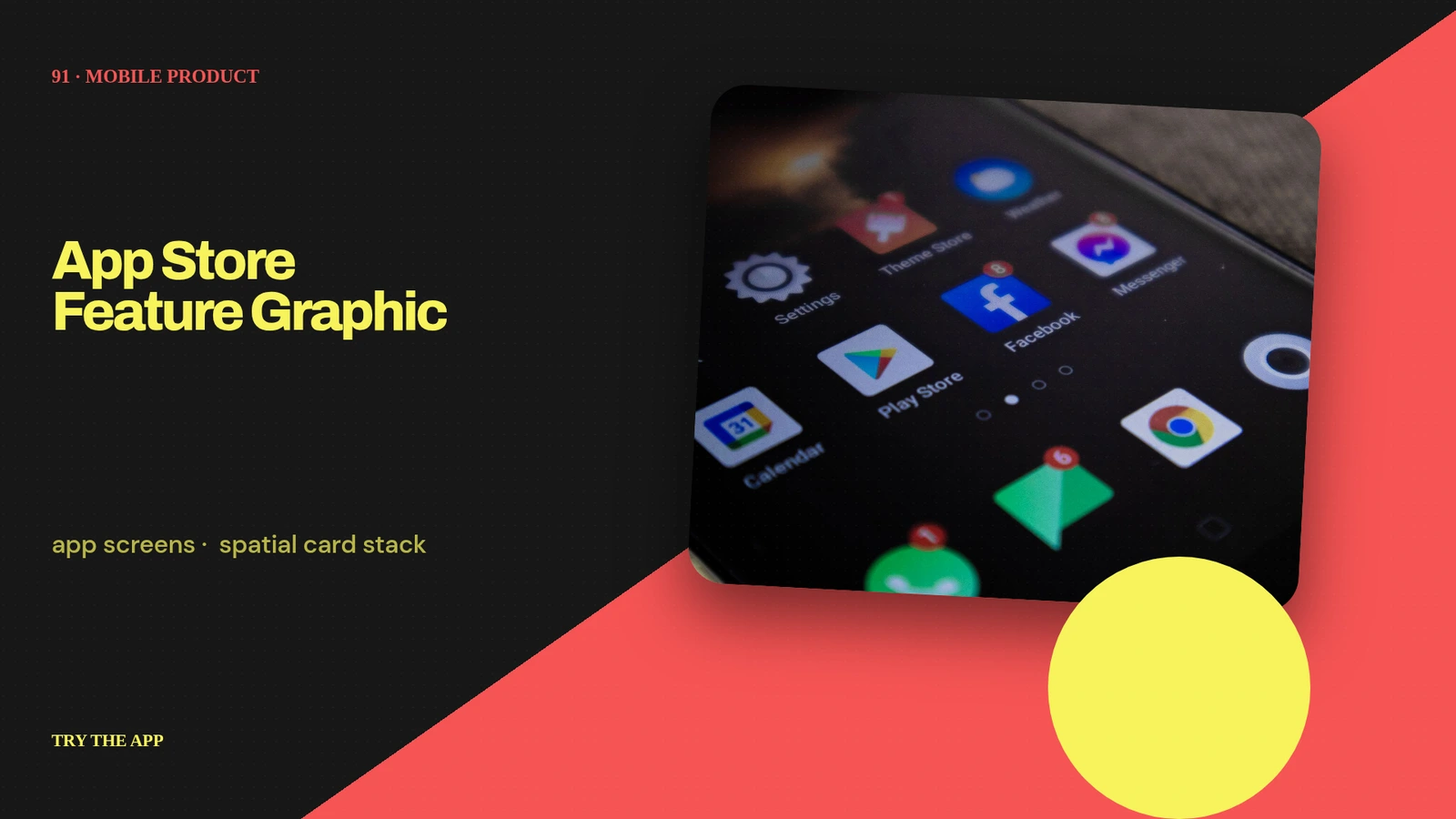 01 · Image
Unique app screens, spatial card stack, one core benefit and soft 3D shadow field.
View project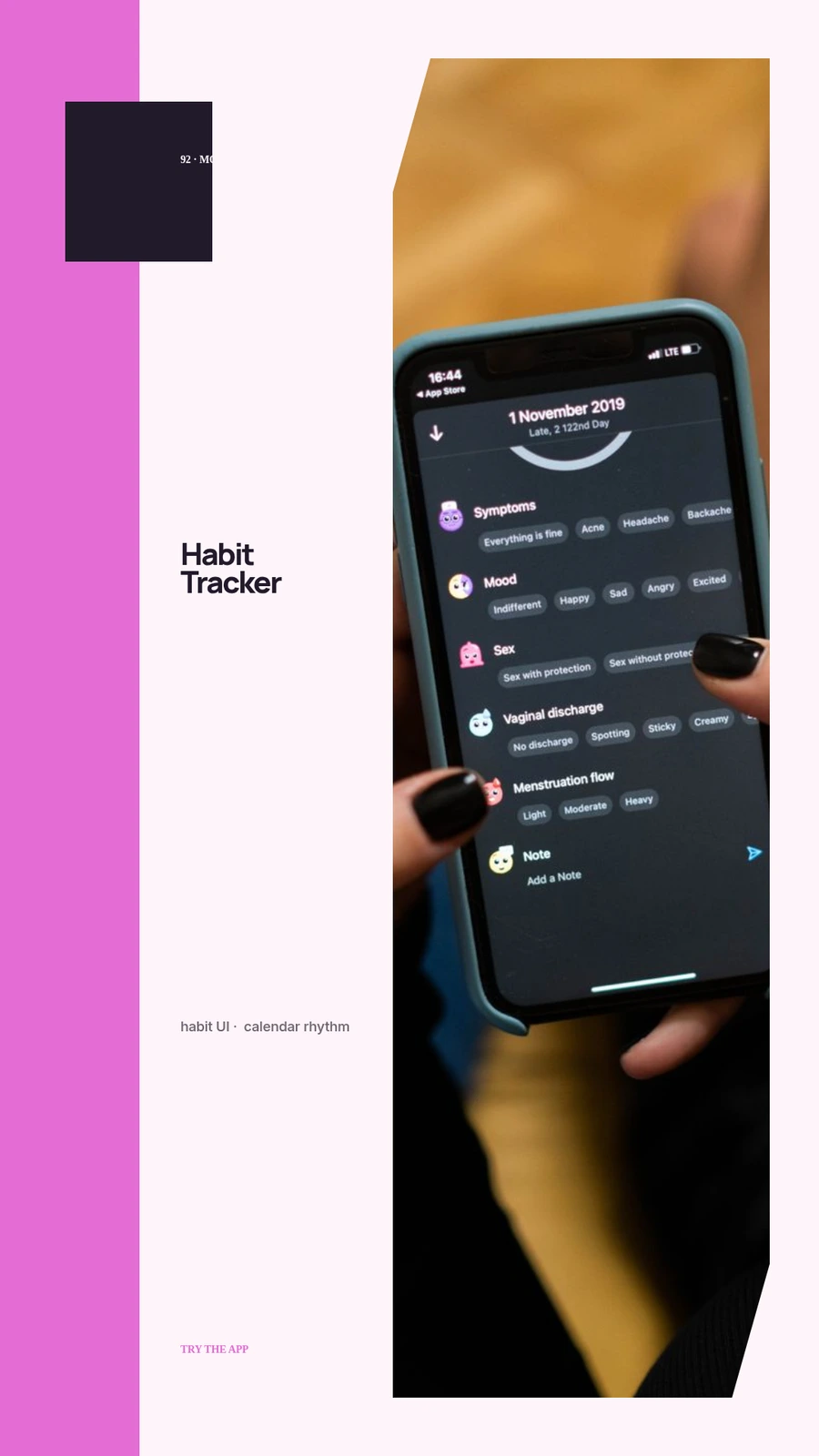 02 · Image
Original habit UI, calendar rhythm, progress bloom and optimistic daylight palette.
View project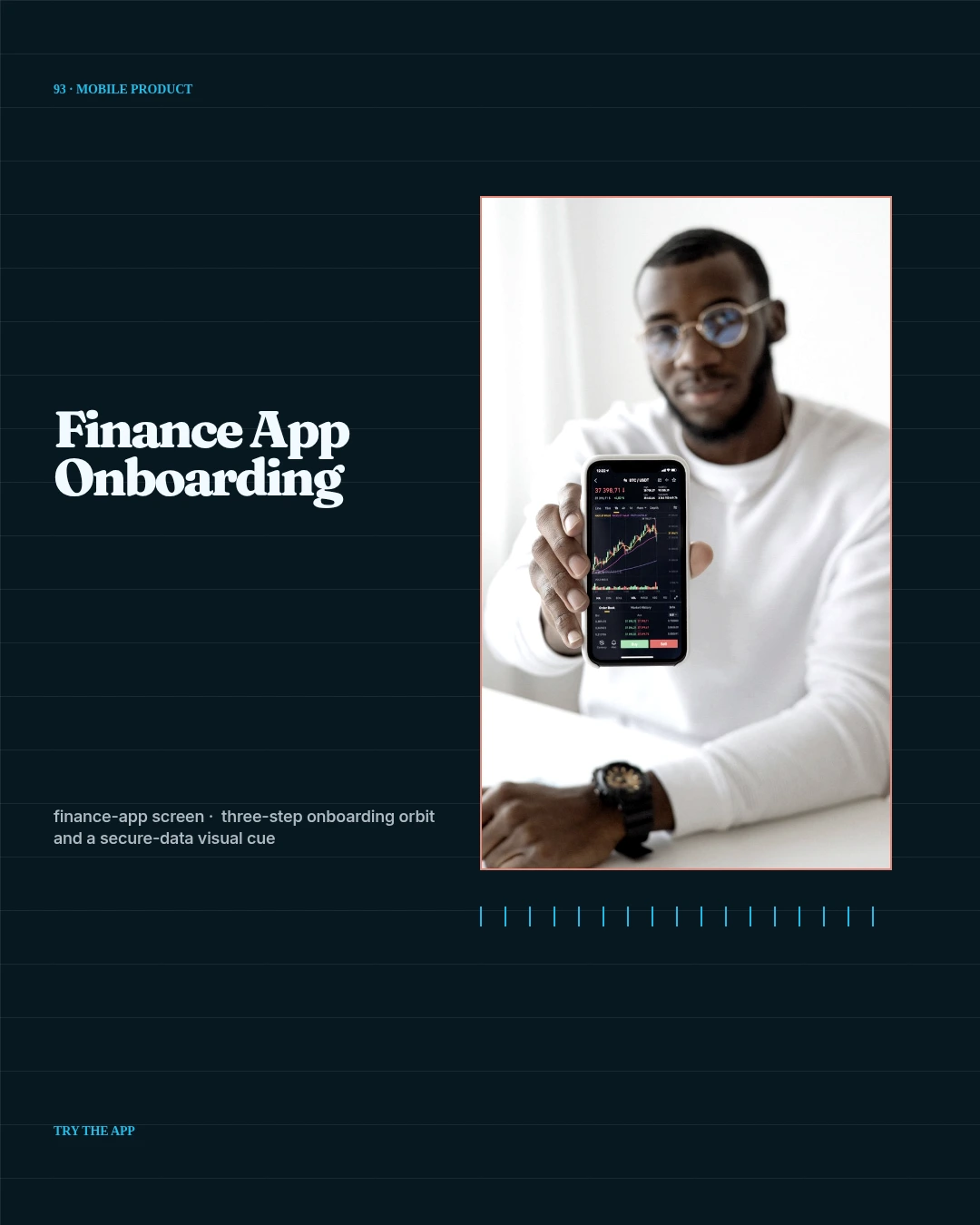 03 · Image
Unique finance-app screen, three-step onboarding orbit and a secure-data visual cue.
View projectBuild the first result.
Keep the next one easier.
Start with a complete image or video project. Add templates, automation or an Agent where they remove repeated work.
Open JsonCut Studio