
Layered image design.
Not a flattened generator.
Compose typography, media, vectors, masks, palettes and transparent output on a direct-manipulation canvas.
JsonCut Image Studio uses the same structured project foundation as video without forcing image work into a timeline.
Layers + masks
Vectors + crop
JsonCut Image Studio uses the same structured project foundation as video without forcing image work into a timeline.
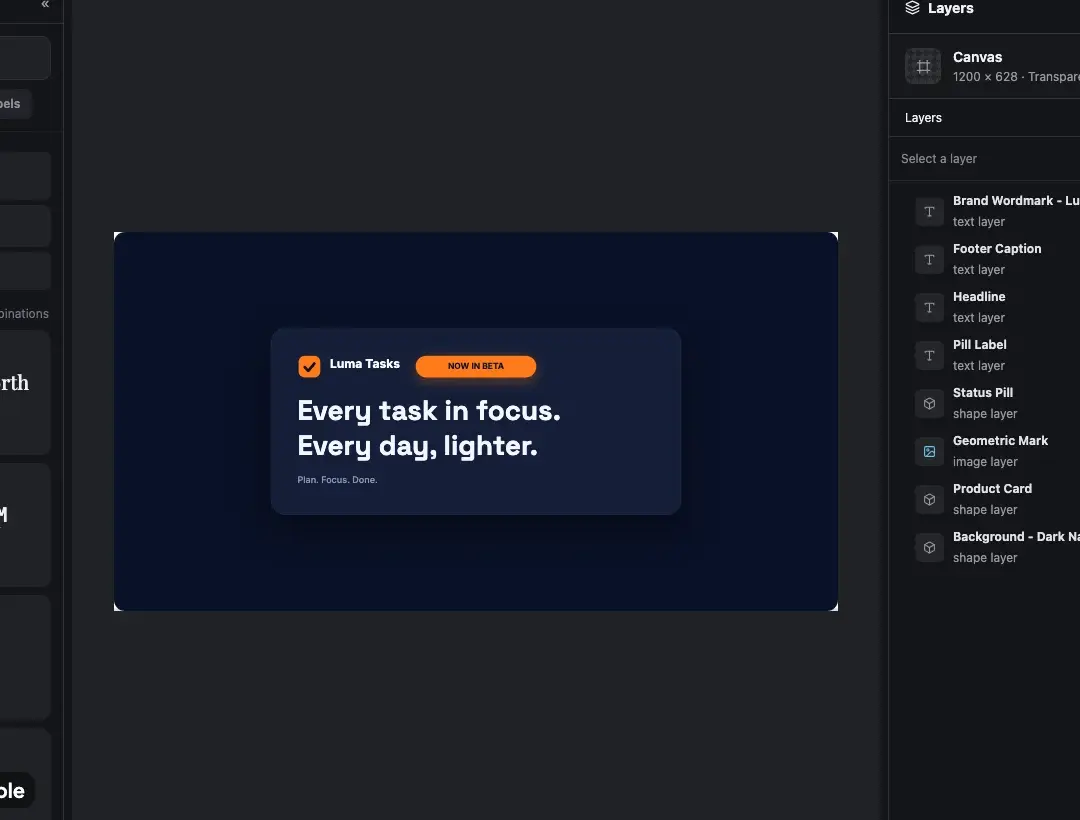
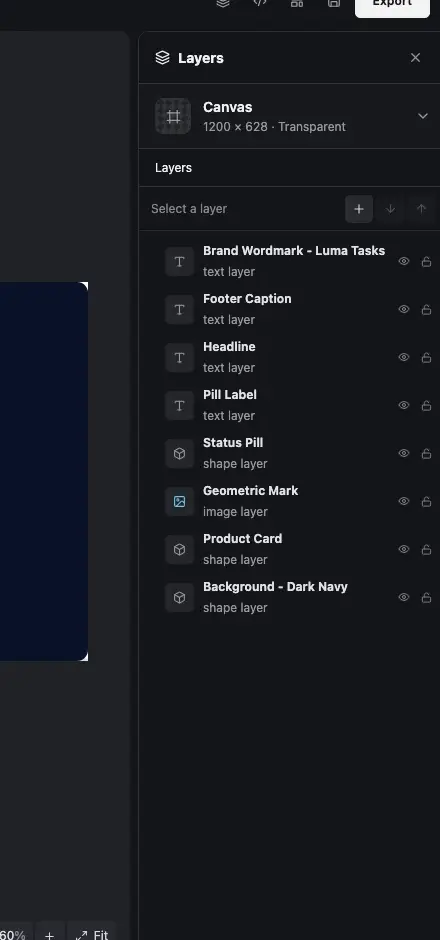
Enough control for real work.
Only when you need it.
Compose typography, media, vectors, masks, palettes and transparent output on a direct-manipulation canvas.
Work on the final composition
Select, multi-select, align, crop, rotate and resize without leaving the canvas or translating the result into another representation.
Masks and erase roles stay visible
Layer roles, blend modes, opacity and masks remain explicit in the project and preserve transparent output.
Shapes remain editable
Adjust fills, gradients, paths, strokes and SVG colors instead of flattening every graphic into a bitmap.
Export the format you need
Keep aspect ratio deliberate and produce PNG, WebP or JPEG at the exact dimensions required by the destination.
What makes image canvas useful in real work.
Each capability remains connected to the same editable JsonCut project.
Select and shape directly
Move, resize, rotate, crop and multi-select objects on the canvas with familiar controls.
Build real compositions
Combine editable text, SVG, media, paths, groups and compositing roles.
Export for the destination
Render PNG, WebP or JPEG with explicit dimensions, ratio and transparency.
Work on the final composition.
Export the format you need.
Work on the final composition
Select, multi-select, align, crop, rotate and resize without leaving the canvas or translating the result into another representation.
Masks and erase roles stay visible
Layer roles, blend modes, opacity and masks remain explicit in the project and preserve transparent output.
Export the format you need
Keep aspect ratio deliberate and produce PNG, WebP or JPEG at the exact dimensions required by the destination.
Campaign graphics.
And the work after it.
Know what the feature changes.
01Is this available in both image and video projects?
The page states where a capability applies. Shared controls use the same visual language in both editors.
02Does it remain editable after using AI?
Yes. The assistant changes ordinary project layers and versions, so you can inspect and refine the result.
03Can the same result be automated?
Yes. Projects can become typed templates or be rendered through the focused V2 API and MCP surface.
See the control.
Keep the result editable.
Start a free project and use the same feature in the image or video workflow it belongs to.
Start creating free