
Turn product data into
videos worth watching.
Combine real product media, motion, pricing, benefits and calls to action in a reusable video system.
Design the product promise.
Then connect the catalog.
Product video automation uses a reviewed visual template and structured catalog or campaign data to generate consistent video variants.
Beyond slideshow templates
Mix footage, product images, typography, audio and motion graphics in one composition.
Typed catalog inputs
Map product names, prices, media and availability to explicit template fields.
Row-level outputs
Track every catalog item independently when a batch contains mixed data quality.
A clear path from
source to output.
Combine real product media, motion, pricing, benefits and calls to action in a reusable video system.
- 01
Create one strong source
Build the visual in Studio, with the assistant, or from an existing project.
- 02
Keep the useful structure
Expose variables only where content should change and keep creative decisions editable.
- 03
Publish every version
Export by hand or generate through a template, API, MCP or bulk workflow.
Concrete work.
Not generic promises.
See finished work.
Inspect the project behind it.
Flexible product promotion systems for launches, offers, catalog variants, back-in-stock campaigns and social commerce.
Explore e-commerce & retail 01 · Image
Warm studio still of one sculptural ceramic product, asymmetric magazine grid, blind-embossed type and a narrow coral price rail.
View project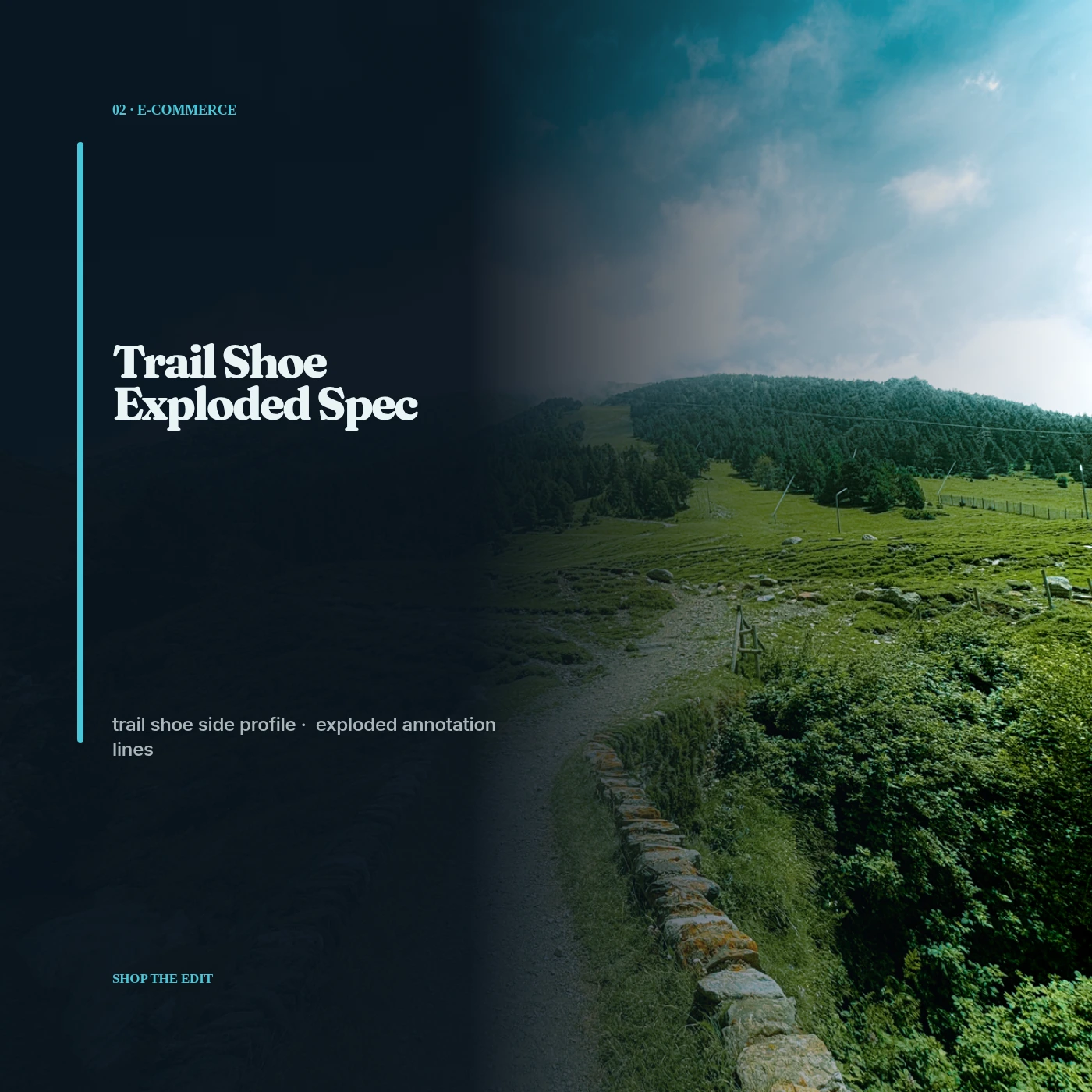 02 · Image
Unique trail shoe side profile, exploded annotation lines, technical mono labels and a rough topographic mask.
View project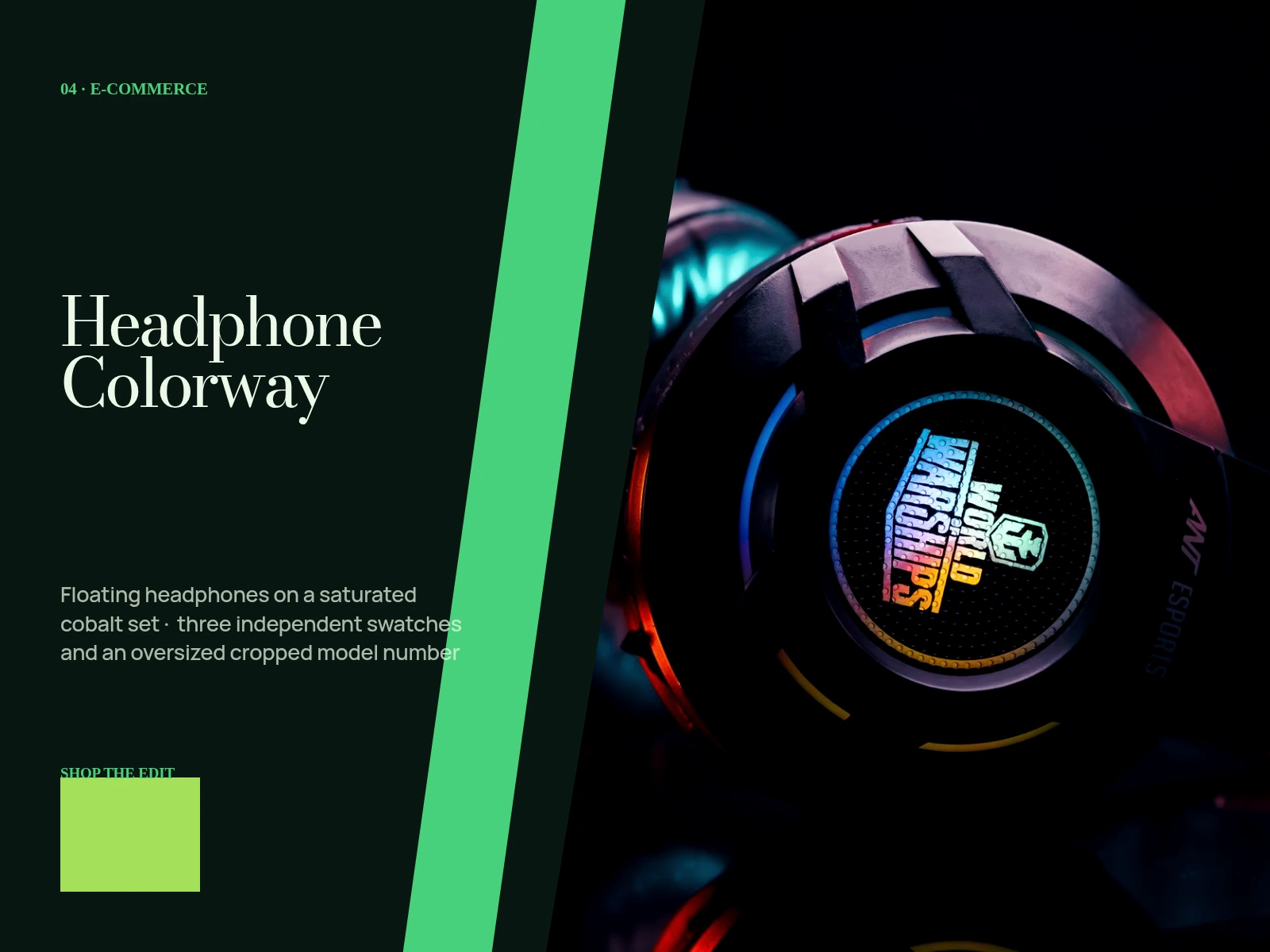 03 · Image
Floating headphones on a saturated cobalt set, three independent swatches and an oversized cropped model number.
View projectBuild the first result.
Keep the next one easier.
Start with a complete image or video project. Add templates, automation or an Agent where they remove repeated work.
Open JsonCut Studio