
Stills that start to move
Hotel photos of the pool, suite and balcony turned into quiet moving shots for one reel.
See the hotel reelVeo 3.1, Kling 4, Seedance 2.5 and ten more, inside the project you are editing. Generate the shot that is missing, from text or from a still, and cut it next to your own footage.
Real frames from each model, as the Studio model picker shows them.
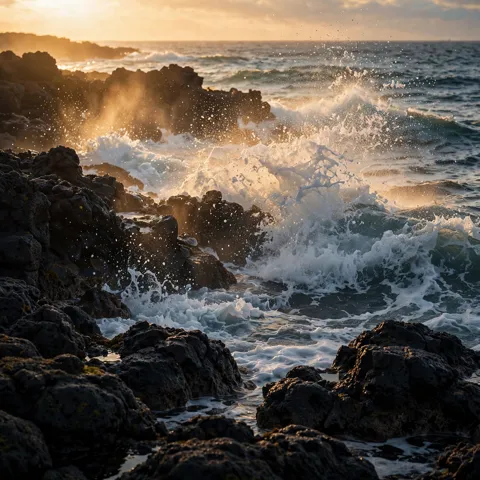
Realistic physics, camera moves and dialogue
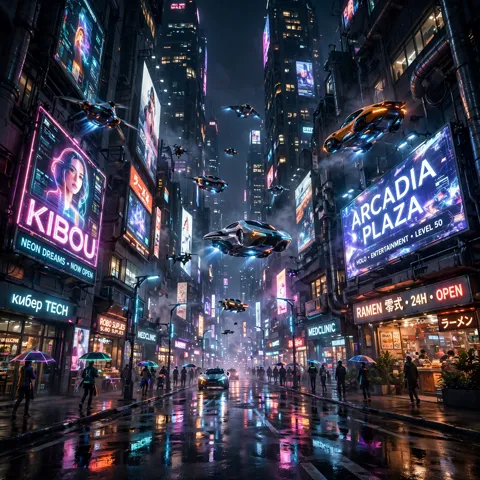
Smooth cinematic motion, multi-shot scenes, edits
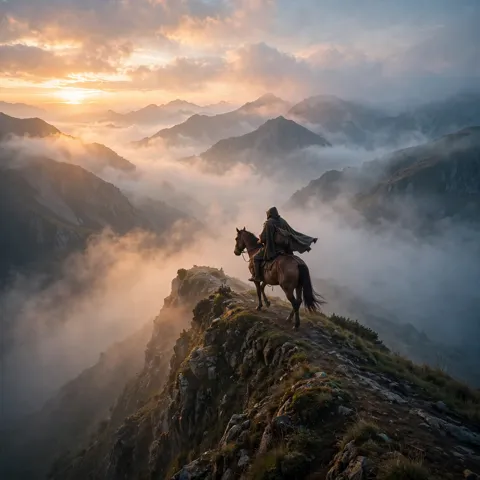
Cinematic shots, native sound, video edits
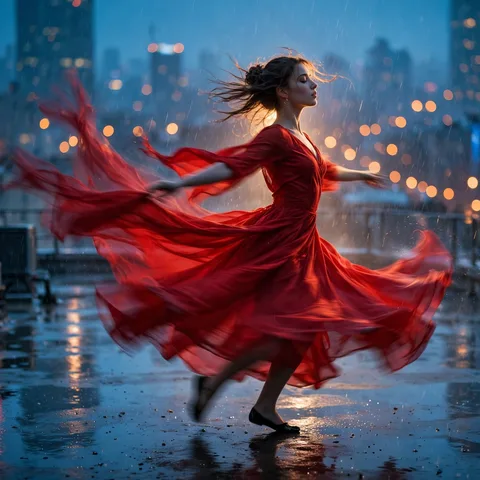
Cinematic shots with native sound
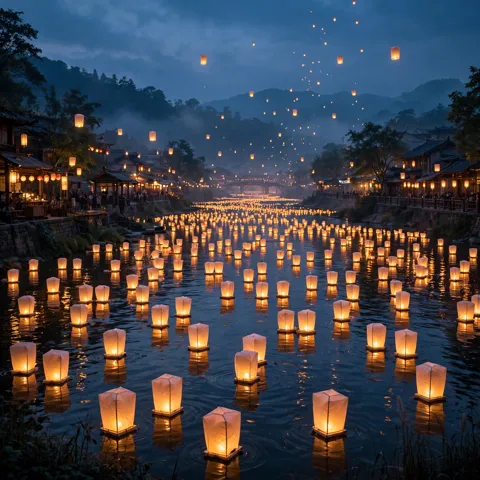
Open model for text to video, with sound
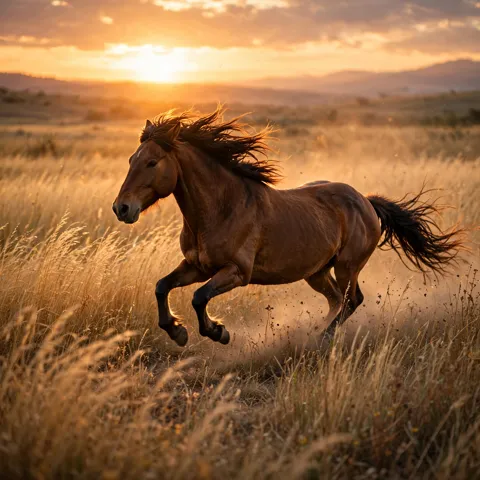
1080p with native sound and lip-sync, edits
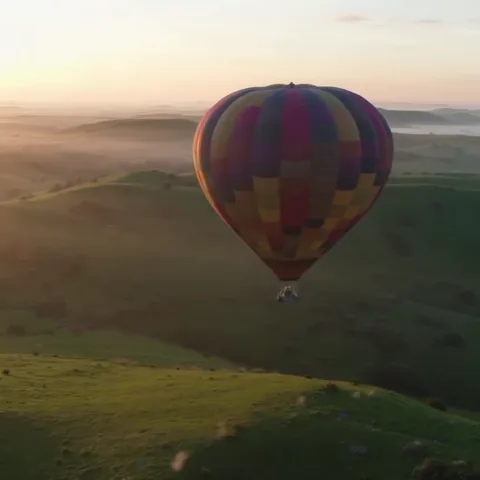
Clips up to 20 seconds with sound, fast
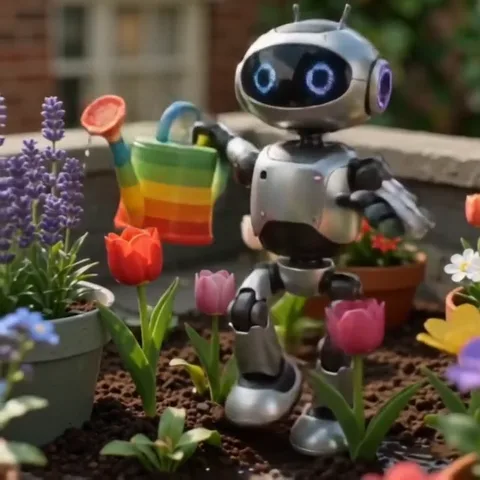
Lively motion and optional sound, low cost
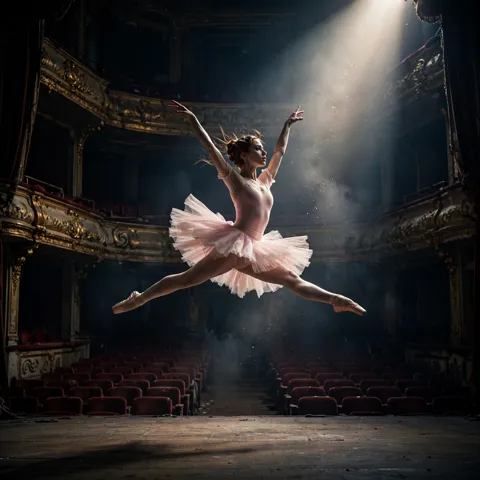
Prompt adherence and a polished look
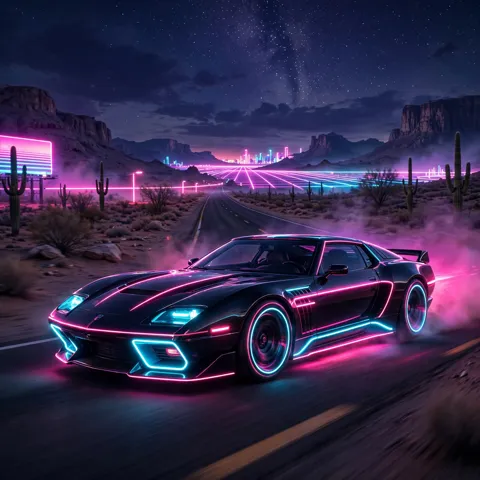
Sound, bold styles and quick edits
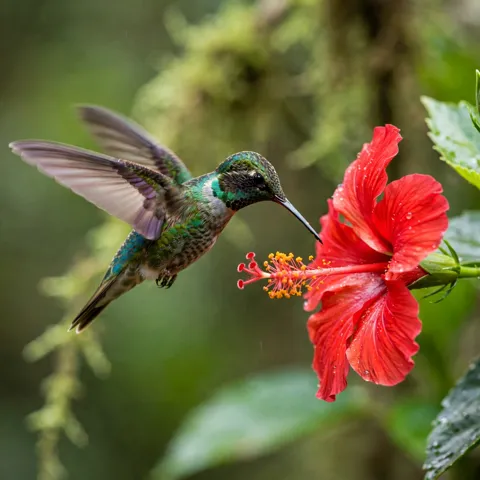
Makes and edits clips with sound, the fastest
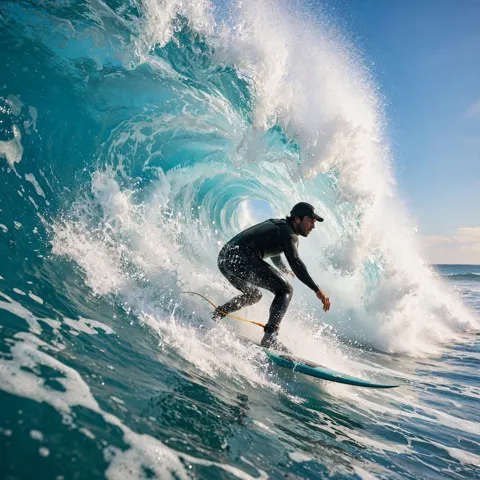
Sharp detail, sound and low-cost edits
Film-like camera work, loops and restyles
Describe the shot, or start from an image you made with one of the twelve image models. Choose format and length before it runs.
Seven models change an existing clip: a new sky, another product colour, a different time of day.
Generated clips arrive in the project media and behave like uploads: trim, speed, crop, grade, stabilise.
Hotel photos of the pool, suite and balcony turned into quiet moving shots for one reel.
See the hotel reelMatte black headphones turning on a dark surface while an orange light streak sweeps across: 5 seconds in 720p, generated in a JsonCut project and ready to cut.
Generate in your projectGrok Imagine Video 1.5 is the recommended start, Seedance 2.5 the best quality, Gemini Omni Flash 1.1 the fastest. The AI Director picks one for you when you do not.
Yes. Generated clips are project media like your uploads, on the same timeline, with the same edits.
Building and previewing in Studio is free. AI generation, the AI Director and exports are part of the 14-day trial and the paid plans; credits show the cost before anything runs.