
Local campaign ads
A meal photo, the app screen and a live delivery time in one poster. Swap the dish and city for every market.
See the delivery promoNano Banana 2.1, GPT Image 2.5, FLUX 3, Seedream 5.0 Pro and more. Create, edit with up to six reference images, cut out backgrounds and upscale, then design on top with editable type.
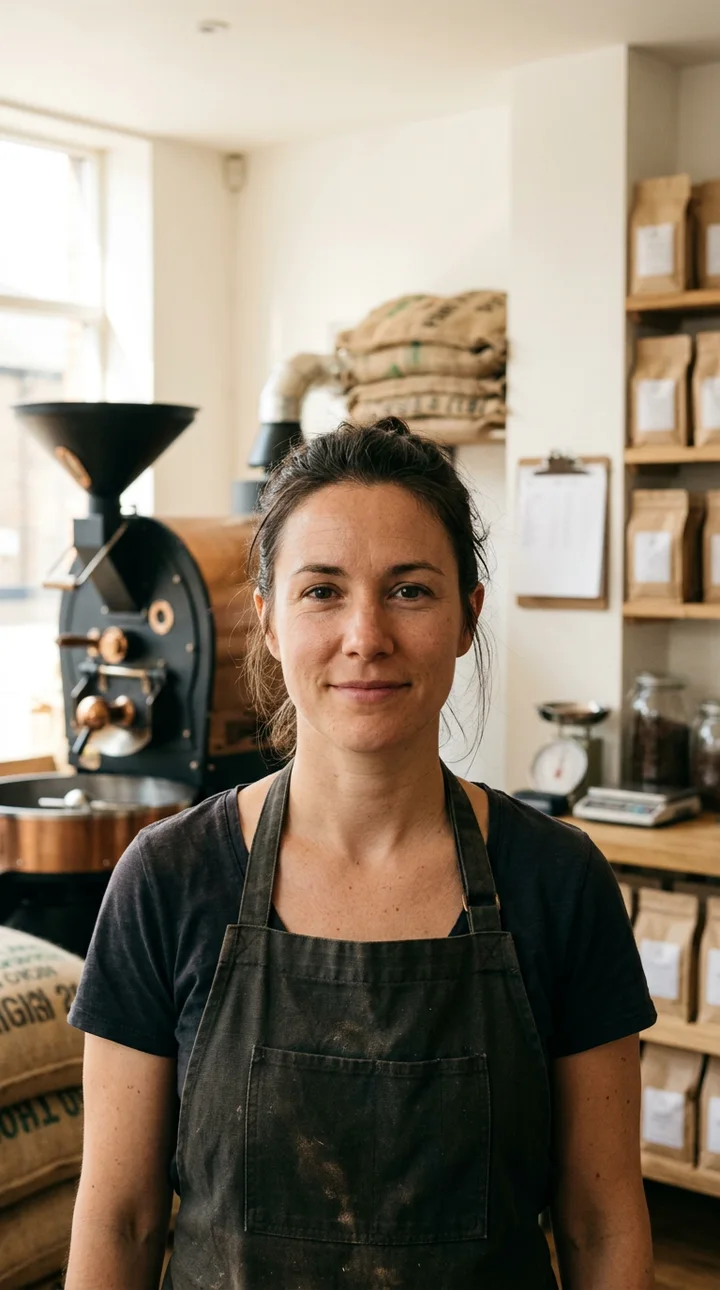
Real sample outputs of each model.
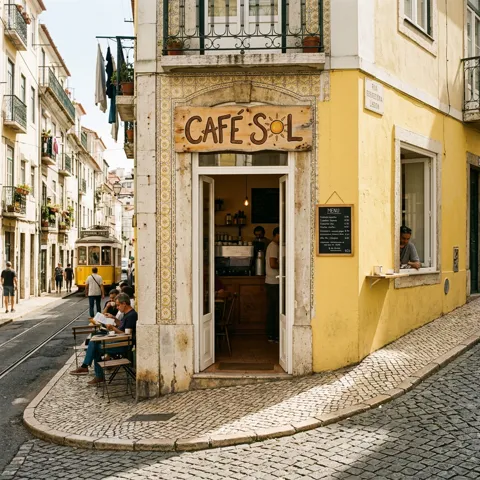
Realistic photos, clean text, precise edits up to 4K
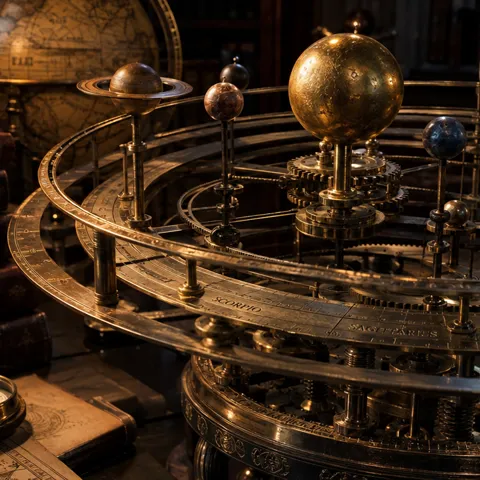
Finest detail and complex layouts, transparent backgrounds

Natural light, rich texture, reliable text, transparent backgrounds
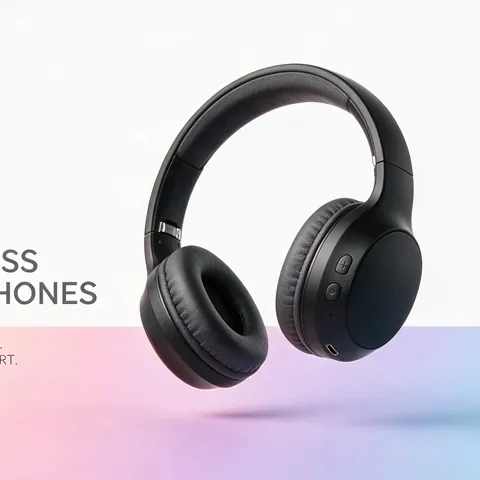
Posters, products and consistent characters
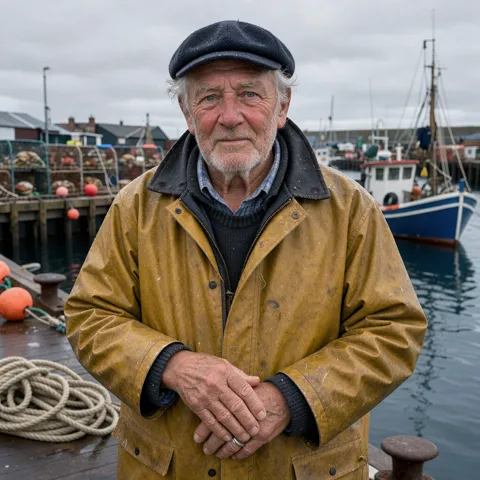
Photoreal, exact prompt following, up to 4K
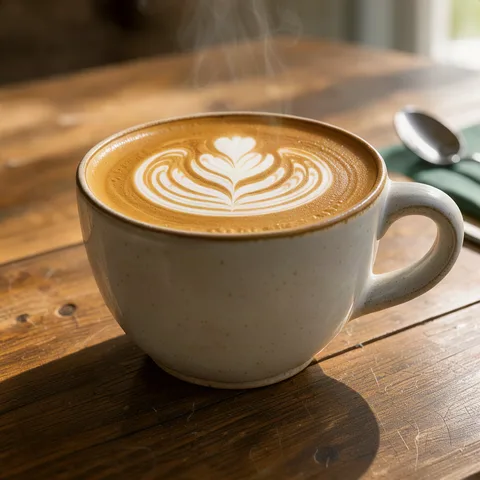
Sharp pictures and quick edits, the fastest
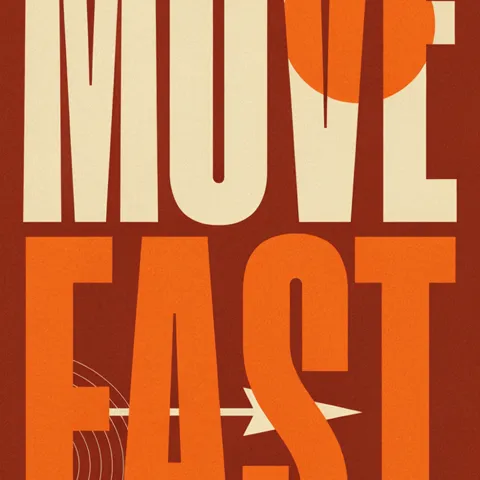
Logos, typography and graphic layouts

Icons, logos and illustrations as SVG
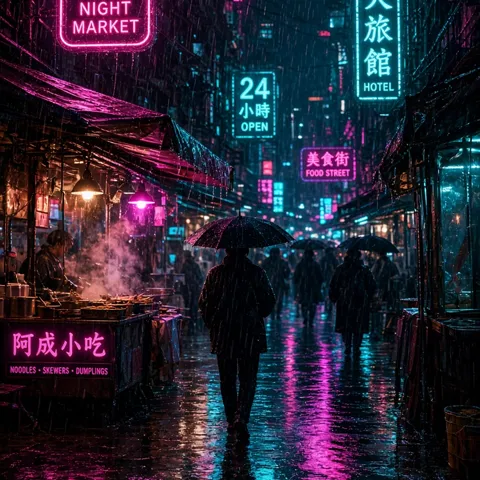
Bold, vivid looks and strong edits
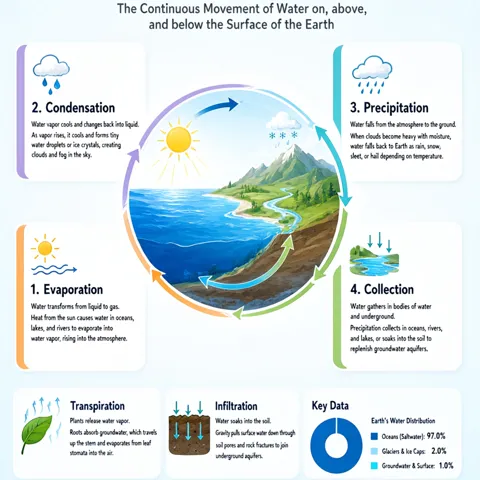
Long text, signs and infographics
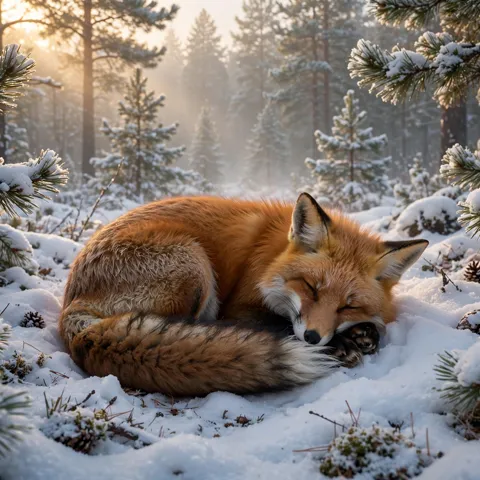
Good quality at the lowest price
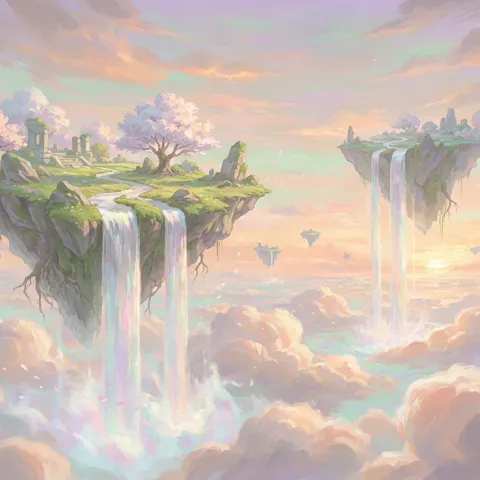
A strong eye for style and mood
Generate from a sentence, or edit a photo with up to six references: swap the background, keep the product.
Remove a background or an object, expand the frame, upscale 2× or 4×.
Headlines, prices and logos stay editable layers, so one image becomes a template for every version.
A meal photo, the app screen and a live delivery time in one poster. Swap the dish and city for every market.
See the delivery promoA jewelry macro with a metallic halo and small serif copy, every part an editable layer.
See the jewelry stillYes. GPT Image 2.5 creates transparent backgrounds directly, and background removal works on any image.
Yes. Most models edit with up to six reference images: change the background, the light or the style and keep the subject.
Building and previewing in Studio is free. AI generation, the AI Director and exports are part of the 14-day trial and the paid plans; credits show the cost before anything runs.