
Make complex software
feel immediately clear.
Combine interface walkthroughs, animated UI, clear typography and voice or captions into a concise product story.
Turn the interface
into a clear progression.
A SaaS explainer in JsonCut is an editable motion project that can include real UI media, composed interface graphics and reusable product scenes.
Show instead of describe
Use real screens and editable UI compositions to make the value visible.
Structure longer stories
Scenes and groups keep product flows understandable without forcing everything into one layer stack.
Update after launch
Replace media or text and rerender instead of recording the entire video again.
A clear path from
source to output.
Combine interface walkthroughs, animated UI, clear typography and voice or captions into a concise product story.
- 01
Create one strong source
Build the visual in Studio, with the assistant, or from an existing project.
- 02
Keep the useful structure
Expose variables only where content should change and keep creative decisions editable.
- 03
Publish every version
Export by hand or generate through a template, API, MCP or bulk workflow.
Concrete work.
Not generic promises.
See finished work.
Inspect the project behind it.
Editable SaaS videos, product walkthroughs, release stories and developer explainers built with real interface layers, motion and reusable content fields.
Explore saas & developer tools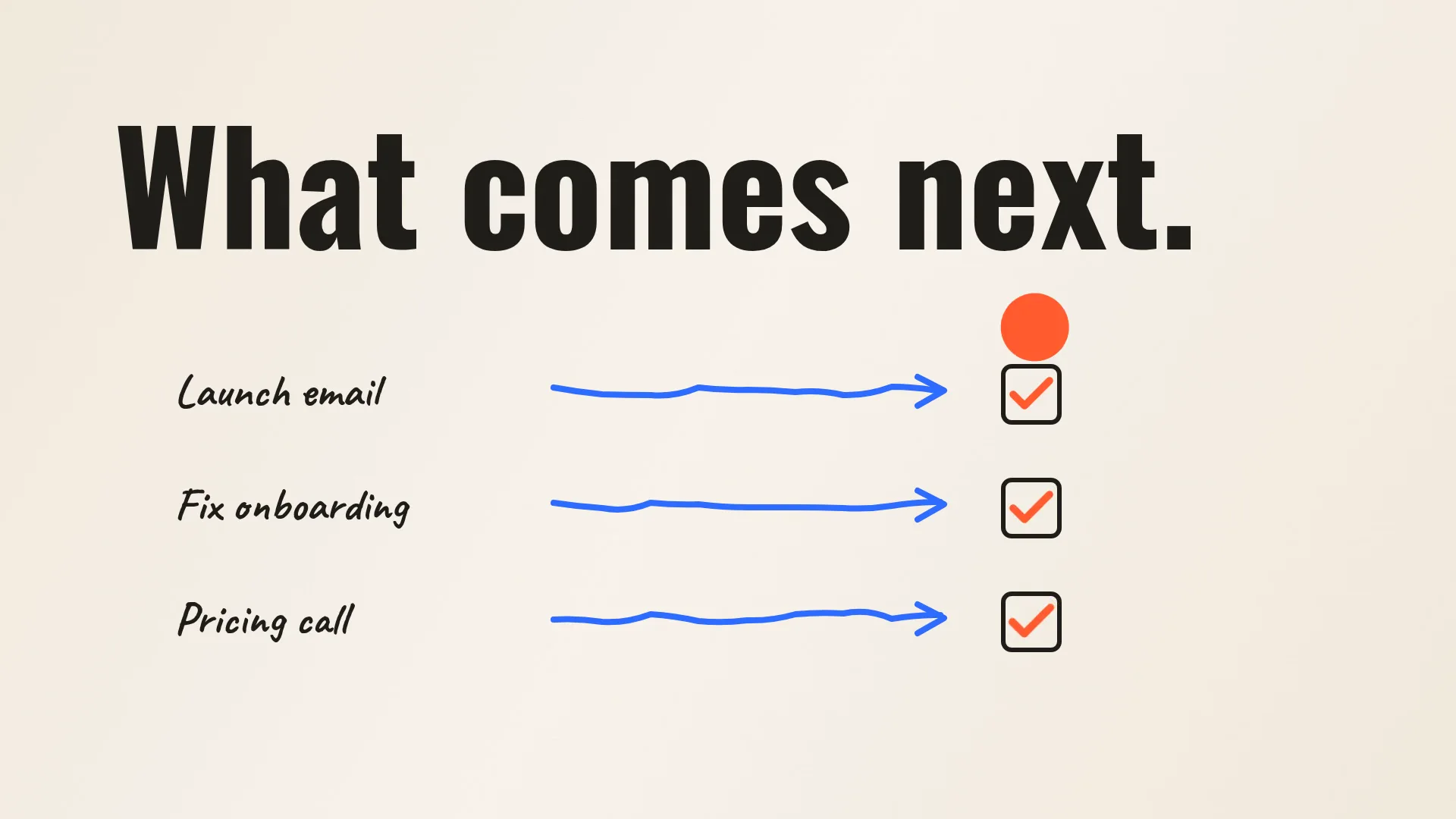 01 · Video
A paper-style launch film for the fictive meeting notebook Quillo: scribbled notes pile up, one orange ball bounces through hard light/dark switches, owners and next steps appear and the ball becomes the Q.
View project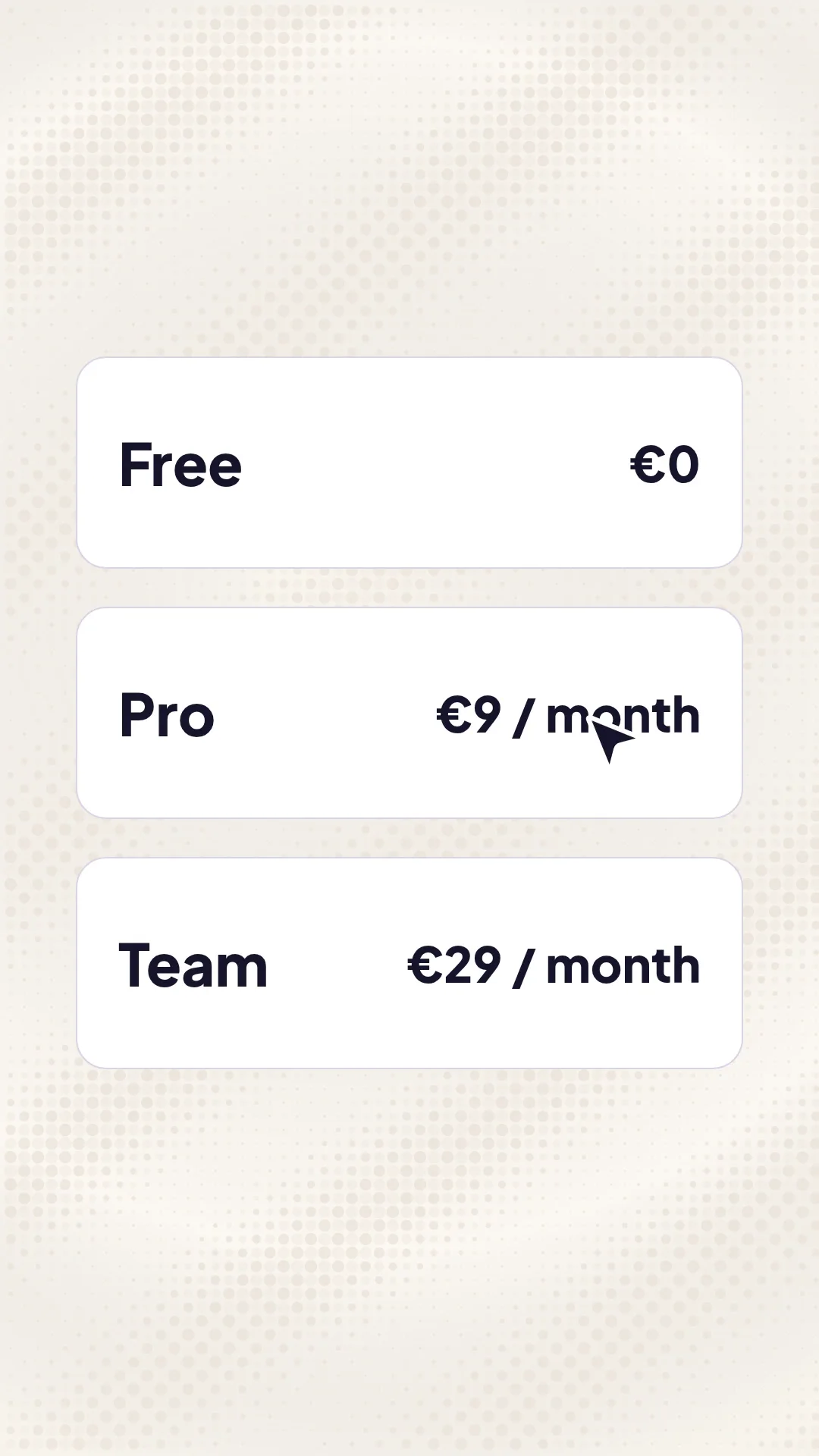 02 · Video
A vertical pricing promo for the fictive CV builder Cvora: a messy CV is sharpened, three plans fly in, a cursor picks Pro and clicks Start free.
View project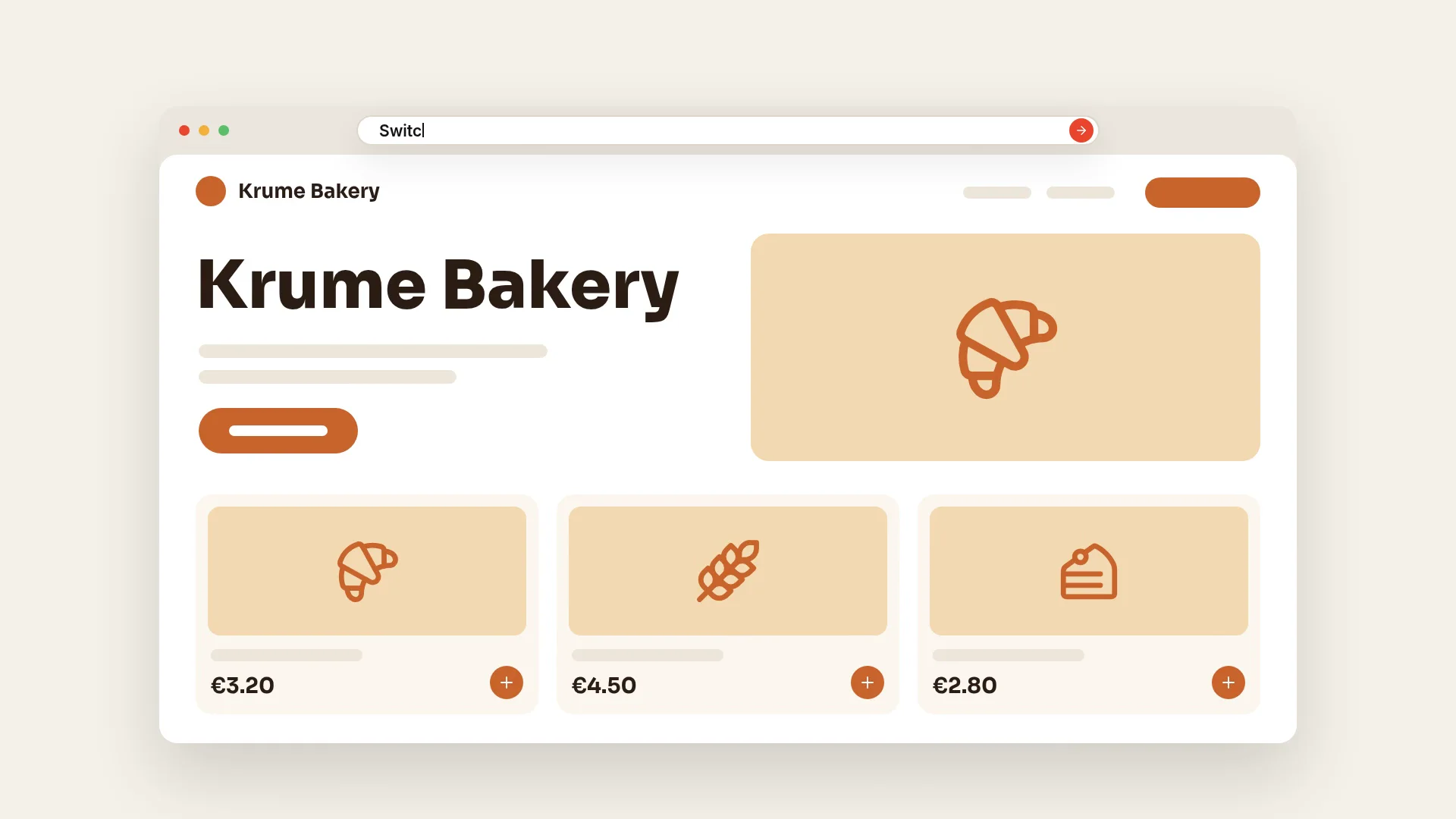 03 · Video
A 30-second website-builder film for the fictive Pagesmith: one typed sentence builds a bakery site, switches its theme, adds a shop and publishes.
View projectBuild the first result.
Keep the next one easier.
Start with a complete image or video project. Add templates, automation or an Agent where they remove repeated work.
Open JsonCut Studio