
Automate the output.
Keep the creative source.
Move from a reviewed, editable video project to single, scheduled or bulk rendering through API, MCP and automation tools.
Keep a visual source.
Automate the finished path.
Automated video generation in JsonCut uses the same HTML-native project and template model as the visual Studio.
One renderer contract
Projects, templates, bulk and inline work use the same validation and entitlement foundation.
Built for asynchronous work
Jobs, status and webhooks fit production pipelines where video cannot be returned immediately.
Review before scale
Approve the project in Studio or through frame grids before turning on volume.
A clear path from
source to output.
Move from a reviewed, editable video project to single, scheduled or bulk rendering through API, MCP and automation tools.
- 01
Create one strong source
Build the visual in Studio, with the assistant, or from an existing project.
- 02
Keep the useful structure
Expose variables only where content should change and keep creative decisions editable.
- 03
Publish every version
Export by hand or generate through a template, API, MCP or bulk workflow.
Concrete work.
Not generic promises.
See finished work.
Inspect the project behind it.
Explain logistics, operational systems, security processes and service status with structured motion and clear data.
Explore operations & logistics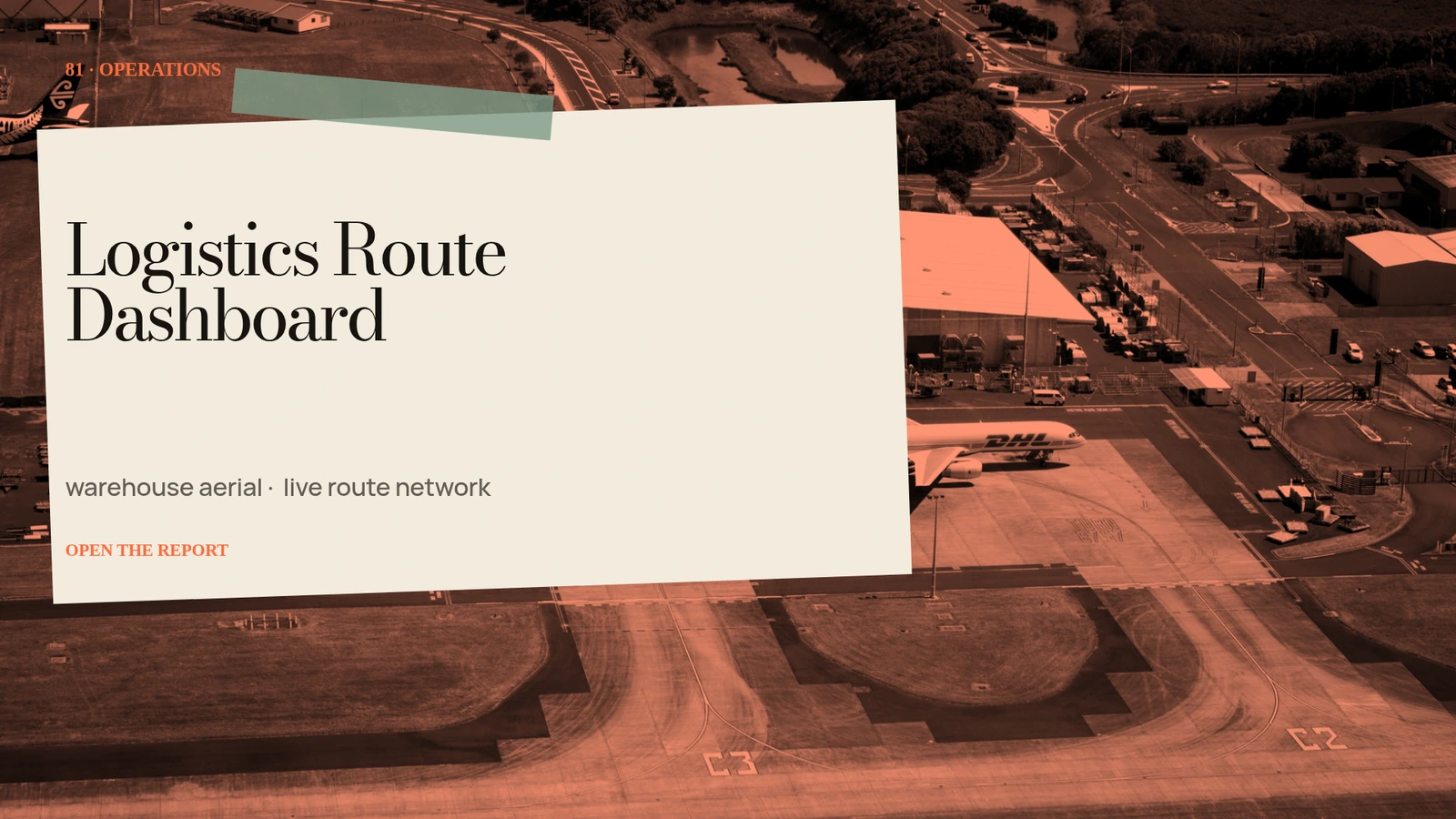 01 · Image
Unique warehouse aerial, live route network, dock status and precise exception markers.
View project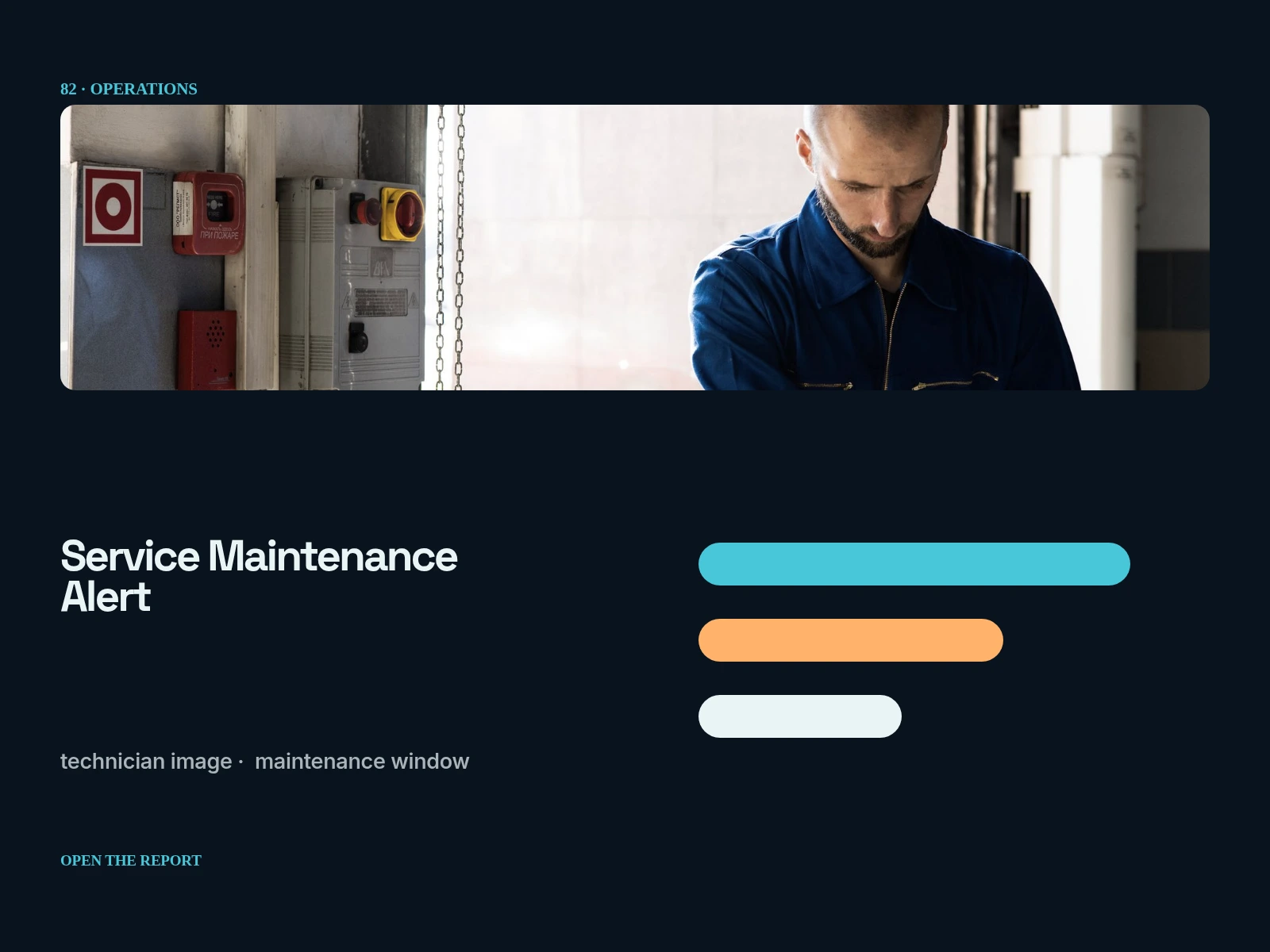 02 · Image
Unique technician image, maintenance window, affected-services list and amber warning architecture.
View project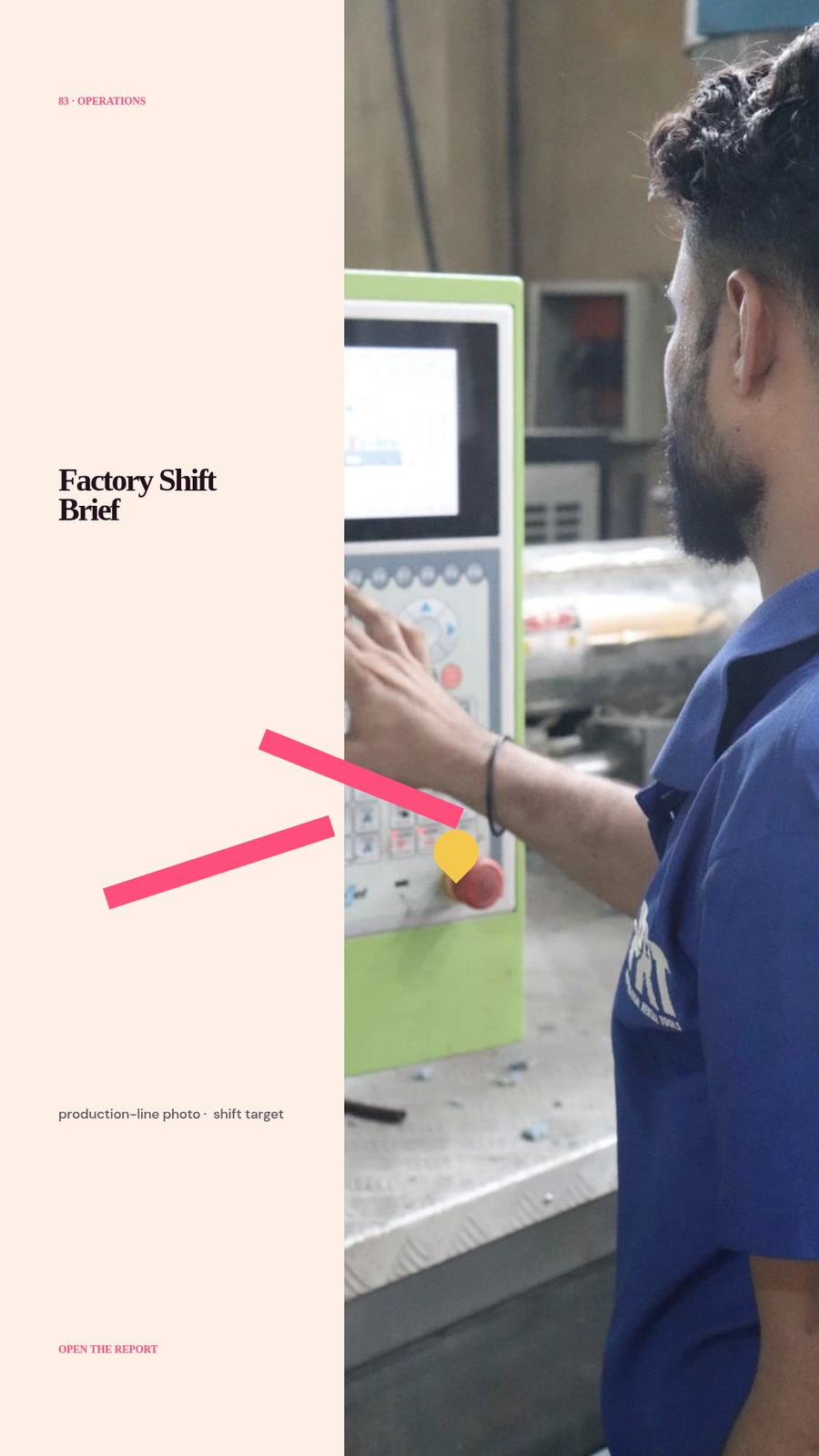 03 · Image
Unique production-line photo, shift target, safety block and stacked handoff checklist.
View projectBuild the first result.
Keep the next one easier.
Start with a complete image or video project. Add templates, automation or an Agent where they remove repeated work.
Open JsonCut Studio