
Studio
Image Studio
Compose editable static designs with layers, masks, vectors, variables and AI-assisted media.
Image Studio uses a static canvas. Image projects always use fps: 1, duration: 1, and reject video-only layers or timeline animation.
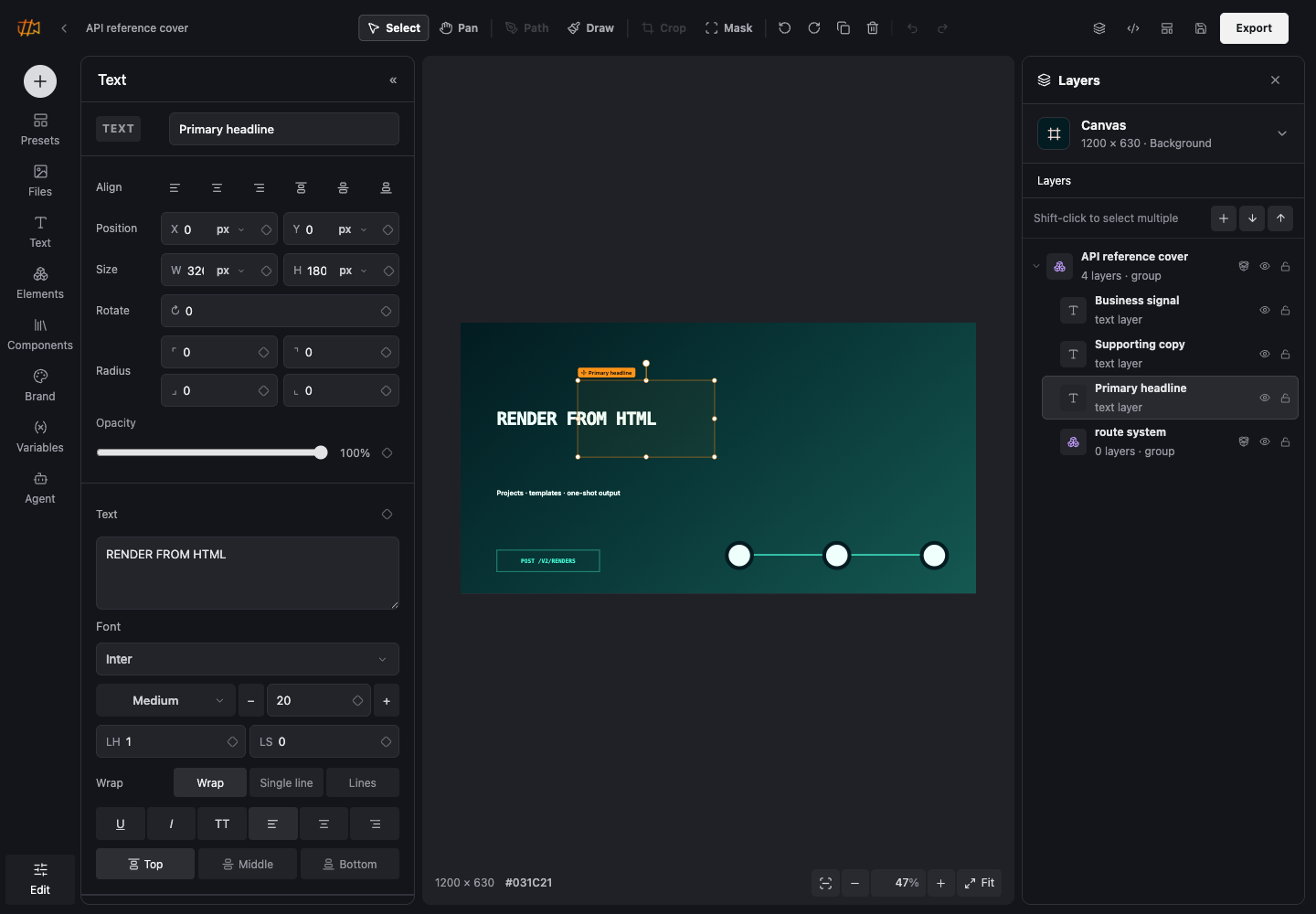
Build the canvas
- Add and format text without rasterizing it.
- Place uploaded or generated images and adjust crop, object position and filters.
- Use shapes, editable vector paths, SVG and gradients for visual systems.
- Group related layers and control stacking order.
- Use matte or erase compositing for local masks and transparency.
- Remove an image background and keep the accepted result as a separate media layer.
Reusable designs
Expose only the values that should change: copy, numbers, colors, visibility and media. A published image template can then generate one or hundreds of variants while preserving the approved composition.
Rendered output
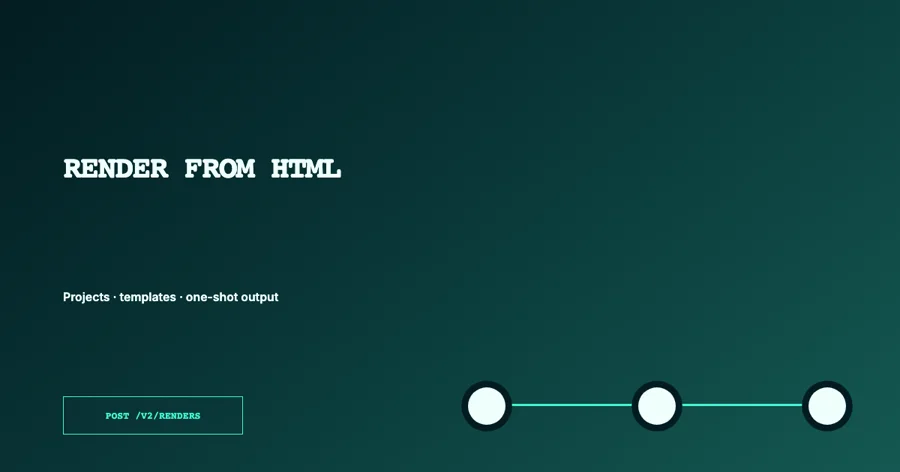
API reference cover
A static image project with editable text, grouped decoration and typed color and copy inputs.
Continue with Vectors, masks and compositing or Variables and templates.