
Studio
Studio overview
Find projects, edit images and videos, review changes and export without leaving the browser.
Studio is the visual workspace for the same editable project contract used by the V2 API and MCP. It is not a separate simplified format.
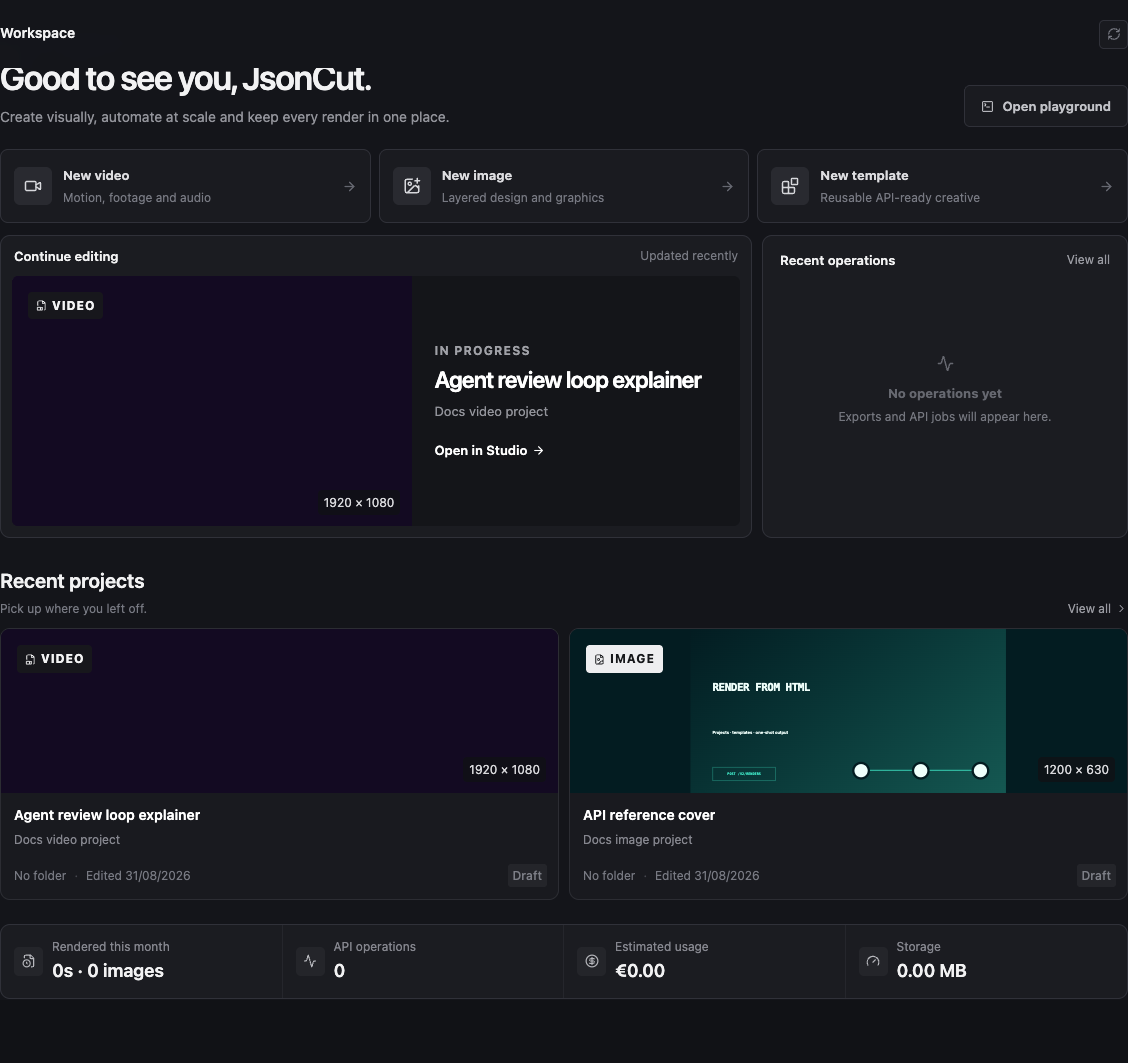
Workspace and editor
The workspace is where you create and organize projects, media, templates and developer settings. Opening a project switches to the editor:
| Area | Purpose |
|---|---|
| Tool rail | Add text, elements, media, captions, components and AI-assisted content |
| Canvas | Select, move, resize, crop and review the visible result |
| Inspector | Edit the selected layer's visual, media and motion properties |
| Layers or timeline | Control order, hierarchy, timing and track placement |
| Top bar | Save, inspect project source, preview and export |
Image projects show a static canvas. Video projects add playback, a playhead and a multi-track timeline.
A safe first session
- Create an image or video project at the intended output size.
- Add one visual layer and give it a clear name.
- Save before making a large structural change.
- Preview the complete output, not only the current selection.
- Export only after the current version reflects the reviewed canvas.
Studio saves structured layers. Text stays text, media remains replaceable, and motion remains editable keyframe data.